
Just landed? Insert your du tourist SIM (or install the eSIM) and complete quick ID verification. Start with the on-screen airport prompt, the du App, or USSD *122#. Confirm your passport/entry details, pick a bundle, restart your phone, and you’re online in minutes.
Do this next to activate du tourist sim:
- Insert SIM / add eSIM → follow the activation prompt.
- Verify identity (passport + entry stamp selfie check if asked).
- Pick/confirm plan → restart phone → test call/data.
What you’ll need (UAE)?
Documents. Passport (required) and UAE entry stamp/visa page for identity verification.
Device. Unlocked phone; eSIM-capable device if you choose eSIM.
Ages/limit. 18+; one free visitor line per adult is typical at arrivals.
Methods to activate your du tourist SIM
Method 1 — Airport eSIM/Welcome prompt (fastest)
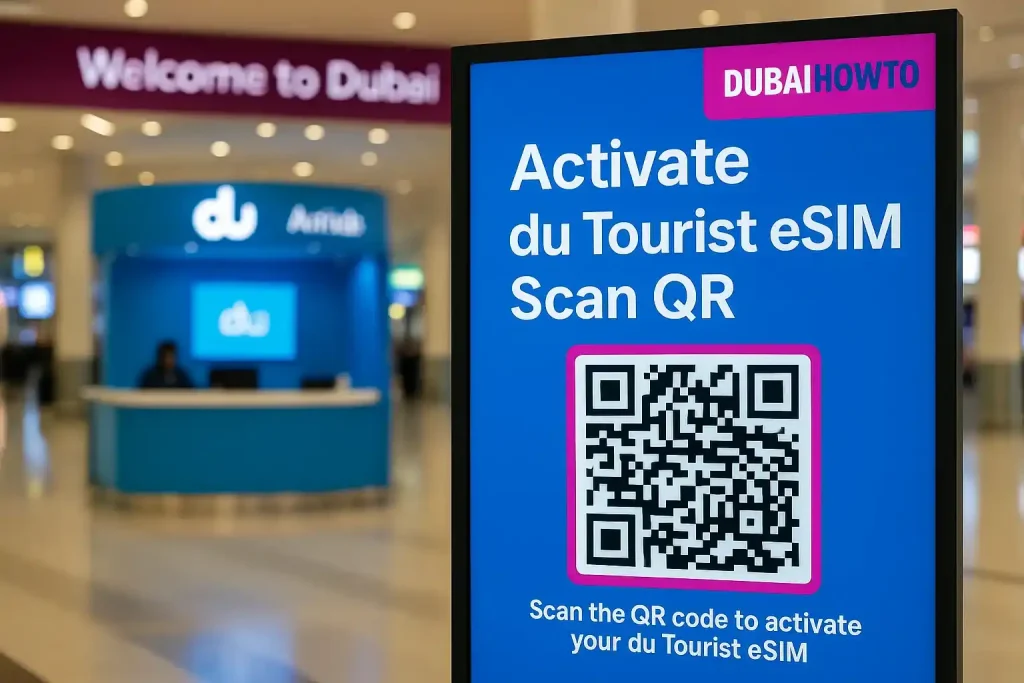
Step 1. After immigration, scan the official QR or tap the “Tourist eSIM” prompt on the arrivals screen.
Step 2. Verify identity (scan passport; complete selfie/face match if prompted).
Step 3. Install the eSIM profile (Settings → Mobile/Cellular → Add eSIM).
Step 4. Confirm your starter plan (free 24-hour data is commonly included), or upgrade to a 7/14/30-day pack.
Step 5. Toggle Airplane Mode once, then place a test call or run a quick speed test.
Method 2 — USSD on a physical SIM (works offline)
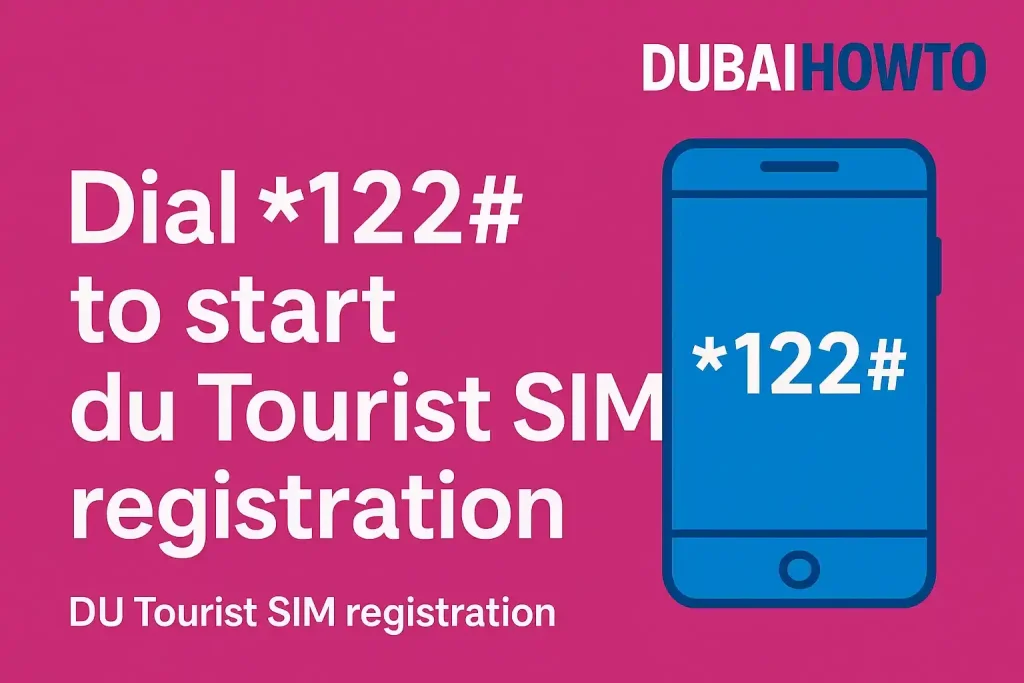
Step 1. Insert the du SIM and power on; wait for the welcome SMS.
Step 2. Dial *122# and choose language.
Step 3. Enter passport/entry details if asked and confirm the tourist bundle.
Step 4. Wait for the “Activated” SMS; then restart your phone.
Method 3 — Activate in the du App
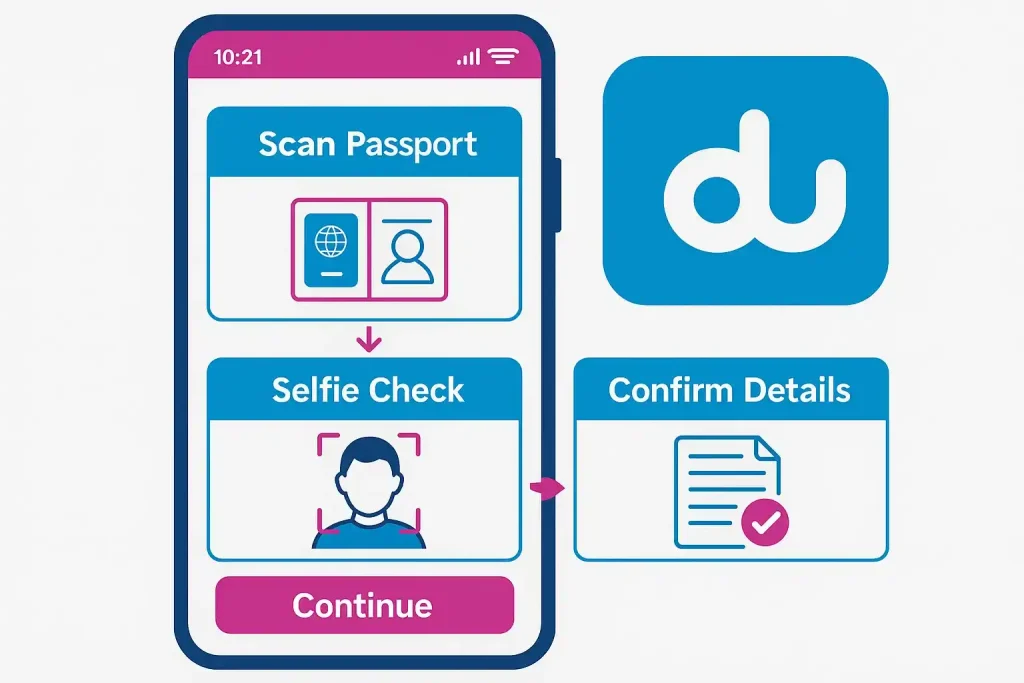
Step 1. Download/open the du App → Activate/Recharge.
Step 2. Scan passport, confirm personal details, and complete selfie match if requested.
Step 3. Select or upgrade plan → finish activation → test data/calls.
Quick reference: activation options
| Option | Works with | Connectivity needed | Typical steps | Completion time |
|---|---|---|---|---|
| Airport eSIM prompt/QR | eSIM phones | Wi-Fi at terminal | Scan → ID verify → install eSIM → choose plan | Minutes |
| USSD *122# | Physical SIM | No data required | Dial → enter details → confirm plan | Minutes to a few hours |
| du App | eSIM or SIM | Wi-Fi/data | App login → ID verify → select plan | Minutes |
Choose the fastest route based on your device and whether you already have the SIM or prefer eSIM.
Features you can expect on du tourist SIM/eSIM (examples)
- Free starter data (often 1 GB for 24 hours) after activation, then paid upgrades.
- Tourist bundles (7/14/30-day) with data + local/international minutes.
- Self-service in the du App for recharge, usage, and add-ons.
(Plan names/allowances change; confirm at purchase.)
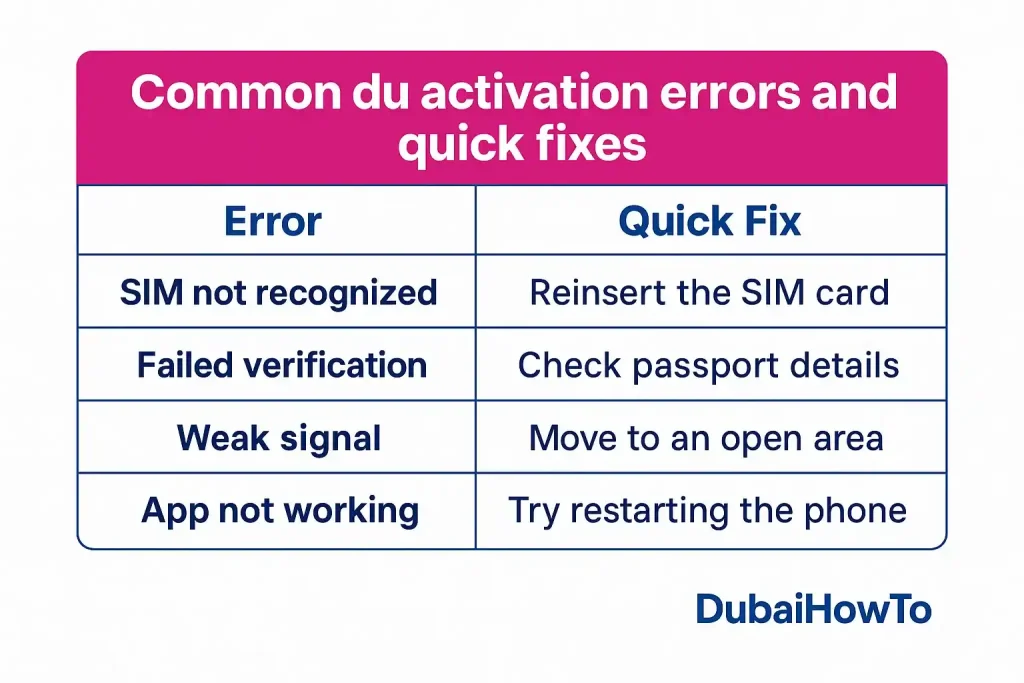
Troubleshooting: du tourist SIM not activating
SIM/eSIM not recognized.
- Check unlock status. If your phone is carrier-locked, use an unlocked device.
- Dual-SIM order. Set the du line as primary for data/calls; disable the other line temporarily.
USSD *122# errors or “KYC failed.”
- Re-enter passport and entry date exactly as in your stamp.
- Retry on strong signal (near a window) or use airport Wi-Fi + du App.
- Selfie/face match. Remove hat/mask; good lighting; try again.
No data after “Activated.”
- Restart phone; toggle Airplane Mode.
- APN check. APN should auto-configure (usually
du); add manually if needed. - Roaming OFF. Ensure “Data Roaming” is off when using a local UAE plan.
Stuck pending > 2 hours.
- Run *122# again to resume.
- Switch methods: open the du App and complete verification.
- Visit a du store/kiosk with passport if you still can’t complete eKYC.
Example: 24-hour arrival plan → upgrade path
- Activate the free 24-hour starter (handy for maps/ride-hail).
- In the du App, upgrade to a 7/14/30-day tourist pack before the free data expires.
- Keep your passport handy; the app may re-check ID for plan changes.
Charges & validity (at a glance, 2026)
- Starter: Usually includes 1 GB / 24 hrs on first activation.
- Upgrades: Tourist bundles for 7, 14, or 30 days (data + minutes).
- Top-ups: Recharge and manage add-ons in the du App or at kiosks/stores.
- Fair-use/VoIP: Some VoIP apps may be restricted; use approved calling apps.
Always confirm current prices and inclusions at the point of purchase.
Pro Tip: If your eSIM QR won’t scan at the gate, connect to airport Wi-Fi, open the du App, and complete eKYC there. It’s often faster than waiting for USSD processing—and you can upgrade your plan in the same flow.
Final Thoughts
Activating a du tourist SIM or eSIM is straightforward: use the airport prompt for eSIM, *122# for physical SIM, or the du App for a guided flow. Keep your passport handy, match your entry date exactly, and restart your phone after activation. Within minutes, you’ll have reliable UAE connectivity.
FAQs on how to activate du tourist sim
How long does du tourist activation take?
Most activations complete within minutes, but USSD activations can take longer during peak times. If it’s pending beyond two hours, retry via *122# or switch to the du App and re-verify identity.
Can I keep my WhatsApp number?
Yes. WhatsApp is tied to your account, not your SIM. Insert/activate the du SIM and verify WhatsApp if prompted; your chats remain if you kept a backup.
Do I need Emirates ID?
Tourists do not need Emirates ID; passport + entry stamp are sufficient. Residents must use Emirates ID for prepaid re-verification and renewals.
My phone is carrier-locked—what now?
Use an unlocked handset or a secondary unlocked device to host the du SIM/eSIM. Most U.S. carriers will unlock phones on request once eligibility conditions are met.
Is there really free data on arrival?
Yes, du typically includes a free 24-hour data starter with the tourist line. Exact allowance and eligibility can change—confirm at arrival or in the app.
Last updated: October 2026
Reviewed by: DubaiHowTo Editorial Desk
This guide is part of our du UAE Guide.

Author: The DubaiHowto Editorial Team
DubaiHowto is an independent informational platform created to help UAE residents and visitors understand everyday services such as public transport, telecom, government procedures, visas, fines, and utility systems.
Our editorial team researches and verifies content using official UAE sources (including government portals, service providers, and regulatory authorities) and real on-ground experience of living in the UAE. Each guide is written to be practical, easy to understand, and regularly updated to reflect the latest rules, fees, and procedures.
We focus on clarity, accuracy, and usefulness — especially for people navigating UAE systems for the first time. Learn More about DubaiHowto.
Last reviewed: February 2026. Sources: Official UAE portals and service providers