
Need to send mobile credit fast? With du’s One2One service, you can transfer AED 2–200 to another UAE mobile in seconds using 121 or the on-screen menu, and send preset top-ups abroad by SMS to 1700. It’s quick, simple, and works on any basic phone.
Do this to transfer du balance in UAE:
- Dial
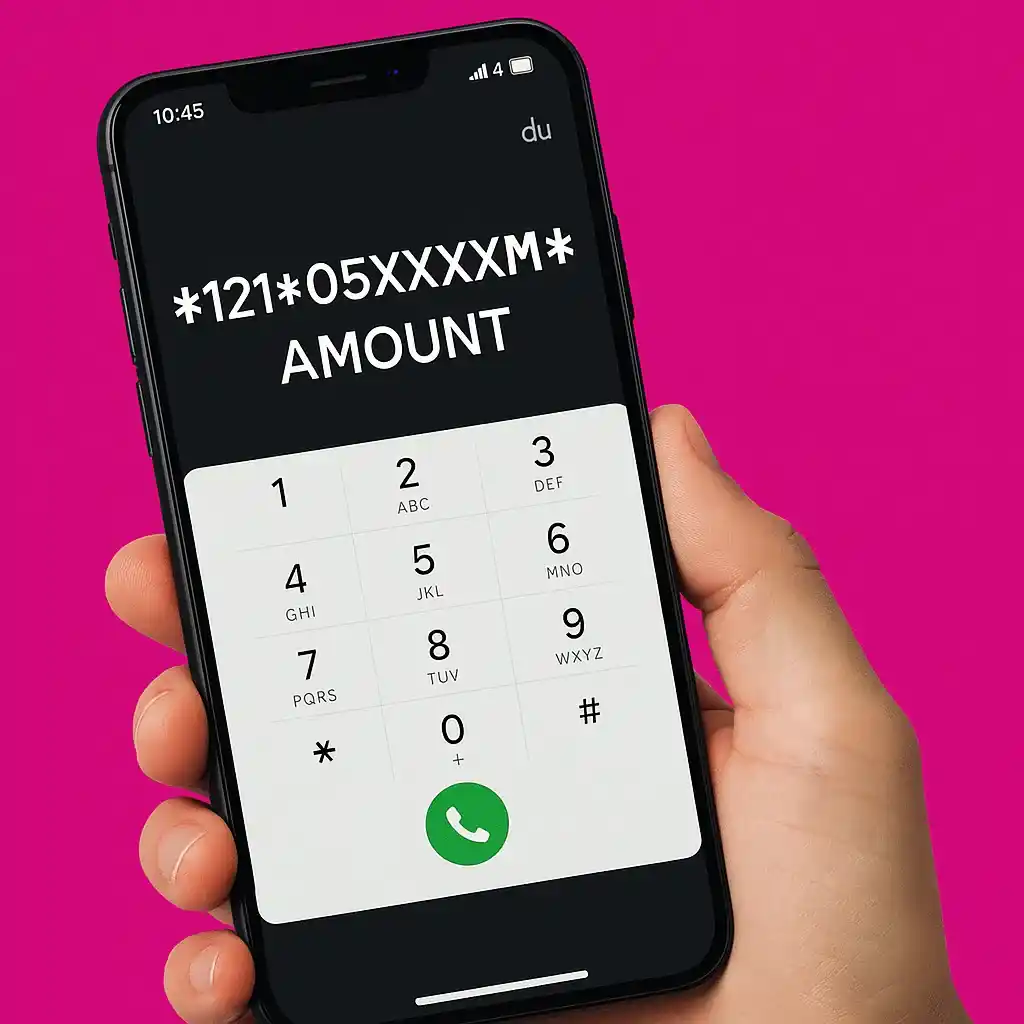
*121*recipient*amount#(e.g.,*121*0551234567*20#) → confirm. - For menus, dial
*121#or*135# → 2 (One2One)and follow prompts. - For international top-ups, SMS SEND to 1700 → enter full number → pick amount.
Methods to transfer du balance (local)
Method 1: USSD quick code (fastest)
Step 1. Open your phone dialer.
Step 2. Type *121*05XXXXXXXX*AMOUNT#.
Step 3. Press call and confirm when prompted (you’ll get an SMS).
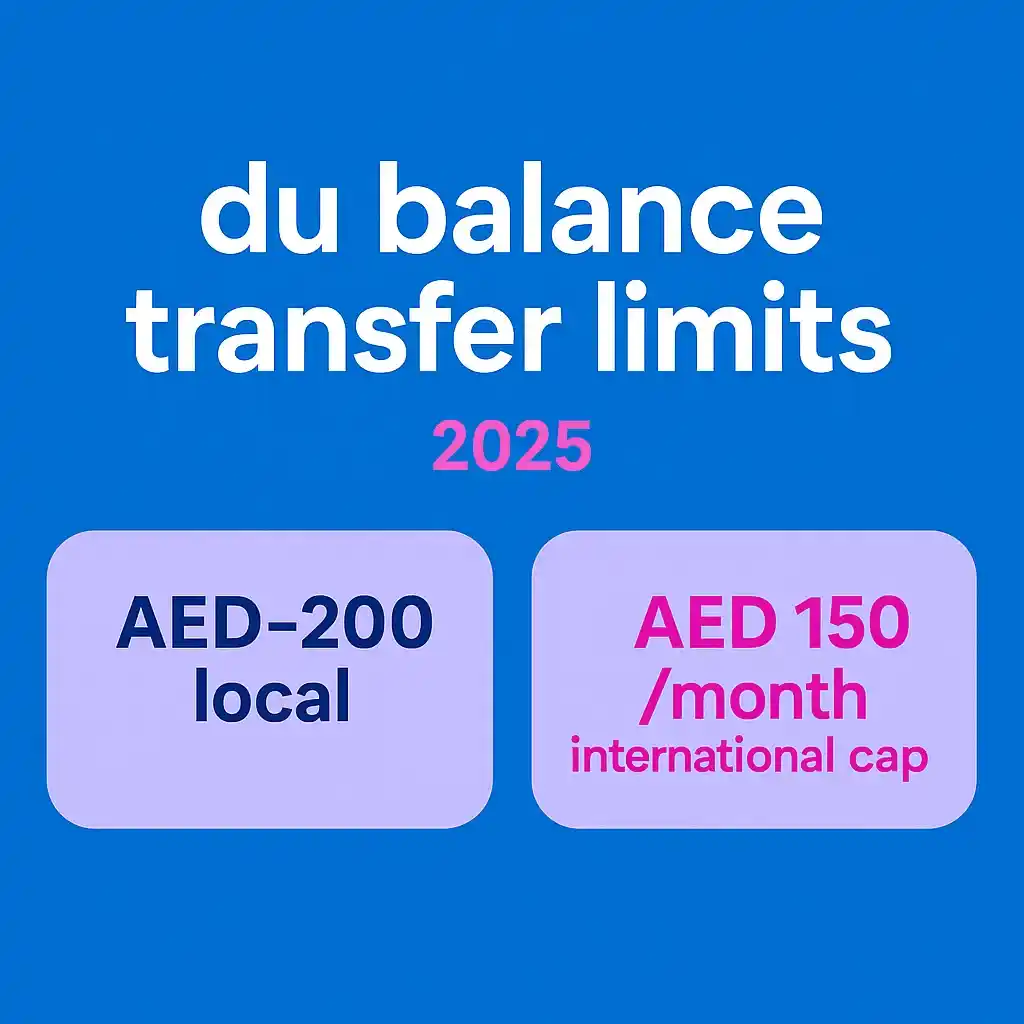
Works with: UAE mobile numbers starting 05X. Per-transaction range: AED 2–200.
Method 2: On-screen menu via *121#
Step 1. Dial *121#.
Step 2. Enter the recipient’s mobile number.
Step 3. Enter the amount and confirm.
Tip: Helpful if you want guided prompts and a confirmation screen.
Method 3: One2One menu via *135#
Step 1. Dial *135#.
Step 2. Choose Option 2: One2One transfer.
Step 3. Enter number → amount → confirm (you’ll get an SMS receipt).
International balance transfer (SMS 1700)
Method 4: SMS-based top-ups abroad
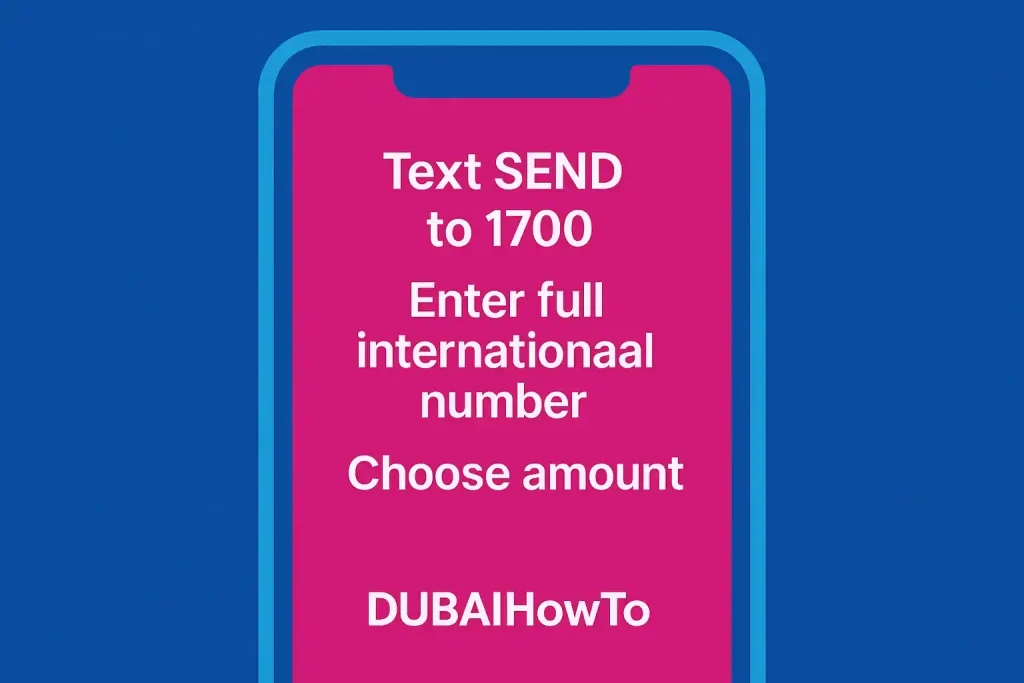
Step 1. Text SEND to 1700.
Step 2. When prompted, enter the full international number (with country code).
Step 3. Choose one of the preset denominations shown → confirm.
Monthly cap: AED 150 total sent; roaming: not available while you’re roaming.
Fees, limits & eligibility (at a glance)
| Item | Local One2One (UAE → UAE) | International (UAE → abroad) |
|---|---|---|
| Per-transaction range | AED 2–200 | Preset amounts shown in SMS flow |
| Service fee | Free for local One2One transfers | Built into preset denomination (no extra SMS fee stated) |
| Frequency limits | Not publicly specified by du | Monthly cap AED 150 total sent |
| While roaming | Allowed for local One2One | Not allowed |
| How to start | *121*number*amount#, *121#, or *135# → 2 | SMS SEND to 1700 |
Examples (mini case)
Example A — Send AED 10 to a friend on du
Dial *121*0553219876*10# → press call → press 1 to confirm → both parties receive SMS confirmations.
Example B — Send credit to a relative abroad
SMS SEND to 1700 → enter +91XXXXXXXXXX → pick a listed amount (e.g., 100 units equivalent) → confirm. Your monthly total across such transfers cannot exceed AED 150.
Common questions & gotchas for du balance transfer
What numbers can I send to?
du’s One2One supports UAE mobiles via *121* or menus. Use 1700 only for international top-ups. For non-du UAE numbers, follow the same *121*number*amount# flow; acceptance depends on current du routing policies for the destination network.
Why did my transfer fail?
Most failures are due to an invalid number format, insufficient balance, or entering an amount outside AED 2–200 for local transfers. Recheck and try again via *121# for guided prompts.
Can I undo a mistaken transfer?
Transfers process instantly; contact du support promptly. Resolution is at the operator’s discretion—always double-check the number before confirming. (General guidance informed by du support practices.)
Final Thoughts
If you remember only one thing, make it this: *121*number*amount# for local, SEND → 1700 for international. Keep local transfers within AED 2–200, and track your international total against the AED 150/month cap. With these two flows, you’ll handle 99% of balance-sharing needs quickly and safely.
FAQs on how to transfer du balance UAE
What is the du to du balance transfer code?
Use *121*05XXXXXXXX*AMOUNT#. You can also dial *121# for a guided menu or *135# → 2 (One2One).
What’s the minimum and maximum I can send?
For local One2One transfers, du lists AED 2–200 per transaction.
Are there fees for du balance transfer?
du’s current support page indicates local One2One transfers are free. For international transfers, you select preset denominations via 1700; pricing and availability vary by country.
Can I transfer while roaming?
Local One2One can be confirmed from your line; international transfers via 1700 are not available while roaming.
Can I send to Etisalat numbers?
The *121*number*amount# flow supports UAE mobiles; many guides demonstrate it for non-du numbers, though du’s page doesn’t single out other operators. Your mileage may vary; confirm via *121# prompts.
Last updated: October 2026
Reviewed by: Editor, UAE Telecom How-To (B.A., Media Studies)
Disclaimer: Information reflects operator pages on the date above. Fees, limits, and eligibility can change without notice. Not legal or financial advice.

Author: The DubaiHowto Editorial Team
DubaiHowto is an independent informational platform created to help UAE residents and visitors understand everyday services such as public transport, telecom, government procedures, visas, fines, and utility systems.
Our editorial team researches and verifies content using official UAE sources (including government portals, service providers, and regulatory authorities) and real on-ground experience of living in the UAE. Each guide is written to be practical, easy to understand, and regularly updated to reflect the latest rules, fees, and procedures.
We focus on clarity, accuracy, and usefulness — especially for people navigating UAE systems for the first time. Learn More about DubaiHowto.
Last reviewed: February 2026. Sources: Official UAE portals and service providers