

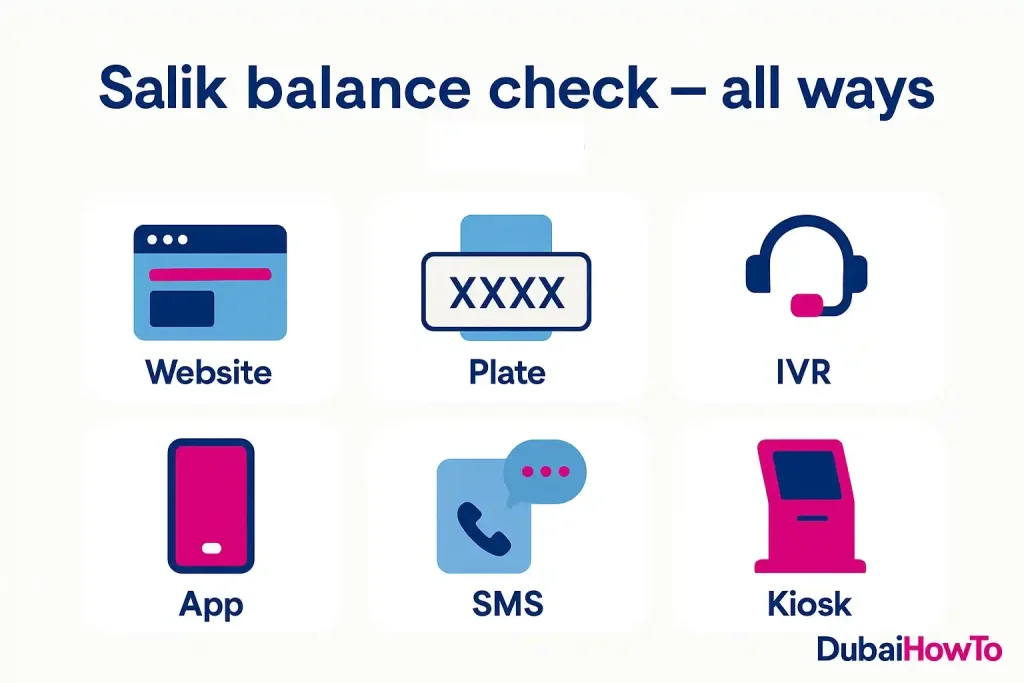
Need to do a Salik balance check fast? In Dubai (2026), you can see your balance via the Salik website or app, by plate number + registered mobile, IVR at 800-SALIK, SMS, the RTA Dubai app, and smart kiosks. Below is a step-wise guide, fees/timings, tips, and FAQs.
Do this next to stay toll-gate ready:
- Pick one method below (website/app/plate/IVR/SMS/kiosk) and check your balance now.
- If under your comfort level, recharge immediately and turn on low-balance alerts.
- Save 800-SALIK (72545) in your phone for IVR + support.
What is Salik (and what changed recently)?
Salik is Dubai’s electronic road toll operated by Salik Company PJSC under Dubai’s transport framework. Since 31 January 2025, Dubai has used variable toll pricing: AED 6.30 during peak and AED 4.20 off-peak (base rates of AED 6 and AED 4 plus 5% VAT, charged since 1 June 2026), with free hours 1:00–6:00 (daily). Ramadan timings differ slightly.
Why balance checks matter?
Avoid violations: crossings with insufficient balance can generate penalties.
Faster renewals: a healthy balance prevents blocks on services.
Multi-car owners: monitoring multiple tags avoids surprise deductions.
Methods to check Salik balance (pick one)
Method 1 — Website (fastest for most users)
What you need: either Account No + PIN, or Plate number + your registered UAE mobile.
Steps (2–3 minutes):
Step 1. Open the official Salik balance page.
Step 2. Choose Account or Plate lookup.
Step 3. Enter details (OTP comes to your registered mobile for plate lookup) and view balance.
Works best for: owners who know their account/PIN or prefer OTP verification.
Method 2 — Salik mobile app
What you need: your Salik login (phone/email + PIN).
Steps:
Step 1. Sign in; the dashboard shows current balance.
Step 2. Tap Trips/Statements for recent crossings.
Step 3. Enable notifications for low balance.
Method 3 — By plate number (no full login)
What you need: vehicle plate details + mobile number registered with Salik.
Steps:
Step 1. Use Check balance by plate on web/app.
Step 2. Enter plate emirate/code/number + mobile.
Step 3. Verify OTP → see balance.

Tip: if the plate isn’t on your Salik profile, add it first.
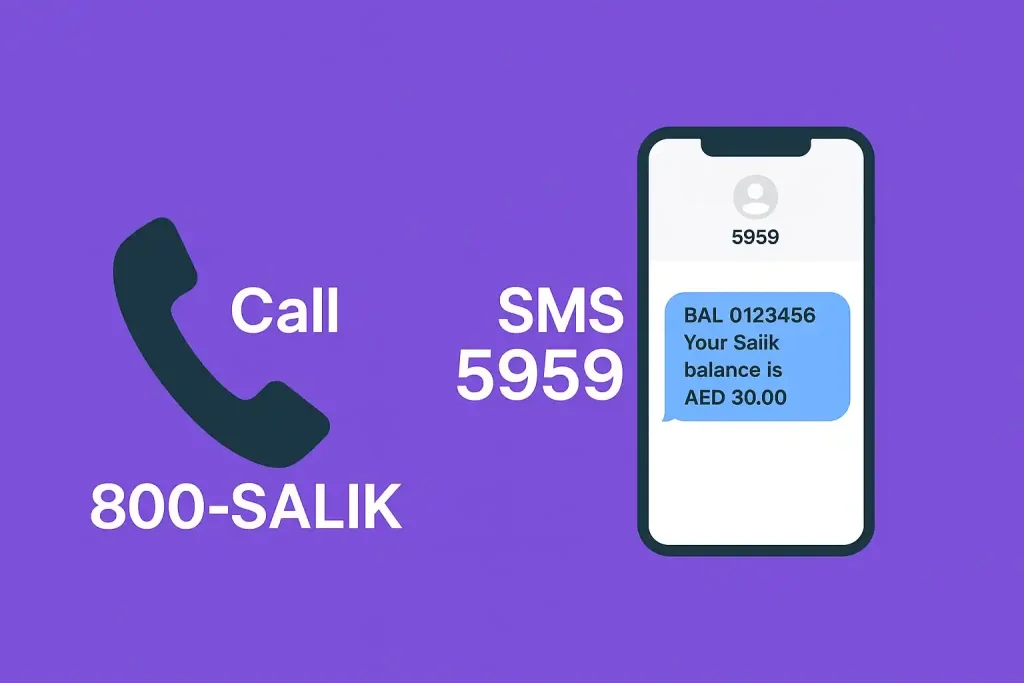
Method 4 — IVR phone (800-SALIK)
What you need: Account No + PIN.
Step 1. Call 800-SALIK (72545) → choose language.
Step 2. Select account services → enter Account No + PIN.
Step 3. The IVR announces your current balance.
Method 5 — SMS (simple phones)
What you need: registered mobile, Account No (or tag), and PIN where required.
Step 1. Compose BAL [AccountNo] (for example, BAL 1234567890).
Step 2. Send to 5959 from your registered number.
Step 3. Receive balance by SMS. Operator SMS charges may apply.
Method 6 — RTA smart kiosks (24/7 locations)
What you need: Account No + PIN (kiosk screen).
Step 1. At an RTA Smart Kiosk, choose Salik → Check balance.
Step 2. Enter account details → view balance; you can also recharge.
Where: kiosks across Dubai (customer happiness centres, service provider hubs, key locations).
Quick reference — Which method should I use?
| Method | Login needed | What you enter | Response time | Good for |
|---|---|---|---|---|
| Website (Account) | PIN | Account No + PIN | Instant | Power users |
| Website/App (Plate) | OTP | Plate + registered mobile | Instant | Forgot PIN |
| Salik App | Sign-in | Phone/email + PIN | Instant | Daily drivers |
| IVR 800-SALIK | PIN | Account No + PIN (keypad) | 1–2 min | On the road |
| SMS 5959 | No app | BAL/SALIK + Account (from registered mobile) | Seconds | Feature phones |
| Smart Kiosk | PIN | Account No + PIN | Instant | In-person top-ups |
Salik balance check options in Dubai (2026). Input and timing vary by channel.
Toll pricing & free hours (for context)
- Peak (Mon–Sat): AED 6.30 — 6:00–10:00 and 16:00–20:00
- Off-peak (Mon–Sat): AED 4.20 — 10:00–16:00 and 20:00–01:00
- Sundays: AED 4.20 all day (no peak rate), except the free hours below. Public holidays and special events can follow different rules.
- Free hours daily: 01:00–06:00
- Ramadan timings: adjusted peak/off-peak windows (check official table each Ramadan).

Note: Salik has no daily cap. You are charged per crossing according to the time-of-day rate.
Common issues & quick fixes
Low balance, pending crossings
Symptom: balance shows positive, yet deductions keep coming.
Fix: wait up to 24 hours for pending trips to post; enable notifications and keep a small buffer.
OTP not arriving (plate lookup)
Cause: mobile not registered or SIM changed.
Fix: update your registered mobile in the app/website, then retry.
Forgot PIN
Fix: use Forgot PIN on web/app or call 800-SALIK for reset assistance.
Penalties & best practices (concise)
- Insufficient balance crossing: can result in a violation; recharge promptly to avoid escalations.
- Multi-vehicle owners: tag each plate and set auto-alerts (per tag).
- Receipts & statements: download monthly PDF statements for expense claims.
Pro Tip:
Set a minimum balance threshold (e.g., AED 30–50 per vehicle) and enable push/SMS alerts. For fleets or families, calendar a weekly 2-minute check right before Monday morning peak.
Final thoughts
A quick Salik balance check prevents last-minute toll surprises—especially with peak vs off-peak pricing in 2026. Pick one method, turn on alerts, and keep a modest buffer. That’s the easiest way to stay compliant and stress-free at every gate.
FAQs on Salik balance check
1) Can I check Salik balance by plate number?
Yes. Use plate + registered mobile on the website/app; you’ll receive an OTP and see your current balance without a full login.
2) What is the Salik phone number for balance checks?
Call 800-SALIK (72545), follow the IVR prompts, and enter Account No + PIN to hear your balance.
3) Does Dubai still have a daily toll cap?
No. As of 2026, Dubai uses time-of-day rates (AED 6.30 peak / AED 4.20 off-peak, including 5% VAT) with free hours 1:00–6:00. There is no daily cap.
4) Is SMS balance check available?
Yes. Many users can text BAL or SALIK + Account No to 5959 from the registered mobile to receive the balance by SMS (standard rates apply).
5) Where can I check balance in person?
At RTA Smart Kiosks across Dubai (24/7 in many sites). Choose Salik → Check balance and follow on-screen steps.
Last updated: October 2026
Reviewed by: Transport policy researcher (UAE), MSc Urban Transport
More guides you may need
- Salik Fine Check: How to Check Fines in Dubai in 2026?
- Salik Exemption Guide: How to Apply in Dubai? (2026)
- Darb Timing Abu Dhabi 2026: Toll Gate Hours, Fees & Registration
- How to Check Black Points on License in Dubai? (2026 Guide)
- EVG Fine Check UAE: Traffic Fines by Plate, TCN or License (2026)
- How to Renew Your Mulkiya in Dubai? (2026 Guide)

Author: The DubaiHowto Editorial Team
DubaiHowto is an independent informational platform created to help UAE residents and visitors understand everyday services such as public transport, telecom, government procedures, visas, fines, and utility systems.
Our editorial team researches and verifies content using official UAE sources (including government portals, service providers, and regulatory authorities) and real on-ground experience of living in the UAE. Each guide is written to be practical, easy to understand, and regularly updated to reflect the latest rules, fees, and procedures.
We focus on clarity, accuracy, and usefulness — especially for people navigating UAE systems for the first time. Learn More about DubaiHowto.
Last reviewed: February 2026. Sources: Official UAE portals and service providers