
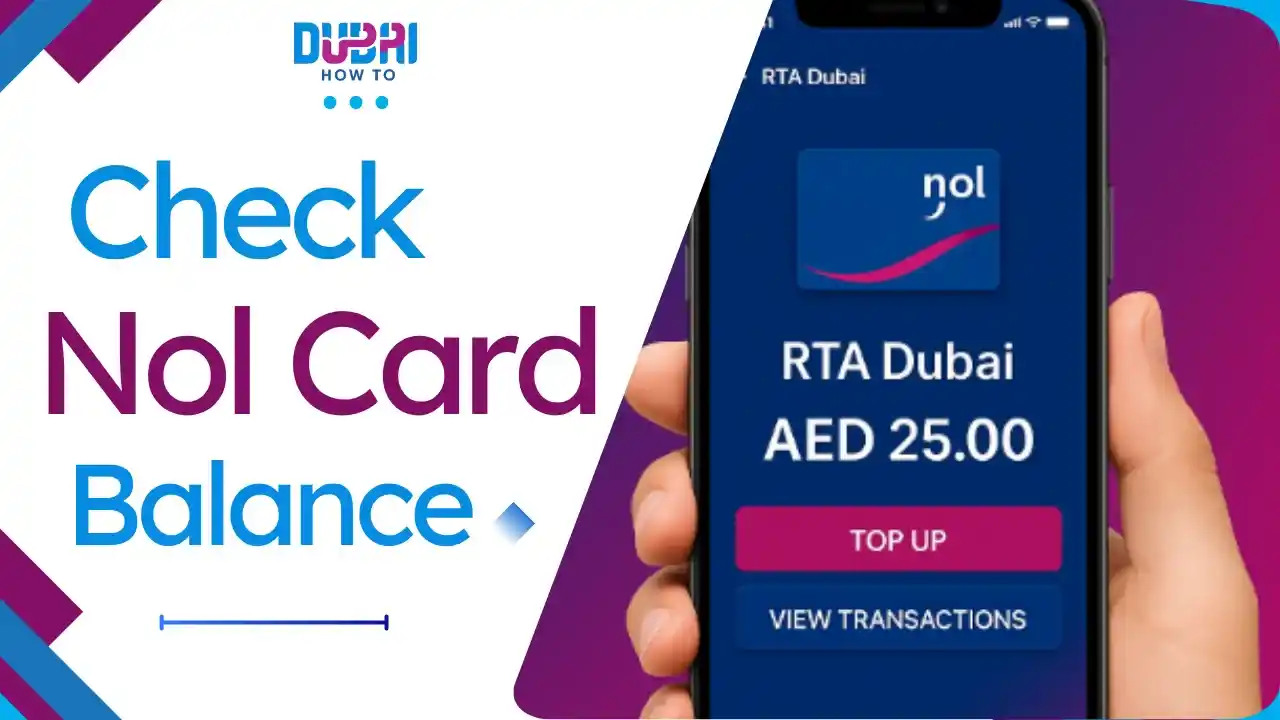
Keeping track of your Nol card balance ensures smooth travel across Dubai Metro, buses, trams, and even parking. You can check your Nol card balance online, through the RTA Dubai app, by tapping your card on your phone with the nol Pay app, or at metro stations. Each method is quick, official, and updated for 2026.
Do this next to check nol card balance
- Check online: Enter your Nol tag ID on the official RTA website.
- Use the RTA app: Download Nol Pay or RTA Dubai for instant balance.
- Tap at a kiosk: Metro and bus stations show your balance instantly.
What is a Nol card and why balance matters?
The Nol card, issued by Dubai’s Roads and Transport Authority (RTA), is a smart card used for paying fares. It works across metro, buses, water taxis, trams, parking, and even partner outlets like fuel stations and supermarkets.
A minimum balance of AED 7.50 is required to start a trip on Dubai Metro. Running out of funds can delay your travel, so regular balance checks are essential.
Nol card types and how much balance each needs
Every nol card stores credit the same way, but the price, the fare you pay and who can use each card differ. Pick the right one before you top up:
| Card | Price | What it is | Best for |
| Red ticket | Paper ticket | Loaded with trips, not cash credit | Tourists and occasional riders |
| Silver | AED 25 (includes AED 19 credit) | Standard class, valid for 5 years | Most daily commuters |
| Gold | AED 25 (includes AED 19 credit) | Gold Class cabins at double fare | Quieter, premium carriages |
| Blue (personal) | AED 70 (AED 50 fee + AED 20 credit) | Linked to your Emirates ID; discounts for eligible students and seniors | Residents who want refunds if the card is lost |
Your balance is charged by the number of zones you travel through. These are the Dubai Metro and bus fares per trip:
| Trip | Silver / Blue | Gold |
| Within 1 zone | AED 3 | AED 6 |
| 2 adjacent zones | AED 5 | AED 10 |
| More than 2 zones | AED 7.50 | AED 15 |
Because the longest Silver trip costs AED 7.50, the metro gate will not let you in with less than that. Keep at least AED 15 if you plan a return trip the same day. Students on a Blue card pay half these fares; see our student nol card guide.
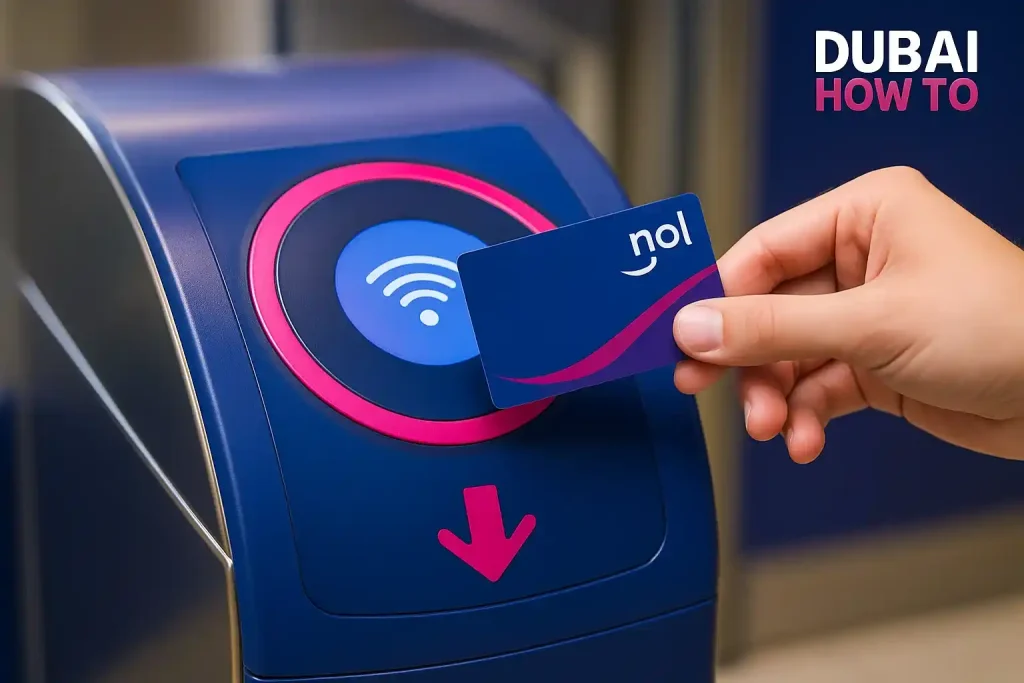
How to check Nol card balance online?
Step 1: Visit the RTA website
Go to the official RTA Dubai portal from your browser.
Step 2: Select “Check Nol balance”
Find the Public Transport section and click on “Check Nol Balance.”
Step 3: Enter your Nol tag ID
Type the 10-digit nol tag ID printed on the back of your card.
Step 4: Click “Search”
The system will show your current balance, pending credits, and card expiry date.
Note: Pending credit from an online recharge may take 45 minutes to 4 hours to appear. Activate it by tapping your card at a metro gate, bus validator, or parking meter.
Method 1: How to check Nol balance via RTA Dubai app?
Step 1: Download the app
- Android/iOS: RTA Dubai app
- Huawei: Nol Pay app
Step 2: Log in
Sign in with your Nol account. New users can register with their card number.
Step 3: Go to “My Cards”
Select your Nol card to view the balance.
Step 4: View balance and history
You’ll see your remaining balance, transaction history, and pending credit status.
Method 2: How to check Nol balance with the nol Pay app?
Step 1: Install nol Pay
Download RTA’s official nol Pay app on an NFC-enabled phone and switch NFC on.
Step 2: Tap your card
Choose the option to read your card, then hold your physical Nol card against the back of the phone until it is read.
Step 3: Receive balance
The app shows your current Nol card balance and lets you top up. RTA does not list an SMS balance service, so avoid “text BAL” shortcuts you may see online.
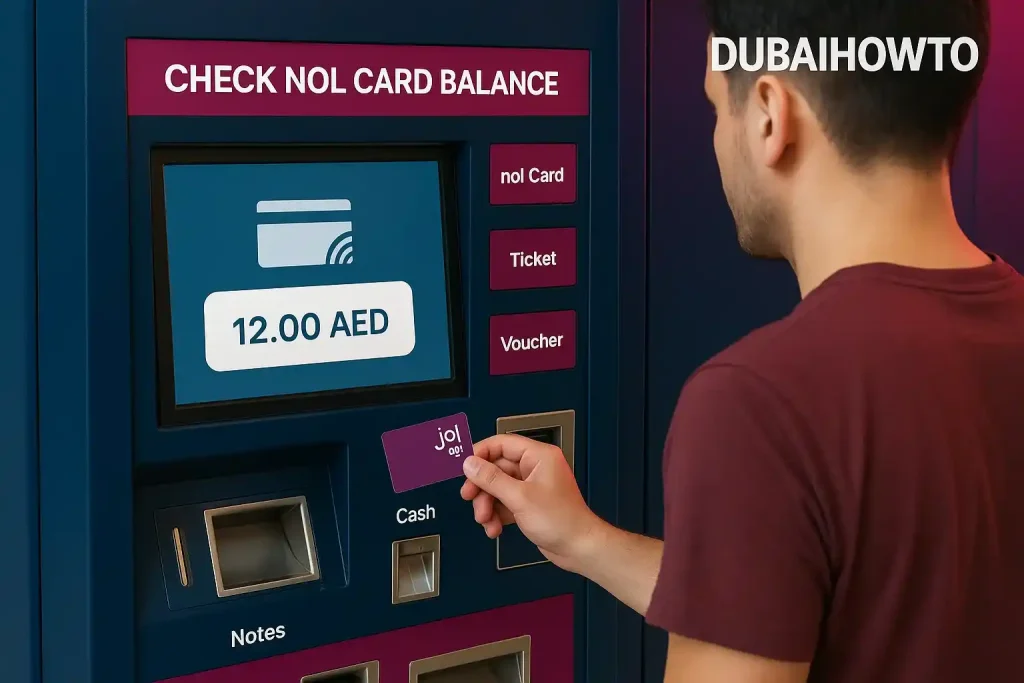
Method 3: How to check Nol balance at metro stations?
Step 1: Find a machine
Locate a ticket vending machine or balance inquiry device at the station.
Step 2: Tap your card
Place your Nol card on the reader.
Step 3: Read balance
Your remaining credit will appear on-screen. You can also recharge on the spot.
Method 4: How to check Nol balance at shops?
Authorized retailers and convenience stores in Dubai have Nol card readers. Hand your card to the cashier, and they can display your balance or help with top-ups.
How to check nol balance without internet
You do not need mobile data or an app to see your balance:
- Metro ticket vending machine or ticket office: tap or insert the card and the balance appears on screen.
- Solar top-up machines at major bus stops: tap the card to see the balance and top up with a bank card.
- Metro gates and bus validators: the screen shows your remaining balance each time you tap.
- RTA Customer Happiness Centres: staff can check the balance and the card’s history.
How to check Nol card transaction history?
Step 1: Visit the RTA website
Select Transaction History under Nol services.
Step 2: Enter Nol tag ID
Provide your Nol card number and pass human verification.
Step 3: View your history
See a list of top-ups, deductions, and trips. Many users download this record for personal or business expense tracking.
Nol card balance with number only
If you only have the Nol tag ID (10–14 digits), you can still check:
- Go to the RTA website.
- Select “Check Nol balance.”
- Enter your tag ID.
- Click Search to see balance, pending credit, and expiry date.
Comparison of Nol balance check methods
| Method | Requirements | Result shown | Extra features |
|---|---|---|---|
| RTA website | Nol tag ID + internet | Balance, expiry, credits | Transaction history |
| RTA Dubai app | App login | Balance, history | Recharge option |
| nol Pay app | NFC phone + card | Balance on-screen | Top up from phone |
| Metro kiosks | Nol card | Balance on-screen | Recharge on-site |
| Shops/retailers | Nol card | Balance via reader | Top-up at counter |
Pro Tip: Always maintain at least AED 20 on your Nol card if you use multiple modes of transport in a day. This avoids unexpected blocks at metro gates during transfers.
Top-up showing as pending? How to activate it
When you top up online with your nol tag ID (RTA website or app, S’hail, the Mahboub chatbot or a bank app), the money first appears as pending credit. After 45 minutes to 4 hours, activate it by tapping your card at any of these:
- Metro or bus gates
- Tram card readers
- Bus validators
- Parking meters
- Solar top-up machines
- The nol Pay app on an NFC phone (tap the card, then tap again to load the credit)
Pending credit must be activated within 180 days of the top-up. RTA sends SMS and email reminders if you have not activated it yet.
Top-up minimums and balance limits
| Rule | Limit |
| Minimum top-up at metro ticket machines | AED 20 (since 1 March 2025) |
| Minimum top-up at metro ticket offices | AED 50 (since 17 August 2024) |
| Maximum balance, anonymous Silver or Gold card | AED 1,000 |
| Maximum balance, personal (Blue) card | AED 5,000 |
| Spending at shops and restaurants | Up to AED 200 per purchase |
For every way to add credit, step by step, see our guide to recharging your nol card.
Gate will not open? Common nol balance problems
- Balance below AED 7.50: top up at the ticket machine next to the gates (minimum AED 20).
- Top-up still pending: tap the card on a ticket machine or use the nol Pay app to activate the credit first.
- Silver card in Gold Class: Gold Class cabins need a Gold card; travelling there on a Silver card can lead to a fine.
- Card expired or damaged: Silver and Gold cards are valid for 5 years. Take the card to a metro ticket office or call RTA on 800 9090.
- Card lost: only personal (Blue) cards can be blocked and have the balance refunded, which is a good reason to register one if you top up large amounts.
Can you use your nol card outside Dubai?
Only on RTA intercity buses that leave Dubai. City buses in Abu Dhabi use the Hafilat card (see how to check Hafilat balance), and Sharjah’s buses use its own Sayer card.
What is changing with nol
RTA is moving nol to an account-based system that will let you pay with QR codes, bank cards and phone wallets as well as nol cards. It is planned to roll out in early 2027. Until then, the methods on this page are the ones that work.
FAQs on nol card balance check
How much minimum balance is needed for Nol card travel?
You need at least AED 7.50 to begin a metro journey. For buses and trams, smaller fares apply, but it’s safer to keep extra credit to avoid trip interruptions.
Can I recharge Nol card online?
Yes. Recharge through the RTA Dubai app or website. After paying with a debit/credit card, allow 45 minutes–4 hours for the top-up to sync, then tap your Nol card at any gate or parking meter to activate.
Is Nol card accepted outside public transport?
Yes. Nol cards are valid at parking meters, fuel stations (ENOC/EPCO), supermarkets, pharmacies, and select restaurants across Dubai.
What should I do if my Nol card is lost?
Report it via the RTA website, app, or call 800 9090. Registered Nol cards can be blocked, and remaining balances transferred to a new card.
How can I check my nol balance without internet?
Tap or insert your card at a metro ticket vending machine or ticket office, or at a solar top-up machine at a bus stop. Metro gates and bus validators also show the remaining balance every time you tap.
Can I check nol balance with just the card number?
Yes. On the RTA website, enter the 10-digit nol tag ID printed on the back of the card. You do not need to log in.
Why is my nol top-up not showing?
Online top-ups stay pending for 45 minutes to 4 hours. Then activate them by tapping the card at a metro gate, tram reader, bus validator, parking meter, solar top-up machine or in the nol Pay app, within 180 days of the top-up.
Is there an SMS number to check nol balance?
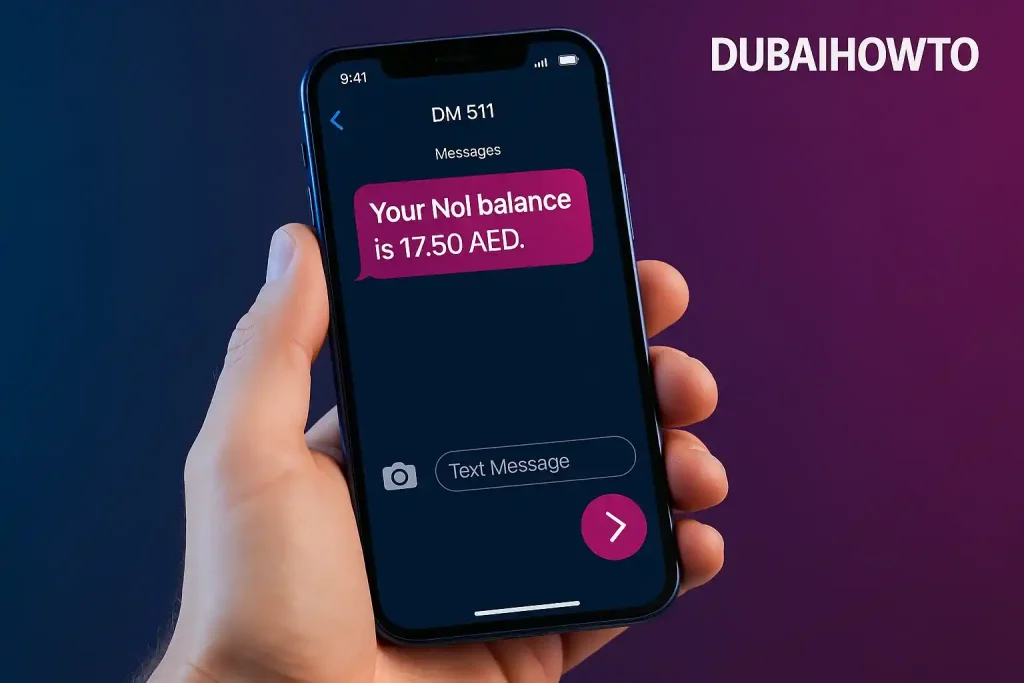
RTA does not list an SMS balance service. Messages such as “BAL to 511” circulate online but are not part of RTA’s official channels, so use the website, the apps or a ticket machine instead.
Can I use my nol card in Abu Dhabi or Sharjah?
No. Abu Dhabi city buses use the Hafilat card and Sharjah uses its own Sayer card. Nol works in Dubai and on RTA intercity buses leaving Dubai.
Last updated: October 2026
Reviewed by: DubaiHowTo Editorial Desk
This guide is part of our Dubai Public Transport Guide.
More guides you may need

Author: The DubaiHowto Editorial Team
DubaiHowto is an independent informational platform created to help UAE residents and visitors understand everyday services such as public transport, telecom, government procedures, visas, fines, and utility systems.
Our editorial team researches and verifies content using official UAE sources (including government portals, service providers, and regulatory authorities) and real on-ground experience of living in the UAE. Each guide is written to be practical, easy to understand, and regularly updated to reflect the latest rules, fees, and procedures.
We focus on clarity, accuracy, and usefulness — especially for people navigating UAE systems for the first time. Learn More about DubaiHowto.
Last reviewed: February 2026. Sources: Official UAE portals and service providers