
To check your Al Ansari Exchange balance quickly, download the Al Ansari Exchange App and log in using your Card ID. Alternatively, visit the official website’s “Salary Card Check” portal and enter your Card ID and the last two digits of your card number. You can also check your balance at any ATM in the UAE or by calling 600 54 6000.
Do this next:
- Download the Al Ansari Exchange app (available on iOS and Android) for free, 24/7 access.
- Locate your “Card ID” printed on the front of your salary card.
- Dial
600 54 6000if you need immediate assistance without internet access.
How to Check Al Ansari Salary Card Balance Online?
Most employees prefer online methods because they are free and instant. You can use the mobile app or the official website.
Method 1: The Al Ansari Exchange App (Recommended)
This is the most reliable method for both Payroll and PayPlus cardholders.
- Install the App: Download the “Al Ansari Exchange” app from the Google Play Store or Apple App Store.
- Register: Select “New User” and enter your Card ID and mobile number registered with your employer.
- Verify: Enter the OTP sent to your mobile number.
- View Balance: Once logged in, your current balance is displayed on the main dashboard under “My Cards.”
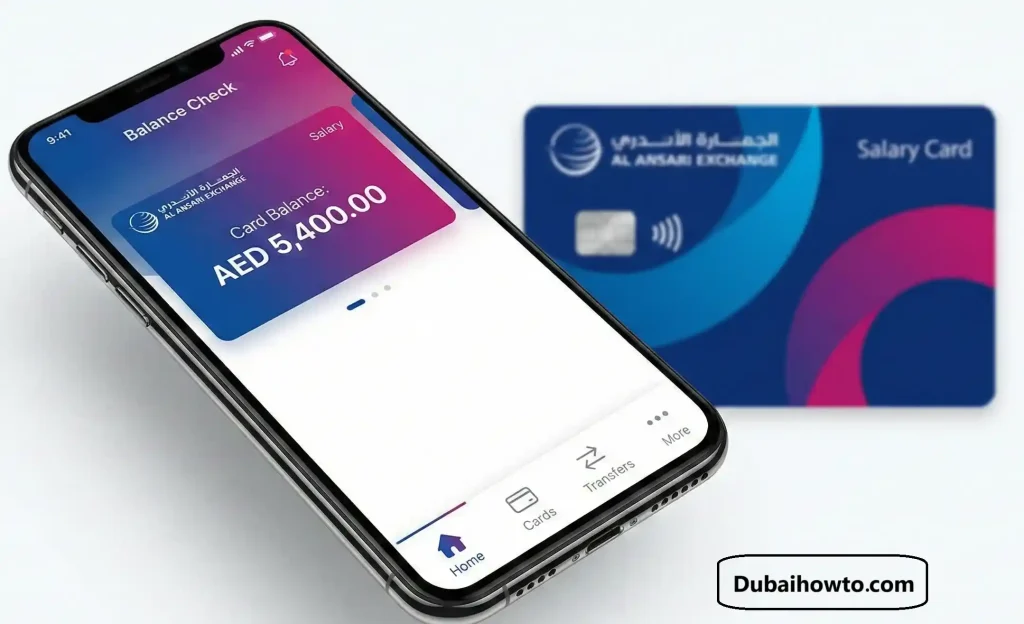
Method 2: Website Portal (Direct Check)
If you cannot download the app, use the direct salary check portal on the browser.
- Visit the Site: Go to the official Al Ansari Exchange website.
- Navigate: Look for the “Salary Card Balance Check” or “Payroll Solutions” link in the footer or services menu.
- Enter Details:
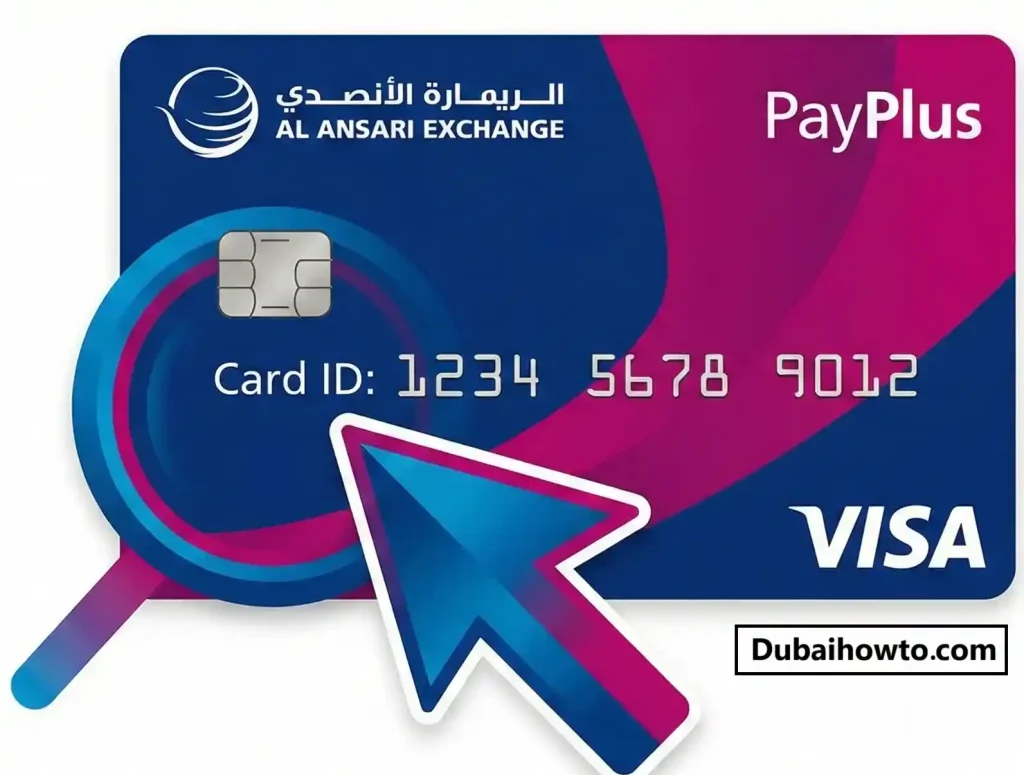
- Type your Card ID (found on the card face).
- Enter the Last 2 Digits of your card number.
- Submit: Click “Go” or “Check” to see your available funds immediately.
Offline Balance Check Methods
If you do not have internet access, you can use physical locations or phone support.
Method 3: Via ATM (Any Bank)
Your Al Ansari card works on the Visa or Switch network, meaning it is accepted at almost all ATMs in the UAE.
- Insert your card into any ATM (e.g., FAB, ADCB, Mashreq).
- Select English > Banking Services.
- Enter your 4-digit PIN.
- Select “Balance Inquiry” from the screen.
- View the balance on the screen or print a receipt.
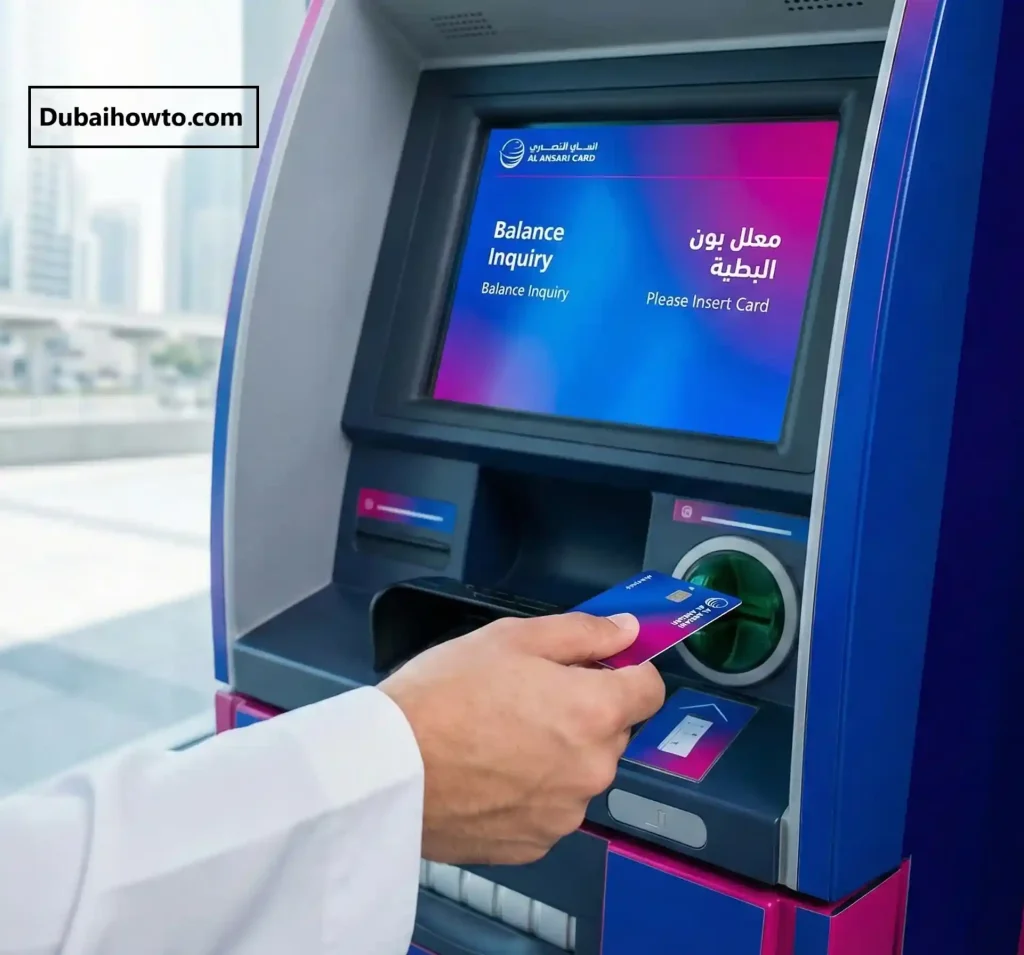
Note: Banks typically charge a small fee (approx. AED 1.05 – AED 2.10) for balance inquiries at ATMs.
Method 4: Customer Support Hotline
- Call the Al Ansari Exchange call center at 600 54 6000.
- Select your preferred language (English, Arabic, Hindi, etc.).
- Choose the option for “Payroll” or “Card Services.”
- Follow the voice prompts to enter your Card Number.
- The automated system will read out your current balance.
Method 5: In-Branch Counter
You can visit any Al Ansari Exchange branch across the UAE (Dubai, Abu Dhabi, Sharjah, etc.) and ask the teller to check your balance. You must present your original Emirates ID and the salary card.
PayPlus vs. Standard Payroll Card: What’s the Difference?
Knowing which card you have helps you understand your features and fees.
| Feature | Standard Payroll Card | PayPlus Card (Visa) |
| Network | Closed Loop / Local Switch | Visa Network (Global) |
| Online Shopping | No | Yes (where Visa is accepted) |
| Mobile App | Basic Balance Check | Full “Mobile Services” Access |
| Global Usage | UAE Only | Worldwide (ATMs & Shops) |
| Transfer Funds | No | Yes (Remittance via App) |
Fees and Charges (2026 Estimates)
While checking your balance on the app is free, other actions may incur small fees deducted from your salary.
| Service | Fee (Estimated) |
| App/Web Inquiry | Free |
| Al Ansari Branch Inquiry | Free |
| ATM Balance Inquiry | AED 1.05 – AED 2.50 (varies by bank) |
| ATM Cash Withdrawal | AED 2.00 – AED 3.00 (varies by bank) |
| Card Replacement | AED 15.00 – AED 25.00 |
Pro Tip:
“Always check your balance via the Mobile App before going to an ATM. Checking your balance at the ATM machine itself costs money (approx. AED 2). If you check it on your phone first, you save that fee every time you withdraw.”
Final Thoughts
Managing your salary effectively starts with knowing exactly how much you have. For the best experience, we strongly recommend switching to the Al Ansari Exchange App. It allows you to track your spending, check your Al Ansari Exchange balance, and even send money home without waiting in queues.
If your card is lost or stolen, contact the support center at 600 54 6000 immediately to block it and protect your funds.
Frequently Asked Questions
How can I check my Al Ansari card balance online?
You can check it by downloading the Al Ansari Exchange App and registering with your Card ID. Alternatively, visit the “Salary Card Check” page on their official website and enter your Card ID along with the last two digits of your card number.
Is there a fee for checking my Al Ansari card balance at an ATM?
Yes, most banks in the UAE charge a small fee for balance inquiries if you use an ATM that does not belong to the card issuer. The fee is typically between AED 1 and AED 2.50 depending on the bank.
What is the Al Ansari Exchange balance check number?
The customer service number is 600 54 6000. You can call this number 24/7 to check your balance via the automated system or speak to a representative for help with lost cards or forgotten PINs.
Can I use my PayPlus card for online shopping?
Yes, if you have the PayPlus card (which carries the Visa logo), you can use it for online shopping, bill payments, and in-store purchases anywhere Visa is accepted. The standard Payroll card is usually for ATM withdrawals only.
What should I do if my salary is not credited?
If your balance is zero or your salary hasn’t arrived on the expected date, first contact your employer’s HR department to confirm the transfer was initiated. If they confirm it was sent, contact Al Ansari support to check the status.
- Last Updated: October 2026
- Reviewed by: Editorial Team (Financial Services Specialist)
More guides you may need

Author: The DubaiHowto Editorial Team
DubaiHowto is an independent informational platform created to help UAE residents and visitors understand everyday services such as public transport, telecom, government procedures, visas, fines, and utility systems.
Our editorial team researches and verifies content using official UAE sources (including government portals, service providers, and regulatory authorities) and real on-ground experience of living in the UAE. Each guide is written to be practical, easy to understand, and regularly updated to reflect the latest rules, fees, and procedures.
We focus on clarity, accuracy, and usefulness — especially for people navigating UAE systems for the first time. Learn More about DubaiHowto.
Last reviewed: February 2026. Sources: Official UAE portals and service providers