
You can perform an RPay balance enquiry instantly by logging into the RPay mobile app (available on iOS and Android) and viewing your dashboard. Alternatively, you can check your available funds at any Al Rostamani International Exchange branch, by using a compatible ATM, or by contacting customer support at 600 540 004. The app remains the fastest, free method to track your salary credit in real-time.
Do this next:
- Download: Install “Al Rostamani Int Exchange” or “RPay” from the App Store/Google Play.
- Prepare: Have your 16-digit salary card number and Emirates ID handy.
- Register: Ensure your mobile number matches the one provided to your employer for OTP verification.
How to Check Balance via RPay App? (Recommended)
The RPay app (associated with Al Rostamani International Exchange) is the official digital tool for managing your payroll card. It is the only method that provides a detailed transaction history for free.
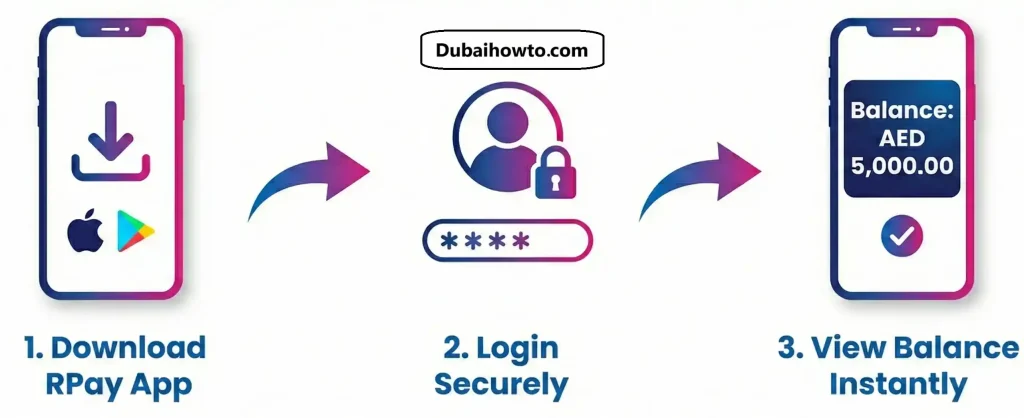
Step 1: Install and Register
Download the official app. When you open it for the first time, select “New User”. You will need to enter your 16-digit card number (found on the front of your salary card) and your registered mobile number.
Step 2: Verify Your Identity
You will receive a One-Time Password (OTP) via SMS. Enter this code to verify your identity. You may also need to scan your Emirates ID or enter its details if requested by the latest 2026 security update.
Step 3: View Dashboard
Once logged in, your current available balance (AED) will be displayed prominently on the home screen. Tap the “History” or “Statement” tab to see recent salary credits or withdrawals.
Check Balance via ATM
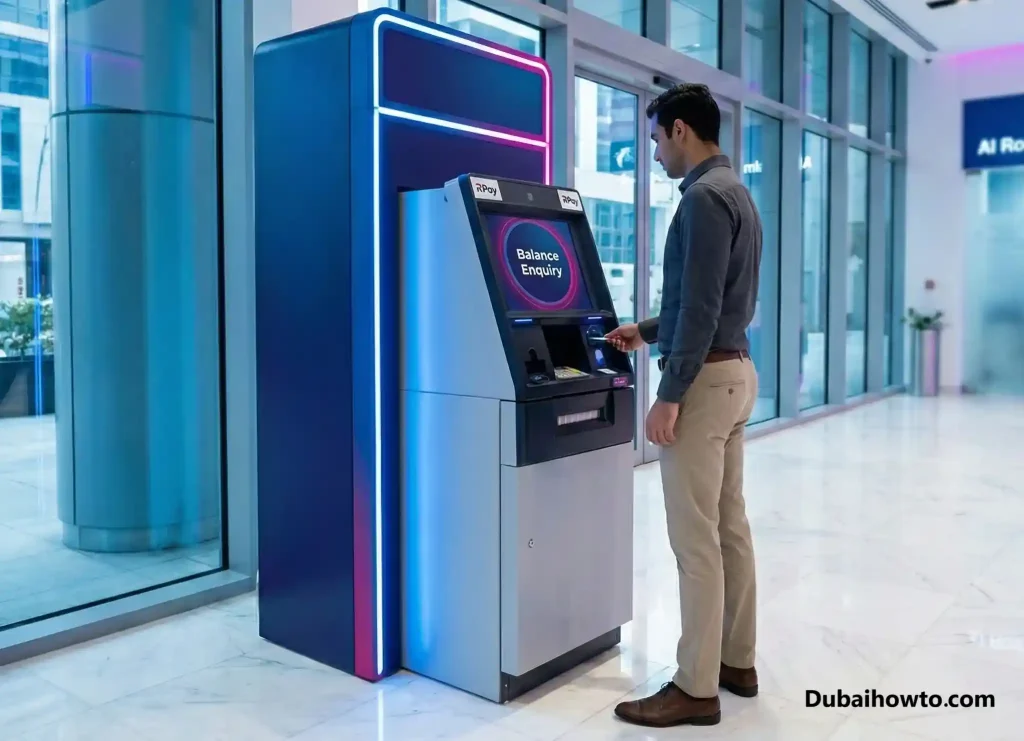
If you do not have a smartphone or internet access, you can use an ATM. However, be aware that fees may apply if you use an ATM outside the designated network.
- Find an ATM: Look for ATMs displaying the Visa or MasterCard logo (matching your card type).
- Insert Card: Input your 4-digit PIN.
- Select “Inquiry”: Choose “Balance Enquiry” from the screen options.
- View/Print: The screen will show your balance. Avoid printing the receipt if the ATM charges extra for paper slips.
Important Note: While Al Rostamani cards work at most UAE ATMs, checking your balance at a third-party bank ATM often incurs a fee (typically AED 1.00 – AED 2.50).
Customer Care & Branch Enquiry
For users facing technical issues or blocked cards, manual assistance is available.
Phone Support
You can call the Al Rostamani International Exchange call center.
- Number: 600 540 004
- Process: Select your language (Arabic/English/Hindi/Urdu), then follow the IVR prompts for “Card Services” or “Payroll.” You may need to answer security questions (e.g., Year of Birth, Company Name) to hear your balance.
Branch Visit
Visit any Al Rostamani International Exchange branch with your original Emirates ID and Salary Card. The teller can provide a balance slip free of charge.
Features & Fees at a Glance
Understanding the costs associated with your Al Rostamani salary card helps you save money.
| Service | RPay App | ATM (In-Network) | ATM (Other Banks) |
| Balance Check | Free | Free | ~AED 1.05 |
| Mini Statement | Free | N/A | ~AED 1.05 |
| Cash Withdrawal | N/A | Free (limits apply) | ~AED 2.10 |
| Salary Alert | Free (SMS) | N/A | N/A |
Note: Fees are estimates based on standard UAE WPS card tariffs and may vary by specific employer contracts.
Pro Tip: “Enable SMS Alerts via the RPay app settings. This ensures you get a text message the moment your salary hits your account, so you don’t have to manually login to check your rpay balance every pay day.”
Final Thoughts
Managing your monthly wages in the UAE is part of the Wage Protection System (WPS), designed to keep your earnings safe. While ATMs are useful for cash withdrawals, the RPay app is your best tool for an RPay balance enquiry. It saves you time, avoids unnecessary ATM fees, and keeps a digital record of your spending. Always keep your PIN private and never share your OTP with anyone calling you.
Frequently Asked Questions (FAQs)
How do I reset my RPay app password if I forgot it?
On the app login screen, tap “Forgot Password.” You will be asked to enter your salary card number and mobile number. A validation code (OTP) will be sent to your phone, allowing you to create a new password instantly.
Why is my Al Rostamani salary card blocked?
Your card may be blocked due to 3 incorrect PIN attempts at an ATM or suspicious activity. To unblock it, you must contact customer care at 600 540 004 or visit the nearest Al Rostamani exchange branch with your Emirates ID.
Can I transfer money using the RPay app?
Yes. The RPay app allows you to transfer money to international bank accounts or for cash pickup in your home country. You can also pay utility bills (like DEWA/SEWA) directly from your salary balance within the app.
Is there a charge for checking my balance on the RPay app?
No, checking your balance and viewing your transaction history on the RPay mobile app is completely free. Charges usually only apply when using physical ATMs that belong to other banks.
What is the Al Rostamani salary card balance check number?
The dedicated customer service number for Al Rostamani International Exchange is 600 540 004. You can call this number for balance enquiries, reporting lost cards, or general support regarding your payroll card.
Last Updated: October 2026
Reviewed by: Financial Specialist
More guides you may need

Author: The DubaiHowto Editorial Team
DubaiHowto is an independent informational platform created to help UAE residents and visitors understand everyday services such as public transport, telecom, government procedures, visas, fines, and utility systems.
Our editorial team researches and verifies content using official UAE sources (including government portals, service providers, and regulatory authorities) and real on-ground experience of living in the UAE. Each guide is written to be practical, easy to understand, and regularly updated to reflect the latest rules, fees, and procedures.
We focus on clarity, accuracy, and usefulness — especially for people navigating UAE systems for the first time. Learn More about DubaiHowto.
Last reviewed: February 2026. Sources: Official UAE portals and service providers