
As of 2026, you cannot add a Dubai nol card to Apple Wallet for direct tap-to-pay at transport gates. While RTA has enabled this feature for other platforms, integration with Apple Wallet for iPhone users is still pending. The best alternative is to use the official nol Pay app.
Your Best Alternative: The nol Pay App
While you wait for full Apple Wallet integration, here is what you can and should do right now:
- Download the official nol Pay app from the App Store.
- Use the app to manage and top up your physical nol card using your iPhone’s NFC.
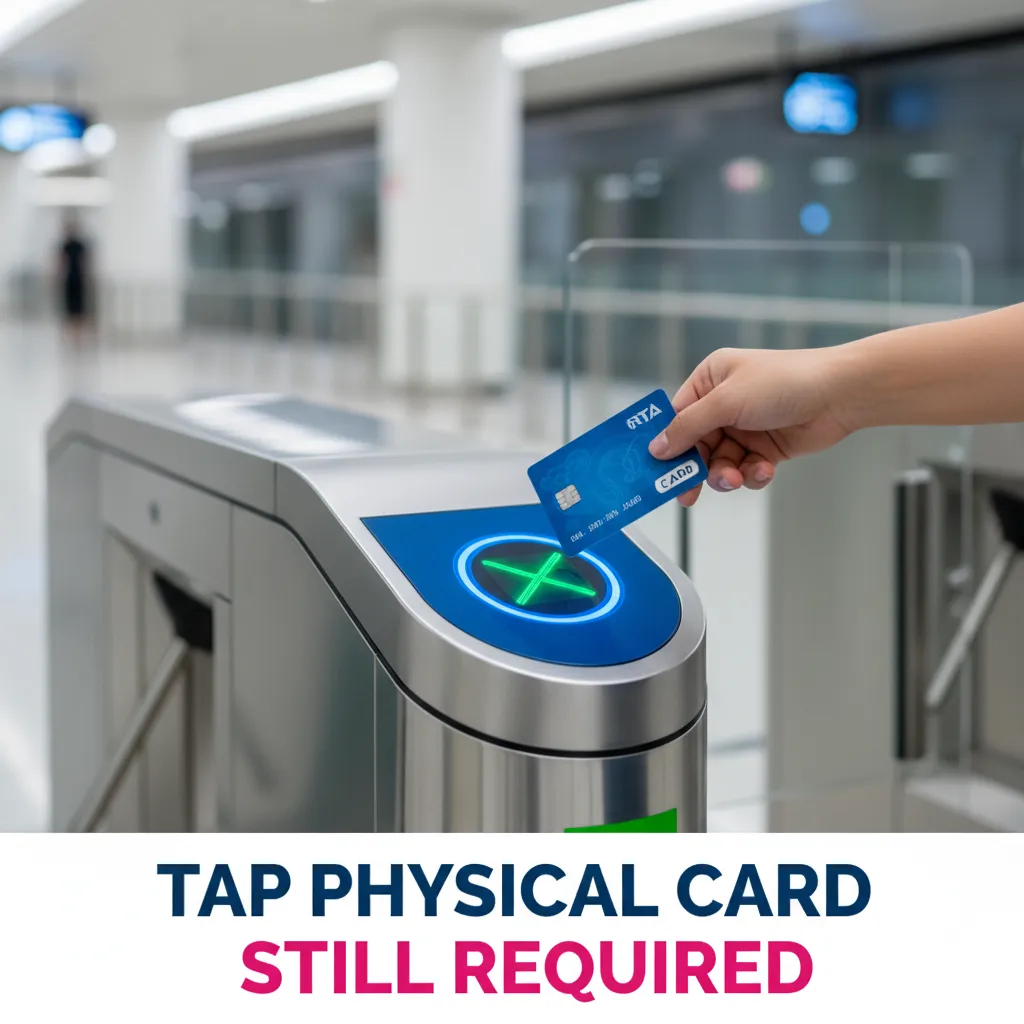
- Continue to use your physical nol card for tapping at metro gates and bus terminals.
The Current Status: Nol Card and Apple Wallet in 2026
The primary request from Dubai commuters is to tap their iPhone at a metro gate, just like a physical nol card. Unfortunately, this specific function is not yet active.
Why can’t I add my nol card to my iPhone?
The ability to add a transit card to Apple Wallet requires deep technical and security coordination between the transit authority (RTA) and Apple.
While RTA has successfully launched digital nol cards for other smartphone brands (like Samsung and Huawei) through the nol Pay app, the service for iPhone users is still in development. Both RTA and Apple are working to launch the feature, but no official release date has been set as of late 2026.
What is the nol Pay app for?
For an iPhone user, the nol Pay app is a management tool, not a digital wallet replacement. It uses your iPhone’s Near Field Communication (NFC) chip to read and write information to your physical card.
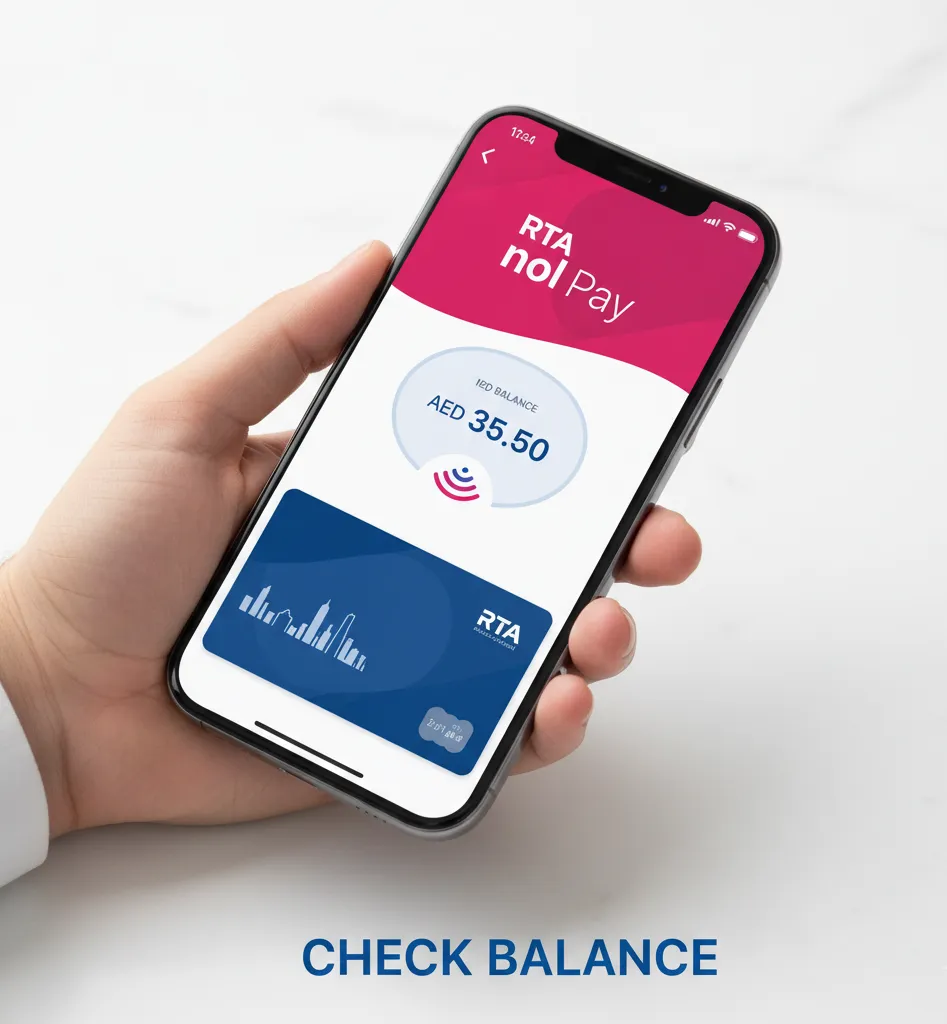
You can use it to check your balance, review your transaction history, and, most importantly, top up your card from anywhere, at any time.
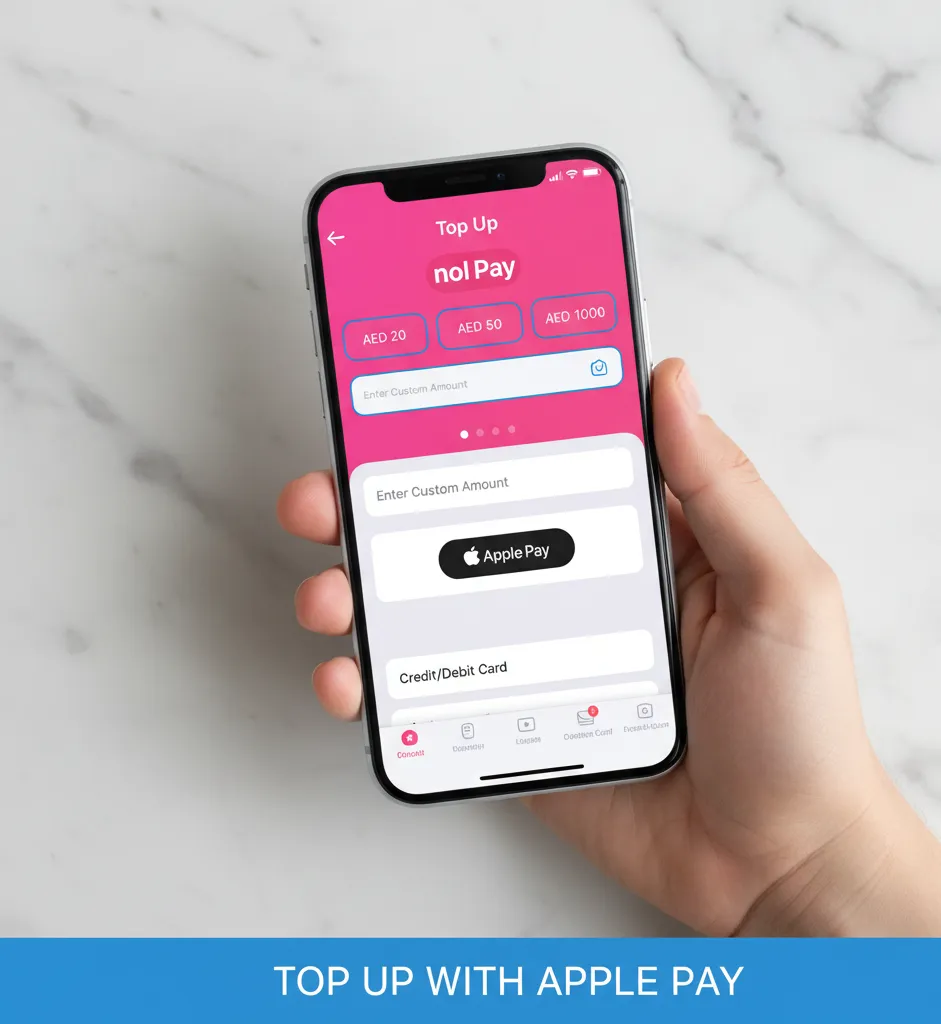
How to Use the nol Pay App to Manage Your Card?
While it’s not the full tap-and-go solution you want, using the app is far more convenient than queuing at a ticket machine.
Step 1: Download and register the app
First, go to the iOS App Store and download the official nol Pay app. You will need to create an account or log in. It’s recommended to link your UAE Pass for faster setup.
Step 2: Read your physical card
Open the nol Pay app and select the option to “Check Card Info” or “Top Up.” The app will instruct you to hold your physical nol card against the top-back of your iPhone (where the NFC antenna is). Keep it still for a few seconds.
The app will read the card and display its current balance, card type (Silver, Gold, etc.), and recent travel history.
Step 3: Top up your nol card balance
Once your card is scanned, you can select “Top Up.” Choose a pre-set amount or enter a custom amount (e.g., AED 20).
You can then pay for this top-up using a debit/credit card or by selecting Apple Pay as your payment method. This is often a source of confusion: you are using Apple Pay to pay for the top-up, not adding the card to Apple Pay.
Step 4: Write the new balance to your card
After your payment is successful, the app will instruct you to tap your physical nol card to the back of your iPhone one more time. This final step is crucial as it “writes” the new balance from the app onto your physical card’s chip.
Do not move the card until the app confirms the update is complete. Your nol card is now topped up and ready to be used.
nol Pay App vs. Full Apple Wallet Integration
Understanding the difference between the current app and the future goal is key. This table breaks down what you can do today versus what full Apple Wallet integration will one day offer.
| Feature | nol Pay App (Current for iPhone) | Full Apple Wallet (Future) |
| Tap-to-Pay at Metro Gate | No (Still need physical card) | Yes (Tap iPhone to pay) |
| Top Up Balance | Yes | Yes |
| Check Balance | Yes (Must tap physical card) | Yes (Real-time balance in Wallet) |
| Replaces Physical Card | No | Yes |
Pro Tip: Don’t confuse “paying with Apple Pay” and “adding to Apple Wallet.” As of 2026, you can use Apple Pay within the
nol Payapp as a payment method to add funds to your physical card. You cannot add the nol card itself to Apple Wallet to pay at a metro gate.
Final Thoughts
While you cannot yet add your nol card to Apple Wallet for a true tap-to-pay experience, the official nol Pay app is an essential tool. It solves the biggest pain point for commuters: queuing for top-ups.
By using the app, you can instantly check your balance and add funds from anywhere using your iPhone. We are all eagerly awaiting the full integration, but for now, the nol Pay app is the best and most convenient way to manage your RTA travel.
Frequently Asked Questions
When will the nol card be available on Apple Wallet?
As of 2026, there is no official release date from RTA or Apple. The feature is confirmed to be in development, as it is already available on other platforms, but iPhone users must wait for a future update.
Can I top up my nol card with my iPhone?
Yes. This is the primary benefit of the nol Pay app. You can scan your physical card, pay for a top-up within the app (using Apple Pay or a credit card), and then tap your card again to write the new balance to it.
Does the nol Pay app replace my physical nol card?
No. For iPhone users, the nol Pay app is a management tool only. You must still carry and use your physical nol card to tap in and out of the Dubai Metro, buses, and trams.
Why does my friend with a Samsung phone have a digital nol card?
RTA has successfully rolled out the digital nol card feature for some Android devices, including Samsung and Huawei, via their respective wallet applications. The integration for Apple’s platform is separate and still in progress.
Last updated: October 2026
Reviewed by: UAE Tech Team
Disclaimer: This information is based on the features available as of January, 2026. RTA and Apple may update services at any time. All prices and processes are subject to change by the RTA.

Author: The DubaiHowto Editorial Team
DubaiHowto is an independent informational platform created to help UAE residents and visitors understand everyday services such as public transport, telecom, government procedures, visas, fines, and utility systems.
Our editorial team researches and verifies content using official UAE sources (including government portals, service providers, and regulatory authorities) and real on-ground experience of living in the UAE. Each guide is written to be practical, easy to understand, and regularly updated to reflect the latest rules, fees, and procedures.
We focus on clarity, accuracy, and usefulness — especially for people navigating UAE systems for the first time. Learn More about DubaiHowto.
Last reviewed: February 2026. Sources: Official UAE portals and service providers