

You can perform a Salik fine check using the RTA website, the RTA Dubai app, or the Dubai Now app. The simplest way is via the RTA website by selecting “Check Salik Fines” and entering your plate number. This shows any outstanding fines and their details.
Your Next Steps
- Check Now: Use the RTA website or app to check your fines using your plate number.
- Check Balance: Log into your Salik account to ensure you have sufficient balance for upcoming tolls.
- Set Auto Top-Up: If your balance is low, activate the auto top-up feature to avoid future fines.
Dubai’s Salik system is a seamless electronic toll network that keeps traffic flowing. However, a low balance or an unregistered tag can lead to unexpected penalties.
Staying on top of your Salik account is essential for all drivers. Fortunately, the RTA provides multiple, instant ways to check Salik fines online, ensuring you can resolve any issues quickly and avoid further penalties. This guide covers all methods for 2026.
How to Check Salik Fines Online? (3 Methods)
You don’t need to wait for a notification or visit a service center. You can check your Salik fine status in minutes using one of these official digital platforms.
Method 1: Using the RTA Website
This is the most direct method and does not require an app.
Step 1: Navigate to the “official RTA website.”
Step 2: Locate the “Check Fines” or “Fines Inquiry” service, which often falls under the “Driving” or “Services” category.
Step 3: Select the option to search for fines. You can check Salik fines using your Plate Number, License Number, or Traffic File Number (TFN).
Step 4: Enter your vehicle’s plate details (including the emirate) or other selected information accurately.
Step 5: Click “Search” to review the results. The system will display a detailed list of any outstanding fines, including the date, time, location, and amount in AED.
Method 2: Using the RTA Dubai App
This is ideal for residents who manage multiple RTA services.
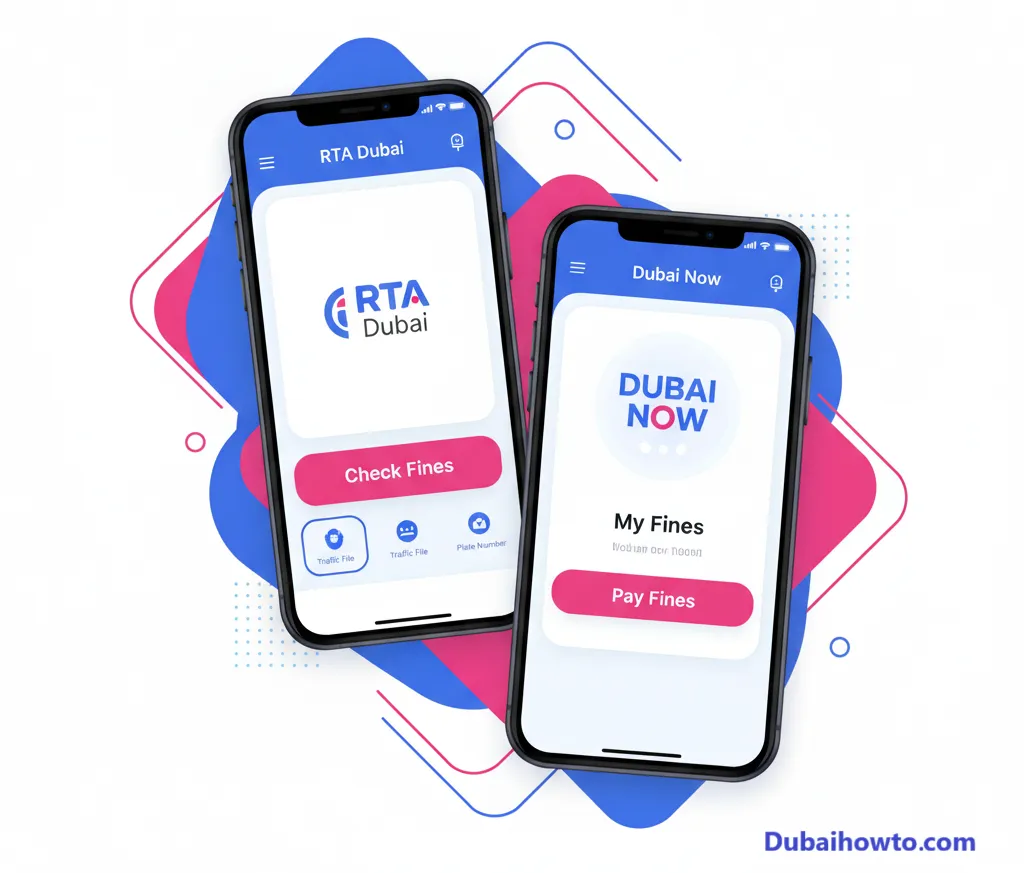
Step 1: Download and open the “RTA Dubai” app from your phone’s app store.
Step 2: Log in with your RTA account or UAE Pass.
Step 3: On the main dashboard, navigate to the “Fines” section.
Step 4: Select the vehicle linked to your account. If you haven’t added it, you can do so in the “Vehicles” section.
Step 5: The app will display any fines associated with the vehicle, allowing for immediate payment within the app.
Method 3: Using the Dubai Now App
The Dubai Now app is an all-in-one government services app that consolidates services from various entities, including the RTA.
Step 1: Open the “Dubai Now” app and log in using your UAE Pass.
Step 2: Go to the “Driving” services category.
Step 3: Tap on “My Fines” or “Pay Fines.”
Step 4: The app is linked directly to your Dubai traffic file, so it will automatically pull any fines, including those from Salik, for all vehicles registered under your name.
Understanding Common Salik Fines and Penalties
A salik fine check often reveals one of two common violations. Understanding these, and their grace periods, is key to avoiding them.
Insufficient Funds (ISF) Violation
This is the most common fine. It occurs when you pass through a Salik gate with a zero or negative balance in your account.
You are given a 5-working-day grace period from the time of your first pass to top-up your account. If you recharge within this window, no fine is issued.
If you fail to top-up within the 5-day grace period, an AED 50 fine is registered against your vehicle. You are only charged one ISF fine per vehicle, per day, regardless of how many Salik gates you passed through on that day.
Unregistered Vehicle (URV) Violation
This fine occurs if you pass through a Salik gate with an unregistered Salik tag or no tag at all.
You have a 10-working-day grace period from the date of your very first pass to buy and register a new Salik tag for your vehicle.
If you fail to register within 10 working days, fines escalate per day: AED 100 on the first day, AED 200 on the second and AED 400 on the third and any later day. Salik issues a maximum of one such violation per vehicle per day, however many gates you pass.
Salik Fine Amounts (2026)
This table outlines the official Salik penalties as of 2026.
| Fine Type | Amount (AED) | Grace Period |
| Insufficient Funds (ISF) | 50 AED | 5 working days to top-up |
| Unregistered Vehicle (URV) – 1st day | 100 AED | 10 working days to register |
| Unregistered Vehicle (URV) – 2nd day | 200 AED | N/A |
| Unregistered Vehicle (URV) – 3rd day onwards | 400 AED | N/A |
How to Avoid Salik Fines?
Prevention is simpler than paying fines. A few good habits can ensure you never have to worry about a Salik penalty.
Maintain a sufficient balance
The easiest way to get a fine is by simply forgetting to recharge.
- Enable Auto Top-Up: This is the best solution. Link your bank account or credit card to your Salik account for automatic recharging when the balance drops below a set threshold.
- Set SMS Alerts: Ensure your correct mobile number is linked to your Salik account. You will receive low-balance notifications via SMS.
- Check Manually: Make it a habit to check your balance via the Salik app or RTA app, especially before long drives or public holidays.
Ensure your Salik tag is correct
An issue with your tag can lead to URV fines even if you have credit.
- Proper Installation: The tag must be affixed to your car’s windshield according to the instructions. A tag kept in the glove box will not work.
- Link to Vehicle: When you register a tag, double-check that it is correctly linked to your vehicle’s plate number in the RTA system.
- Update Details: If you sell your car or change your license plates, you must deactivate the old tag and register a new one for the new vehicle.
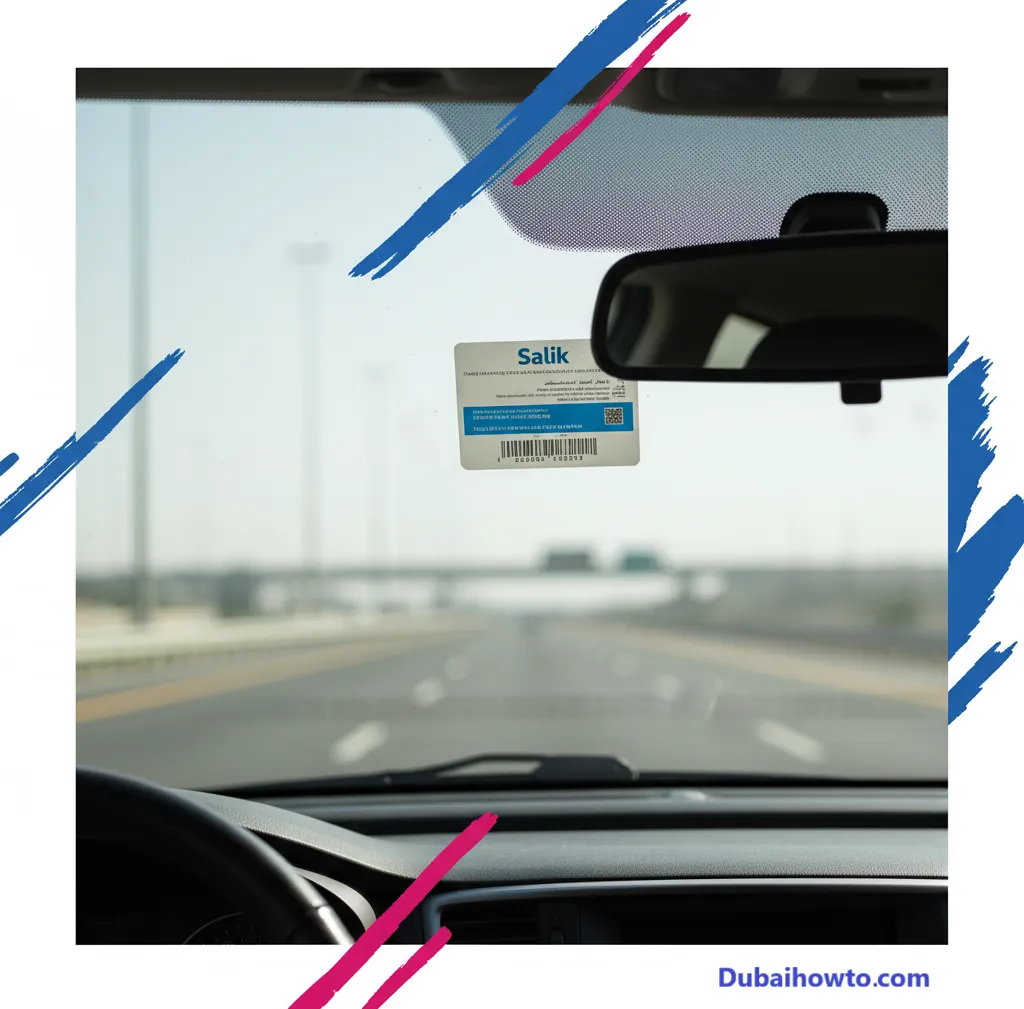
Pro Tip: Always check your Salik balance before and after a long weekend or public holiday. Increased driving and busy schedules are the most common reasons drivers forget to top-up, leading to easily avoidable Insufficient Funds (ISF) fines.
Disputing an Incorrect Salik Fine
If you perform a salik fines check and find a penalty you believe is incorrect, you have the right to dispute it.
When to dispute a fine
Common reasons for disputes include being charged on a day the car was not used, being charged after selling the vehicle, or a clear technical error (e.g., you have proof of sufficient balance).
The dispute process
The best way to dispute a fine is to contact the RTA or Salik directly.
Step 1: Call the RTA customer service at 800 9090 or Salik at 800 72545.
Step 2: Clearly state your case and the reason for the dispute.
Step 3: Provide all necessary evidence, such as screenshots of your Salik balance, recharge confirmations, or vehicle sale documents.
Step 4: You can also submit a dispute request through the RTA website, which allows you to upload supporting documents.
Special Case: Salik Fines for Rental Cars
For tourists and residents using rental cars, managing Salik is critical.
How rental fines work?
The Salik fine is issued to the vehicle’s plate number, which is registered to the rental agency. The agency will pay the fine and then charge it to you, often with a significant “administrative fee” added on top.
How to protect yourself?
- Check Before and After: Use the RTA website’s public fine check service to check the car’s plate number right after you return it.
- Save Proof: Screenshot the “no fines” result to protect yourself from any later claims.
- Ask for a Receipt: When settling your rental bill, ask for a final, itemized receipt that includes all Salik charges.
Disclaimer: All fines, fees, and procedures are subject to change by the RTA. This information is based on data available in 2026 and is not legal advice. Always refer to official RTA or Salik channels for the latest updates.
Final Thoughts
Salik fines are entirely avoidable. By using the RTA and Dubai Now apps, enabling auto top-up, and ensuring your tag is correctly registered, you can enjoy Dubai’s roads without issue.
Making a regular salik fine check a part of your routine is a smart move for any driver in Dubai, whether you’re a resident, tourist, or fleet manager.
Frequently Asked Questions (FAQs)
What happens if I don’t pay a Salik fine?
Unpaid Salik fines accumulate and will block your vehicle’s registration renewal (Mulkiya). You will be required to clear all outstanding fines before you can renew your registration, which can lead to further penalties for driving with an expired registration.
How long do I have to pay a Salik fine?
You should pay fines as soon as you are aware of them. For an ISF violation, you have a 5-working-day grace period to recharge before the AED 50 fine is even issued. Once a fine is registered, it remains until paid.
Can I check Salik fines with my passport number?
No, you cannot check Salik fines using a passport number. You must use one of the vehicle-specific identifiers: the vehicle’s plate number, the traffic file number (TFN), or your UAE driver’s license number.
I topped up my Salik, but still got a fine. Why?
This usually happens if you topped up after the 5-working-day grace period for an Insufficient Funds (ISF) violation had already passed. The fine was likely registered on the 6th day, even if you topped up just after.
Last updated: October 2026
Reviewed by: Fahad Al-Mutairi, UAE Transport Specialist

Author: The DubaiHowto Editorial Team
DubaiHowto is an independent informational platform created to help UAE residents and visitors understand everyday services such as public transport, telecom, government procedures, visas, fines, and utility systems.
Our editorial team researches and verifies content using official UAE sources (including government portals, service providers, and regulatory authorities) and real on-ground experience of living in the UAE. Each guide is written to be practical, easy to understand, and regularly updated to reflect the latest rules, fees, and procedures.
We focus on clarity, accuracy, and usefulness — especially for people navigating UAE systems for the first time. Learn More about DubaiHowto.
Last reviewed: February 2026. Sources: Official UAE portals and service providers