

Last Updated: October 2026
Quick answer: Check FAB balance in the FAB Mobile App, by SMS to 2121, at any FAB ATM, or via online banking. Ratibi/salary card users can also use the Ratibi portal or app methods below.
Whether you receive your monthly salary in a FAB account, use a FAB salary card, or simply want to track your day-to-day spending, knowing how to perform a FAB balance check is essential.
In the UAE, FAB—First Abu Dhabi Bank—offers multiple online and offline methods to check your account balance instantly, including the FAB Mobile App, online banking, SMS inquiry, ATMs, and customer care.
What Is FAB (First Abu Dhabi Bank)?
FAB — First Abu Dhabi Bank — is the UAE’s largest financial institution, serving millions of customers with savings accounts, salary accounts, prepaid salary cards, debit cards, credit cards, fixed deposits, and digital banking services.
If you hold a FAB account or receive your salary via FAB WPS card, you can check your FAB bank balance through multiple channels depending on your preference:
| Method | Speed | Suitable For |
|---|---|---|
| FAB Mobile App | Very Fast | All FAB customers |
| FAB Online Banking | Fast | Account holders |
| SMS “BAL” | Instant | Salary card holders |
| FAB ATM | Reliable | All card holders |
| Customer Care | Moderate | All customers |
| UAE PASS Login | Fast | Digital users |
This guide will walk you through all of these methods in detail.
Method 1: FAB Balance Check Online (Desktop FAB Online Banking)

If you prefer using your laptop or want a full financial overview, FAB Online Banking is a powerful option.
How to log in to FAB Online Banking?
- Visit FAB online banking portal (Personal Banking)
- Enter your username and password
- Verify using OTP
- Click Accounts
- Your FAB bank balance and transaction list appears
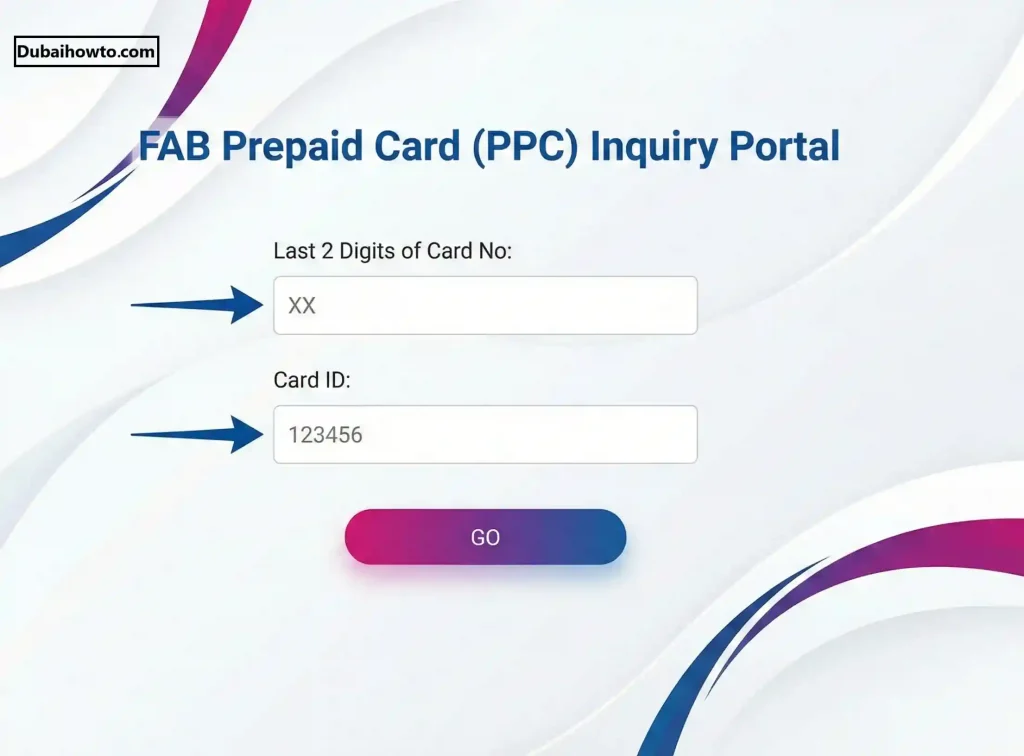
Benefits of Online FAB Balance Checking
- Downloadable statements
- You can view multiple accounts
- Useful for business and salary checking
- Best for salary mismatch disputes
Method 2: FAB Balance Check Using FAB Mobile App (Most Reliable & Fastest)
The FAB Mobile App is the easiest, quickest, and most secure method for FAB balance checking. It works for:
- FAB savings accounts
- FAB current accounts
- FAB personal accounts
- FAB salary accounts
- Some FAB prepaid cards
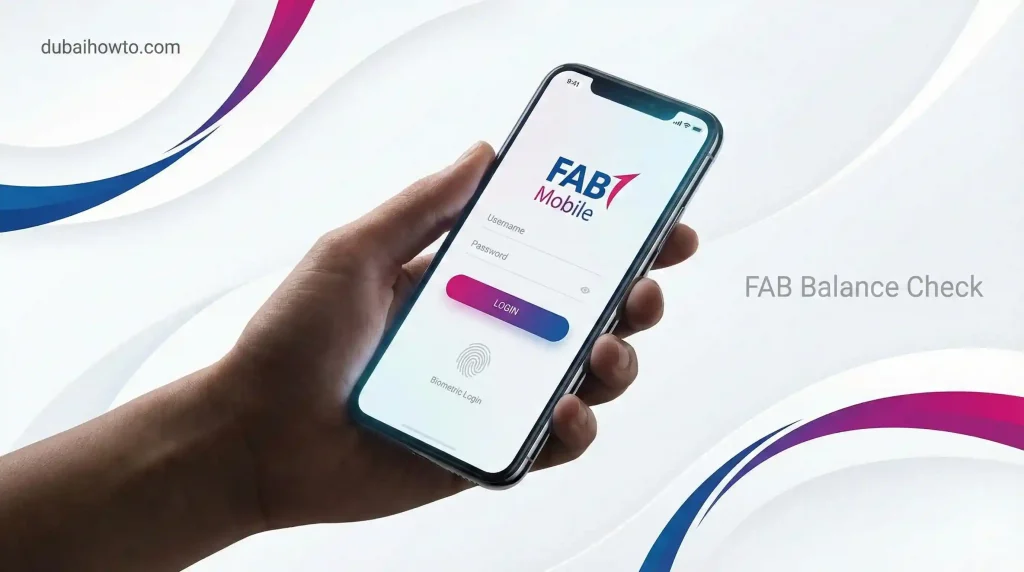
Steps to check your FAB bank balance using the mobile app:
- Download the FAB Mobile App (Android / iOS)
- Log in using your UAE PASS or username
- Tap on “Accounts”
- Select your FAB account
- Your current balance, available balance, and recent transactions appear instantly
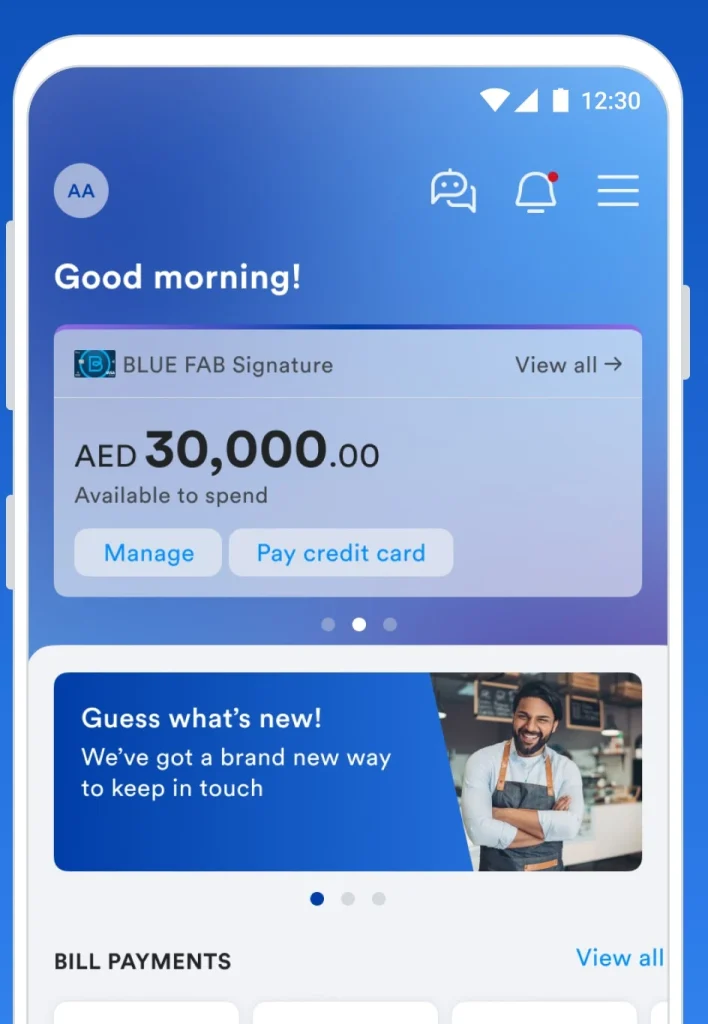
Why this is the best method?
- Real-time FAB balance data
- Shows available + ledger balance
- Shows salary deposits
- Works 24/7
- Supports UAE PASS for quick login
Method 3: FAB Balance Inquiry Through SMS (For Salary Cards & WPS Cards)
If you use a FAB Salary Card, WPS card, or prepaid salary card, this code is the fastest way to check your salary balance.
SMS Format for FAB Salary Check:
Send this code:
BAL
to
2121
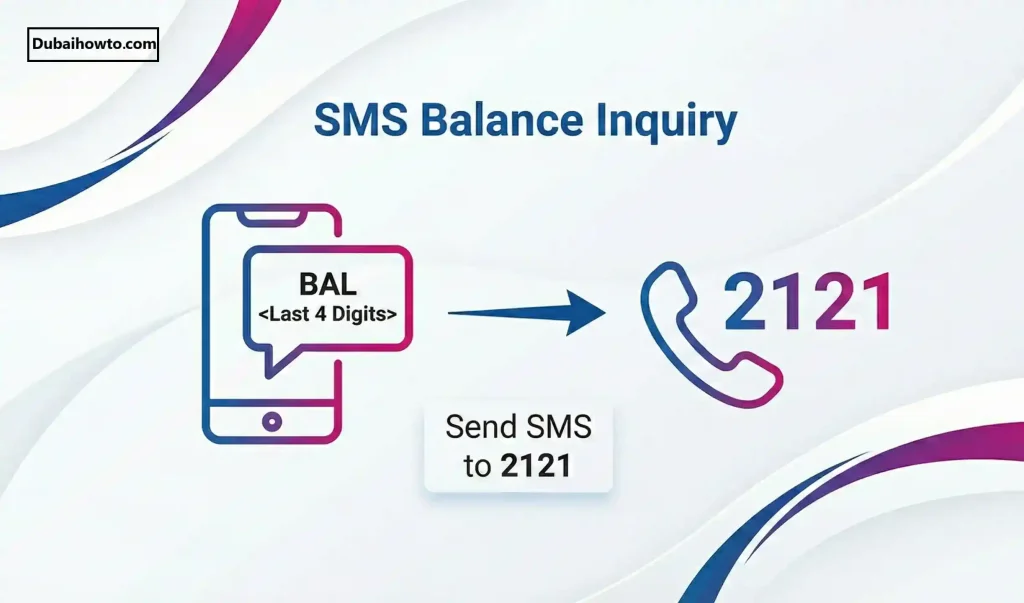
You will receive a message showing:
- Available salary
- Last salary deposit amount
- Salary card balance
- Last transaction details
Important Notes
- Works for FAB salary cards only
- Standard SMS charges may apply
- Requires your registered mobile number
Method 4: FAB Balance Check at FAB ATMs (Offline Method)
If you prefer an offline method, or your mobile app isn’t working, you can check your balance at any FAB ATM machine.
Steps to check FAB balance through ATM:
- Visit any FAB ATM
- Insert your debit or salary card
- Enter your PIN
- Select Balance Inquiry
- Your FAB balance will appear on the screen
How to find FAB ATM near you?
Search for: “FAB ATM near me”
FAB ATMs are common across:
- Abu Dhabi
- Dubai
- Sharjah
- Ajman
- RAK
- Fujairah
- Umm Al Quwain
Method 5: FAB Balance Check Through Customer Care (600 52 5500)
FAB offers a 24/7 customer support service where you can retrieve balance details using automated options.
FAB Customer Care (UAE):
600 52 5500
Steps:
- Call the number
- Select language
- Choose Banking Services
- Enter your card/account details
- Follow IVR menu to get balance
This is useful if:
- Your mobile app is locked
- You forgot your password
- You don’t have data or internet
Method 6. How to Check FAB Salary (For Employees in UAE)?
If you receive salary through FAB, there are three ways to check:
1. SMS: BAL → 2121
Most convenient for salary card holders.
2. ATM Balance Inquiry
Insert your FAB salary card → Check balance.
3. FAB Mobile App
If your salary card is linked to an account.
Common issues
- If your employer hasn’t transferred funds, salary won’t show
- If your mobile number isn’t registered, SMS won’t work
Method 7. How to Check FAB Balance Without App?
If you don’t want to install the FAB app, here are your alternatives:
Option A: SMS
Send BAL to 2121
Option B: ATM
Visit any FAB ATM and select Balance Inquiry
Option C: FAB Customer Care
Call 600 52 5500
Option D: UAE PASS Login
Some users can access FAB services through UAE PASS linked apps.
How to Open a FAB Bank Account (Full Guide)?
Many users search FAB balance check methods while planning to open an account. Here’s how you can open one.
Option 1: Open FAB Account Online
- Install FAB Mobile App
- Tap Open New Account
- Log in with UAE PASS
- Scan Emirates ID
- Enter personal information
- Complete verification
- Receive IBAN instantly
Option 2: Open FAB Account at Branch
Bring:
- Emirates ID
- UAE phone number
- Proof of income (if required)
How to Activate FAB Debit Card?
After opening your bank account, FAB sends you a debit card.
Steps to activate:
- Visit any FAB ATM
- Insert your new card
- Enter activation code received via SMS
- Set your 4-digit PIN
How to Activate FAB Credit Card?
If you received a FAB credit card:
Activation Method:
- Call 600 52 5500
- Select Credit Card Activation
- Verify identity
- Set your PIN through IVR
How to Close FAB Bank Account?
If you want to close your account:
Steps:
- Visit any FAB branch
- Clear outstanding balances
- Fill out account closure form
- Wait for confirmation
- Receive SMS once completed
FAB Balance Check Comparison Table
| Method | Works For | Speed | Internet Needed |
|---|---|---|---|
| FAB Mobile App | All accounts | 5 out of 5 | Yes |
| Online Banking | All accounts | 5 out of 5 | Yes |
| SMS “BAL” | Salary cards | 4 out of 5 | No |
| ATM | All cards | 4 out of 5 | No |
| Customer Care | All accounts | 3 out of 5 | No |
Troubleshooting: FAB Balance Not Updating?
If your FAB balance is not showing correctly, here are reasons:
1. Salary Not Deposited Yet
Employers sometimes delay WPS transfers.
2. App Cache Issue
Refresh or relogin using UAE PASS.
3. Incorrect Mobile Number
SMS services work only with registered numbers.
4. ATM Technical Error
Try another machine.
5. Account Restriction / Hold
Contact FAB support if you suspect a hold.
Frequently Asked Questions (FAB FAQs)
1. What is the easiest way to check FAB balance?
The FAB Mobile App — it provides real-time balance.
2. Can I check FAB salary without internet?
Yes, send BAL to 2121.
3. Is FAB balance enquiry free?
App and ATM checks are free; SMS fees apply depending on your mobile operator.
4. How do I check FAB balance online?
Use FAB Online Banking or the FAB Mobile App.
5. How do I check salary in FAB account?
Use SMS “BAL”, ATM inquiry, or the app (if linked).
6. Can I check FAB balance at another bank’s ATM?
Yes, but charges may apply.
7. How do I find FAB bank near me?
Search “FAB bank near me” or use Google Maps.
FINAL SUMMARY: FAB Balance Check in the UAE
You can check your FAB bank balance using:
- FAB Mobile App
- FAB Online Banking
- SMS “BAL” to 2121
- FAB ATMs
- Customer Care (600 52 5500)
This guide covers all methods for FAB balance check, salary check, online & offline balance inquiry, and more, including how to open, activate, and close FAB bank accounts.
Last reviewed: August 2026. DubaiHowTo verifies steps against official UAE sources (government portals and service providers) and practical on-ground usage. Always confirm fees and eligibility on the official site before you act — rules change.
Sources: Cross-check with the relevant official portal for this topic (e.g. ICP, GDRFA, MOHRE, RTA, e&/Etisalat, du, FAB, Edenred/C3Pay).
This guide is part of our UAE Banking and Finance Guide.
More guides you may need

Author: The DubaiHowto Editorial Team
DubaiHowto is an independent informational platform created to help UAE residents and visitors understand everyday services such as public transport, telecom, government procedures, visas, fines, and utility systems.
Our editorial team researches and verifies content using official UAE sources (including government portals, service providers, and regulatory authorities) and real on-ground experience of living in the UAE. Each guide is written to be practical, easy to understand, and regularly updated to reflect the latest rules, fees, and procedures.
We focus on clarity, accuracy, and usefulness — especially for people navigating UAE systems for the first time. Learn More about DubaiHowto.
Last reviewed: February 2026. Sources: Official UAE portals and service providers