
You can change the mobile number in your Emirates ID online through the ICP Smart Services website or the UAEICP App. The process costs approximately AED 52.10 and takes 3 to 7 working days. You must use the “Update Personal Information” service, enter your residency file number, and verify the new number with an OTP.
Do this next:
- Prepare your documents: Have your Passport and Residency Visa (physical or digital copy) ready to find your File Number.
- Check your balance: Ensure your debit/credit card has at least AED 60 to cover the fee and bank charges.
- Insert the new SIM: Ensure the new mobile number is active in a phone nearby to receive the verification OTP immediately.
Why Updating Your Number is Critical?
Your Emirates ID is the primary key for identity verification in the UAE. If your linked mobile number is outdated, you risk:
- Locked Bank Accounts: Most UAE banks (ENBD, ADCB, etc.) sync with the ICP database. If the numbers don’t match, you won’t receive transaction OTPs.
- Government Access: You will lose access to the UAE Pass, which is required for everything from Ejari contracts to paying traffic fines.
- Medical & Insurance: Approval notifications for insurance often go to the registered mobile number.
Method 1: Change Number via ICP Website (Recommended)
This is the most reliable method to ensure your number is updated across all federal systems, including banking and immigration.
Step 1: Access the ICP Portal
Go to the ICP Smart Services website (icp.gov.ae). You do not need to log in to start this specific service. Look for the button labeled “Update Personal Information” (often found under “Public Services” or accessible via direct search).
Step 2: Enter ID Details
The system will ask for your current details to identify your file.
- Nationality: Select your nationality as per your passport.
- File Type: Select “Residency” (Note: Only select “Visa” if you have entered on a new visa but haven’t received your ID yet).
- Input Options:
- Dubai Residents: Your file number on the visa usually has 3 sections (Emirate Code / Year / Serial No).
- Other Emirates: Your file number usually has 4 sections.
- Enter your Emirates ID Number, Passport Number, and English Name exactly as they appear on your documents.
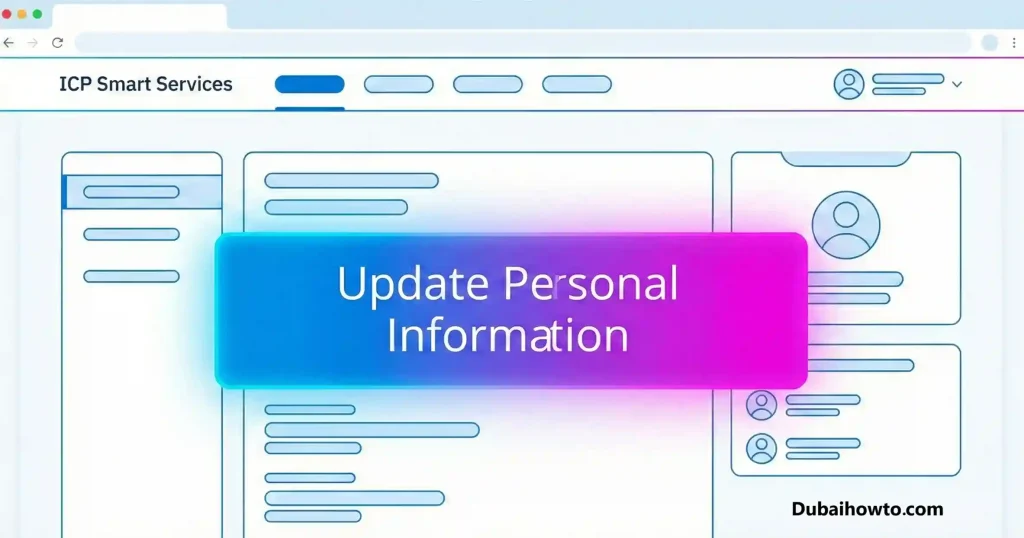
Step 3: Input New Data
Once your profile is found, you will see your current registered data.
- Check the box for “Edit Mobile Number”.
- Enter your new UAE mobile number.
- Click “Send OTP”.
Step 4: Verify and Pay
- Enter the OTP sent to your new mobile number.
- Complete the Captcha verification.
- Proceed to the payment gateway.
- Fee: The standard ICP fee is AED 52.10. (Bank processing fees may add AED 1–2).
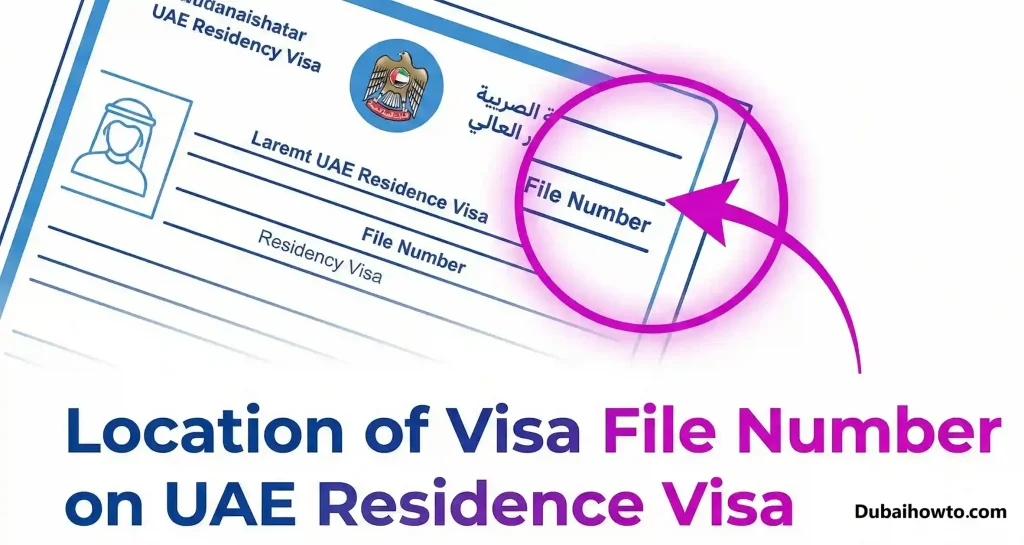
Pro Tip: If the system keeps rejecting your “File Number,” look at your actual Residence Visa page. The File Number is often located at the top right. For Dubai visas (starting with 201), ensure you aren’t accidentally entering the “Unified Number” (UID) instead.
Method 2: Update via UAEICP App
If you prefer doing this on your phone, the official app is user-friendly.
- Download: Install the UAEICP app (iOS/Android).
- Login: Log in using UAE Pass or as a guest.
- Select Service: Tap on “Public Services” $rightarrow$ “Update Personal Info”.
- Fill Details: Similar to the website, enter your Passport, ROI (Residency) File Number, and Emirates ID number.
- Update: Enter the new phone number and verify via OTP.
- Pay: Complete the payment using Apple Pay, Samsung Pay, or a credit card.
Method 3: Smart Police Stations (SPS) – Dubai Only
Warning: While Smart Police Stations (SPS) in Dubai allow you to update details for police services, recent user reports indicate this does not always push the update to the federal ICP database used by banks.
- Best for: Updating contact details specifically for Dubai Police fines and notifications.
- Not recommended for: Banking OTP issues or federal government services.
- Cost: Free (for police record updates).
- Location: Walk-in kiosks at City Walk, La Mer, Muraqqabat, etc.
Fees and Timelines Breakdown
| Service Channel | Estimated Cost | Processing Time | Best Used For |
| ICP Website | AED 52.10 | 24 – 48 Hours | Most Reliable (Banks, Gov) |
| UAEICP App | AED 52.10 | 24 – 48 Hours | Fast Mobile Updates |
| Typing Centers | AED 70 – AED 90 | 48 – 72 Hours | If you struggle with tech |
| Smart Police Stn | Free | Instant (Police only) | Dubai Police Records |
Troubleshooting: Why Was My Request Rejected?
If your application to change the mobile number in Emirates ID is rejected, the fee is usually refunded (minus a small administrative charge). Common reasons include:
- Incorrect File Number: You entered the format for Abu Dhabi (4 sections) while holding a Dubai visa (3 sections).
- Name Mismatch: The English name entered does not match the passport character-for-character.
- Passport Expiry: Your passport details in the system are expired (you must update passport details first).
- Non-UAE Number: You cannot link an international number to your Emirates ID.
Final Thoughts
Updating your mobile number in your Emirates ID is not just a legal requirement; it is a convenience necessity in 2026. We strongly recommend using the ICP Website method for the highest success rate with banking synchronizations. Once you receive the confirmation SMS from ICP (usually within 24 hours), your new number is officially linked.
If you are still facing issues or rejection errors, visit an accredited Amer Center or Typing Center where an agent can manually enter the details for you.
FAQs
How much does it cost to update mobile number in Emirates ID?
The official government fee is AED 52.10 when done online via the ICP website or app. Typing centers will charge a service fee on top of this, bringing the total to approximately AED 70–90.
Can I change my Emirates ID mobile number from outside UAE?
Yes, you can use the ICP app or website from abroad. However, the new mobile number you enter must be a valid UAE number (Etisalat/Du/Virgin) and it must be active in a phone that can receive the OTP via roaming.
How long does it take to update the mobile number?
The update is usually processed within 24 to 48 hours. You will receive a confirmation email and SMS once the update is successful. Banks may take an additional 24 hours to sync this data.
Do I need to go to a service center to change my number?
No, the process is 100% online. You only need to visit a center (like Amer or Tasheel) if your online application keeps getting rejected or if your biometrics need updating.
What happens if I don’t update my number?
You will likely get locked out of your UAE Pass account, and you will stop receiving One-Time Passwords (OTPs) for bank transactions, credit card verifications, and government portal logins.
Reviewed by: Sarah Jenkins (Government Services Specialist)
Last Updated: October 2026

Author: The DubaiHowto Editorial Team
DubaiHowto is an independent informational platform created to help UAE residents and visitors understand everyday services such as public transport, telecom, government procedures, visas, fines, and utility systems.
Our editorial team researches and verifies content using official UAE sources (including government portals, service providers, and regulatory authorities) and real on-ground experience of living in the UAE. Each guide is written to be practical, easy to understand, and regularly updated to reflect the latest rules, fees, and procedures.
We focus on clarity, accuracy, and usefulness — especially for people navigating UAE systems for the first time. Learn More about DubaiHowto.
Last reviewed: February 2026. Sources: Official UAE portals and service providers