
Forgot your mobile number? Here’s the fastest way to check your du number on any phone in the UAE. Dial a simple USSD code, or use the du app if you’re online. This guide shows step-by-step methods, what to do if the code doesn’t work, and quick fixes for new SIMs or eSIMs.
Do this next when you need your own number
- Dial
*116#on your du line and wait for the on-screen pop-up. - If nothing shows, open the du app → My Account / Profile to view your number.
- Still stuck? Check your SIM packet or welcome SMS, or message a friend and ask what number appears.
How to check du number in UAE? Quick Methods
Fastest methods to see your du number (works in Dubai/Abu Dhabi/UAE)
| Method | Code / Path | Works without data or balance? | Result |
|---|---|---|---|
| USSD pop-up | Dial *116# and press Call | Yes | Your number shows on screen instantly |
| du app | Open app → My Account / Profile | No (needs internet) | Number shown with plan details |
| Welcome SMS / SIM packet | Check initial “Welcome to du” SMS or the SIM sleeve | Yes | Number printed/mentioned |
| Call / message a contact | Call/SMS someone you trust | Needs minutes/SMS | They tell you the number that appeared |
| Hesabati (all SIMs on your ID) | UAE Pass login → view mobile numbers on your Emirates ID | Internet needed | Lists all numbers registered to you |
Method 1 — du number check via USSD (instant)
Step 1: Open the dialer
Make sure the du SIM is active in the phone you’re using.
Step 2: Dial the code
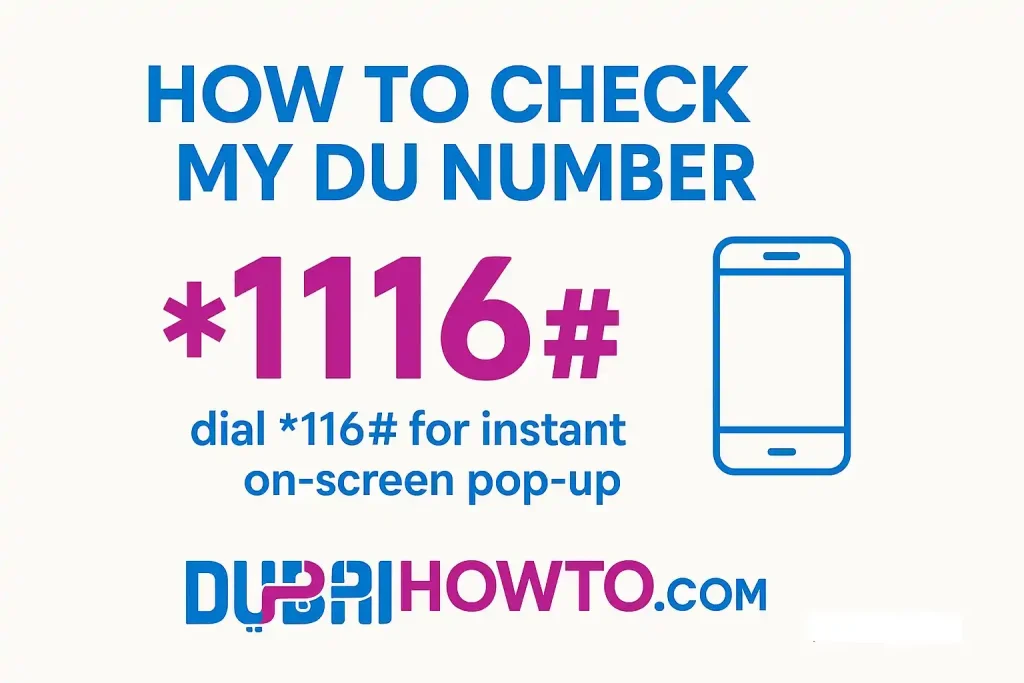
Enter *116# and press Call.
Step 3: Read the pop-up
Your du mobile number appears on screen. Take a screenshot or save it to contacts.
If you see an error: toggle Airplane mode off/on, switch to 2G/3G temporarily, or reboot and try again. On dual-SIM phones, confirm you dialed from the du line.
Method 2 — du number check via du app (shows number and plan)
Step 1: Sign in
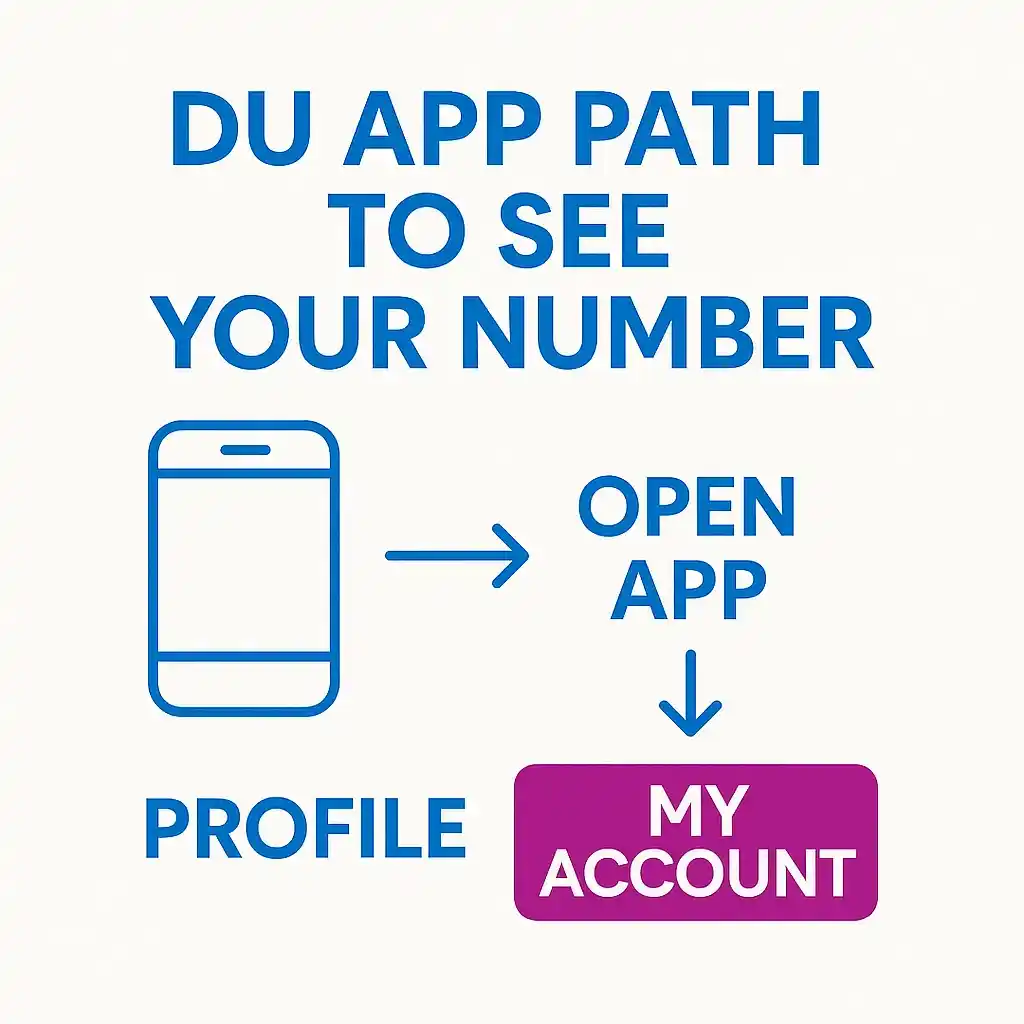
Open the du app and sign in with your du account/UAE Pass.
Step 2: Go to account
Tap My Account or Profile. Your mobile number appears at the top with plan/balance.
Step 3: Save it
Tap Share / Copy (if available) or Add to contacts with your name.
Method 3 — Find du sim number it in your SIM materials
Step 1: Check the sleeve
Your number and PUK are usually printed on the SIM packet.
Step 2: Search messages
Open Messages and search for du—look for the welcome/activation SMS that mentions your number.
Method 4 — Call or message a friend for du number check
Step 1: Place a call or SMS
Use your du line to call or text a trusted contact.
Step 2: Ask for the caller ID
Have them read back the number that appeared. Save it immediately.
Note: Requires active voice/SMS allowance. If you’re out of credit, use a Wi-Fi call app won’t reveal your SIM number—use USSD or the app instead.
Method 5 — See all numbers on your Emirates ID (Hesabati)
Step 1: Prepare UAE Pass
Ensure your UAE Pass is active.
Step 2: Sign in to Hesabati
Open Hesabati and sign in with UAE Pass.
Step 3: View your list
You’ll see all mobile/fixed numbers registered to your Emirates ID (across operators). Useful if you’ve held multiple du/Etisalat/Virgin lines.
Method 6 — When nothing works
Step 1: Check network & registration
Make sure the SIM is registered and not blocked (missed re-registration can suspend services).
Step 2: Try another phone
Move the du SIM to a different handset and re-dial *116#.
Step 3: Contact du care
Reach du customer care via phone or a retail store with your Emirates ID for verification.
UAE-specific notes (helpful to know)
Mobile prefixes & portability
du numbers typically start with 052, 055, or 058, but mobile number portability (MNP) means a number can move between operators—so prefix alone isn’t proof. Always verify inside the app or via USSD.
eSIM & dual-SIM caveats
On eSIM or dual-SIM phones, ensure the du line is active and selected before dialing *116#.
New SIM activation window
Brand-new lines may need signal + initial registration before USSD responses appear.
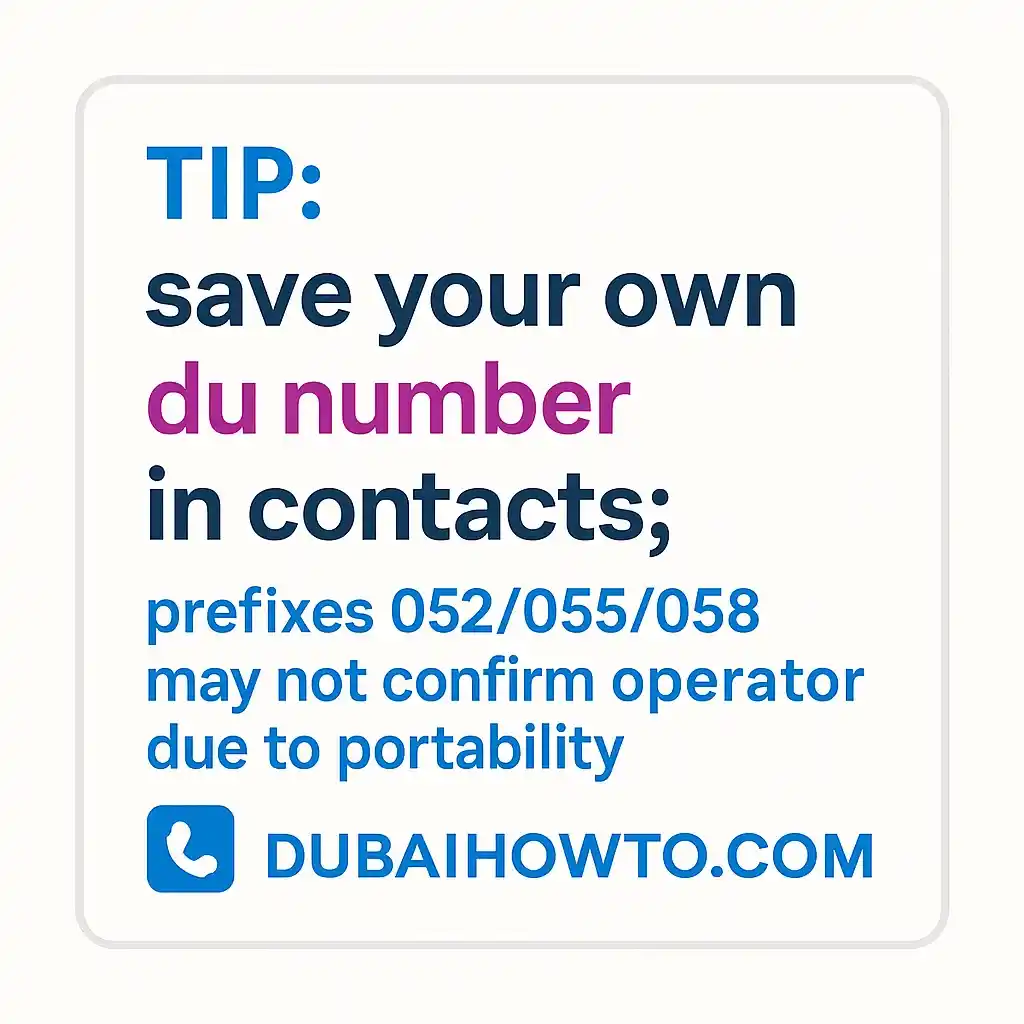
Pro Tip: If you forget often, save your number in your contacts under your own name and add it to a Notes/Widget on your home screen so it’s one tap away.
FAQ on how to check du number in UAE
How do I check my du number without balance or internet?
Dial *116# from your du line. It’s a free USSD pop-up and works even without data or credit in most cases.
Which du code shows my number?
Use *116#. If it fails, open the du app → My Account to view the number, or check your SIM packet/welcome SMS.
My prefix is 055/052/058—does that guarantee I’m on du?
These prefixes are primarily du, but due to number portability a 055/052/058 line could be with another operator. Confirm via USSD/app.
Can I see all numbers under my Emirates ID?
Yes—use Hesabati with UAE Pass to list every active line registered to your ID, across operators.
Last updated: October 2026
Reviewed by: Ahmed Eldin, UAE Telecom Specialist

Author: The DubaiHowto Editorial Team
DubaiHowto is an independent informational platform created to help UAE residents and visitors understand everyday services such as public transport, telecom, government procedures, visas, fines, and utility systems.
Our editorial team researches and verifies content using official UAE sources (including government portals, service providers, and regulatory authorities) and real on-ground experience of living in the UAE. Each guide is written to be practical, easy to understand, and regularly updated to reflect the latest rules, fees, and procedures.
We focus on clarity, accuracy, and usefulness — especially for people navigating UAE systems for the first time. Learn More about DubaiHowto.
Last reviewed: February 2026. Sources: Official UAE portals and service providers