

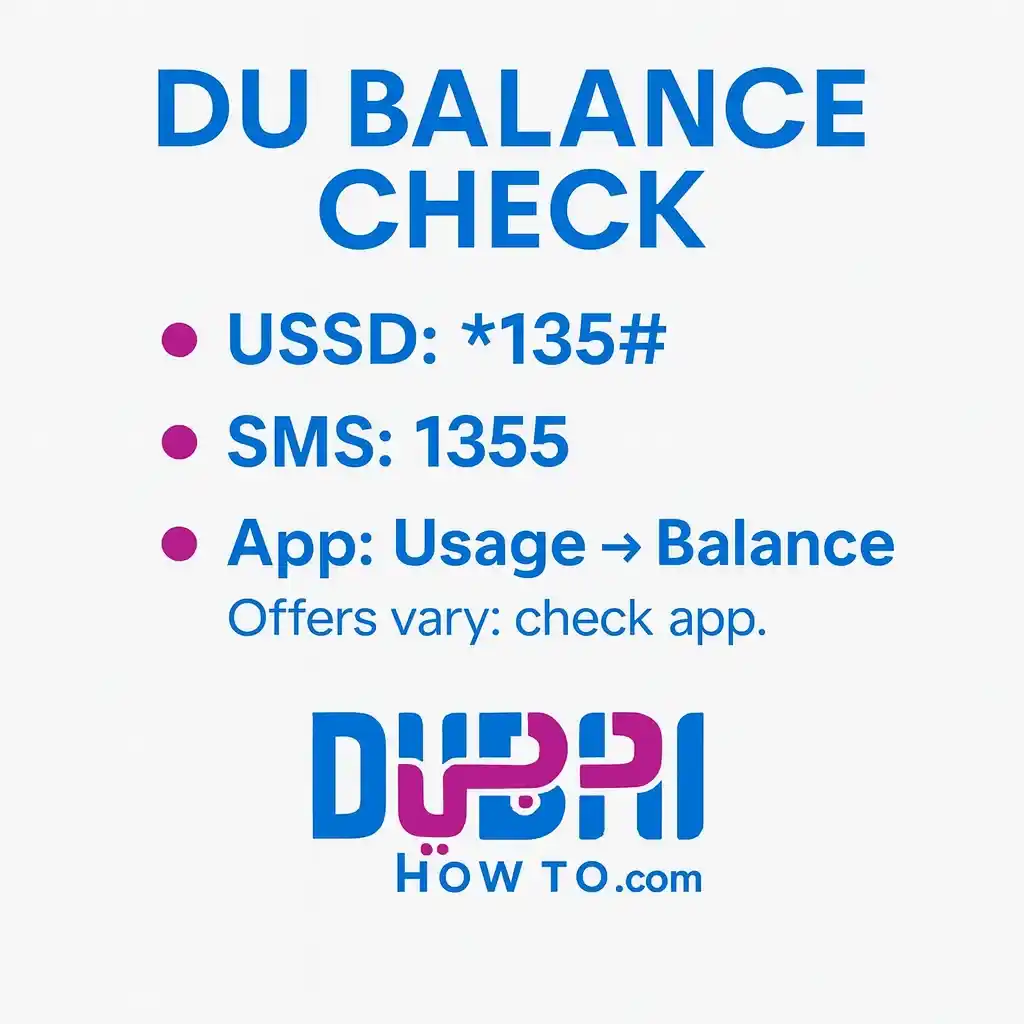
Staying on top of your du balance is easy. The fastest options are: dial *135# (works offline), send “BAL” via SMS to 1355, or open the du app → Usage for live data, minutes, and billing details. These methods work for both prepaid and postpaid subscribers in the UAE.
Do this next to check your du balance:
- Dial *135# and follow the on-screen menu to see main balance and data.
- Save an SMS template BAL → 1355 for one-tap checks without data.
- Open the du app → Usage and set alerts at 50/80/100% to avoid bill shock.
How to check du balance in UAE? Quick ways
Accessible methods to check du balance and data in the UAE (prepaid & postpaid).
| Method | Code / Path | Works offline | Prepaid | Postpaid |
|---|---|---|---|---|
| USSD | *135# | Yes | ✓ | ✓ |
| SMS | Send “BAL” to 1355 | Yes | ✓ | ✓ |
| App | du app → Usage / Bills | No | ✓ | ✓ |
| IVR | 155 | Yes | ✓ | ✓ |
| Chat | du in-app chat | No | ✓ | ✓ |
Notes that matter
- Speed & reliability: USSD and SMS work even with no mobile data.
- Detail level: The du app shows the most granularity (bundle names, renewals, add-ons).
- Roaming: Use the app or chat for roaming bundle balances.
How to check du balance in UAE? Step-by-step guides (prepaid & postpaid)
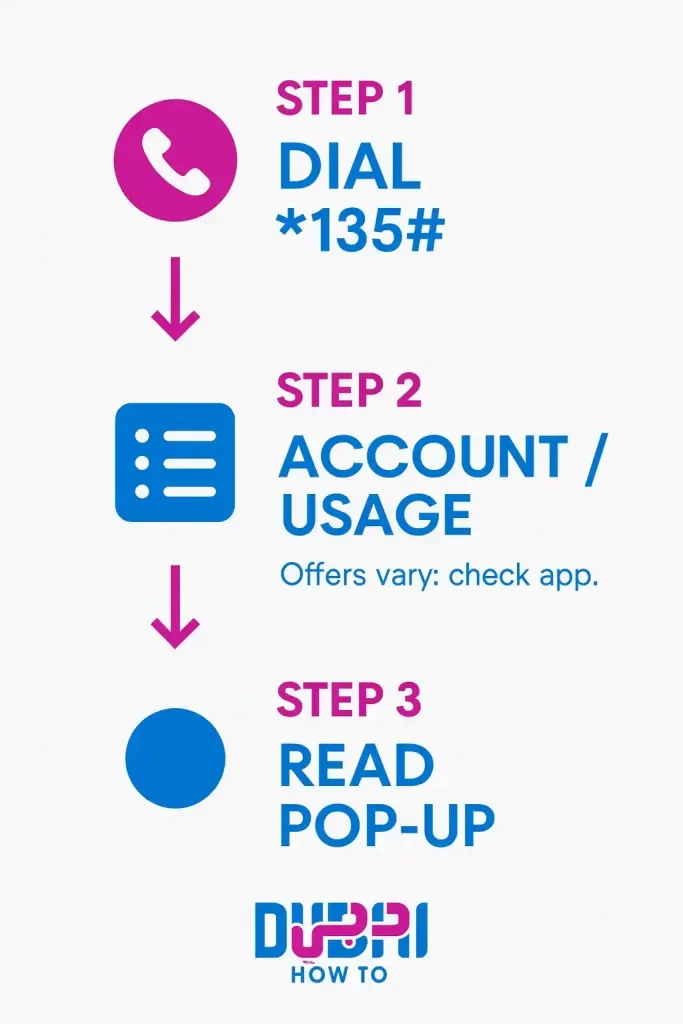
Method 1. Du balance check via USSD: *135# quick check
Step 1. Open your phone’s dial pad.
Step 2. Dial *135# and press call.
Step 3. Choose Account / Usage when prompted.
Step 4. Read the pop-up for main balance, data, and offers.
Method 2. Du balance check via SMS: instant reply from 1355
Step 1. Open Messages.
Step 2. Type BAL (or “Balance”).
Step 3. Send to 1355.
Step 4. Wait for the SMS reply with data/balance details.
Method 3. Check du balance via du app: the most detail
Step 1. Open du app and sign in.
Step 2. On Home, view the usage ring/cards.
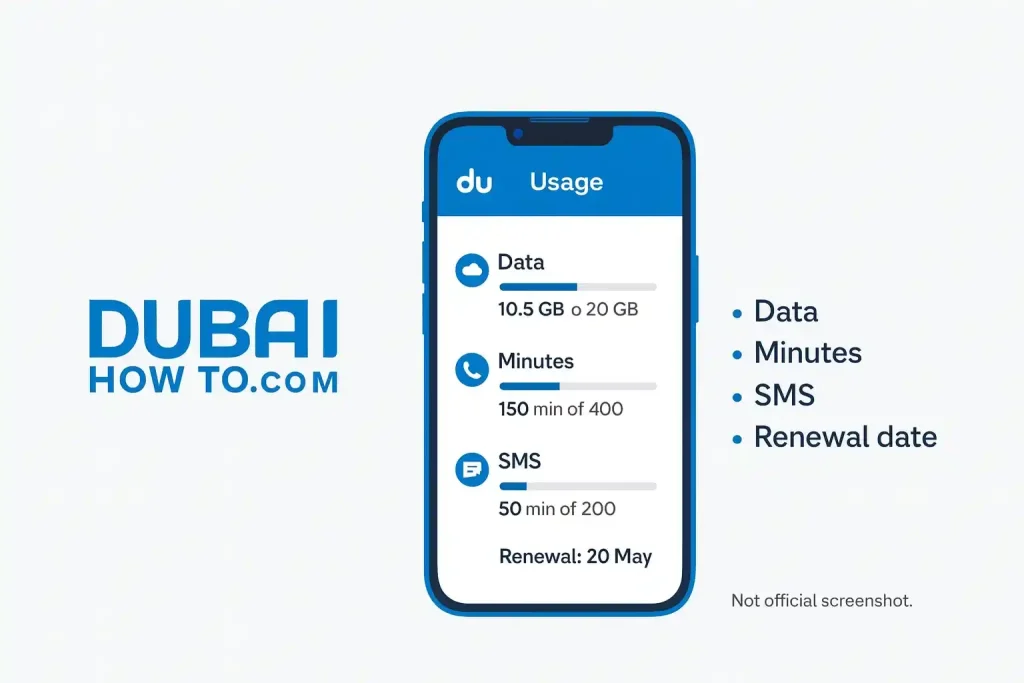
Step 3. Tap Usage for data, minutes, SMS and renewal dates.
Step 4. For postpaid, open Bills to see the amount due and cycle.
Method 4. IVR: speak or use keypad
Step 1. Call 155 from your du number.
Step 2. Choose balance/usage in the menu or ask the agent.
Step 3. Note the remaining data or amount due.
Method 5. Chat support: quick confirmation
Step 1. Open du app → Help/Chat.
Step 2. Type “check balance” or “data balance”.
Step 3. Confirm your number/account and read the bot or agent response.
Understand your result for du balance check
Main balance vs wallets
Main balance: Your core prepaid credit for pay-as-you-go or out-of-bundle use.
Promo / bonus wallets: May appear as separate data/minutes that expire earlier than your plan.
Data types you might see
General data: Works on all sites.
App-specific/social data: Only for designated apps.
FUP / fair usage: Some plans slow speeds after a daily/monthly threshold—you’re not cut off, just throttled.
Renewal dates & cycles
Auto-renew bundles: Renew on the same day each cycle if you have enough balance.
Grace windows: Some add-ons allow a short grace to top up; otherwise, the add-on pauses.
VAT and amounts
Prices in AED include 5% VAT in the UAE; your app bill and SMS replies typically reflect VAT-inclusive figures.
Troubleshooting common issues
USSD not working?
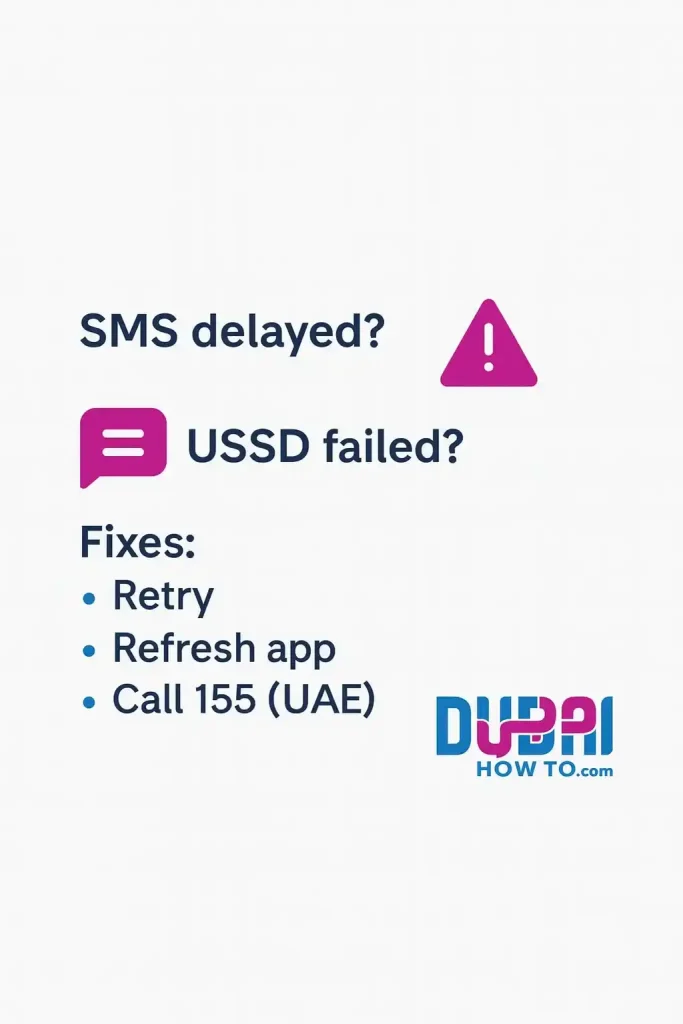
Signal or barring: Move to better coverage; ensure voice/SMS isn’t barred. Restart the phone and try *135# again.
SMS reply delayed?
Queue or congestion: Keep the thread; avoid resending repeatedly. If nothing after 5–10 minutes, retry or switch to *135#.
App shows zero or odd usage
Sync delay: Pull-to-refresh and relaunch. Log out/in. If still wrong, chat support can check your line in real time.
Roaming checks abroad
App first: It’s the clearest way to see roaming bundle usage. If data is restricted, use SMS “BAL” to 1355 or call 155 (roaming charges may apply).
Pro Tip: In the du app, set usage alerts at 50%, 80%, and 100% and add a home-screen widget. This prevents accidental out-of-bundle data and keeps your monthly cost predictable.
FAQs on how to check du balance in UAE
How do I check du data balance without the internet?
Use *135# or send “BAL” to 1355. Both methods work without mobile data and show remaining data and main balance. If you prefer a call, dial 155 and use the menu to hear your balance.
What’s the difference between my main balance and add-on data?
Main balance is your prepaid credit for calls, SMS, and out-of-bundle usage. Add-on data is package-specific and may have its own allowance, validity, and app rules. When add-on data ends, usage can switch to main balance.
How can postpaid users check the amount due?
Open the du app → Bills to view your current charges, billing cycle, and due date. You can also call 155 to hear the amount due or request an itemized breakdown via the app.
Why do I get usage alerts at 50/80/100%?
These proactive notifications help you avoid overuse. They signal when you’ve consumed half, most, and all of your bundle so you can slow down, add data, or wait for renewal—great for budgeting and avoiding throttling.
Last updated: October 2026
Reviewed by: Sana Jamal, UAE telecom editor
More guides you may need

Author: The DubaiHowto Editorial Team
DubaiHowto is an independent informational platform created to help UAE residents and visitors understand everyday services such as public transport, telecom, government procedures, visas, fines, and utility systems.
Our editorial team researches and verifies content using official UAE sources (including government portals, service providers, and regulatory authorities) and real on-ground experience of living in the UAE. Each guide is written to be practical, easy to understand, and regularly updated to reflect the latest rules, fees, and procedures.
We focus on clarity, accuracy, and usefulness — especially for people navigating UAE systems for the first time. Learn More about DubaiHowto.
Last reviewed: February 2026. Sources: Official UAE portals and service providers