

You can check your Etisalat (e&) balance in the UAE using the e& UAE app for a live view, or with USSD short codes. For prepaid lines, dial *121# for your balance, *170*1# (or text DATA to 1010) for data left, and *101# for your offers and usage. (Etisalat)
Follow these steps to check Etisalat balance in UAE:
- Open the e& UAE app → sign in → tap Usage/Bill for real-time balance and allowances. (Apple)
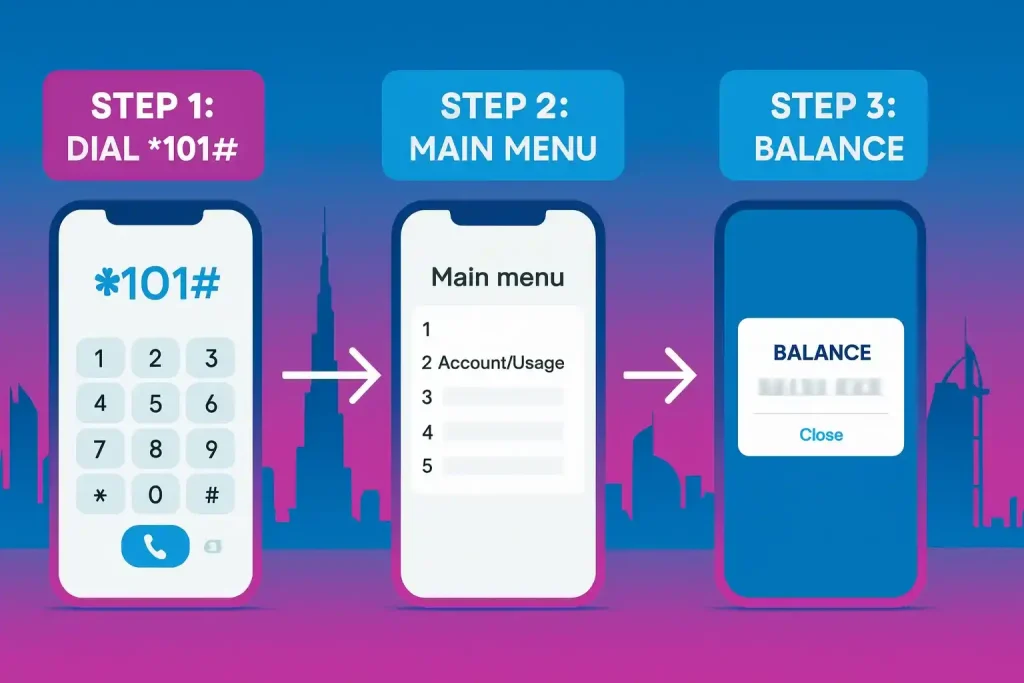
- On your phone, dial *101# → choose Account/Usage for balance, bundles, and plan info. (Etisalat)
- Need data specifically? Dial *170*1# for data left, or *170# for the data packs menu. (Etisalat)
Etisalat USSD codes (quick table)
Prepaid vs postpaid: Prepaid users usually care about remaining credit and data packs. Postpaid users should check outstanding bill amount and remaining allowances. Codes can vary by tariff — if a short code fails, use *101# or the e& UAE app.
| Code | What it typically shows | Best for |
|---|---|---|
| *121# | Quick prepaid balance pop-up | Prepaid credit check |
| *101# | Offers and promotions (also shows usage) | Offer check, usage |
| *170*1# | Data left | Data allowance |
| *170# | Data packs menu | Buying data |
| *050# | Deal of the Day | Daily offers |
| *100*number*amount# | Transfer credit | Sending balance |
Confirm the exact response on your line — e&/Etisalat may route menus differently by plan.
How to check Etisalat balance (prepaid)?
Step 1: One-stop USSD (works without data)
Dial *101# → follow Account/Usage. e& lists *101# as its offers and promotions code, and its menu also shows your usage. (Etisalat)
Step 2: Instant pop-up (many prepaid tariffs)
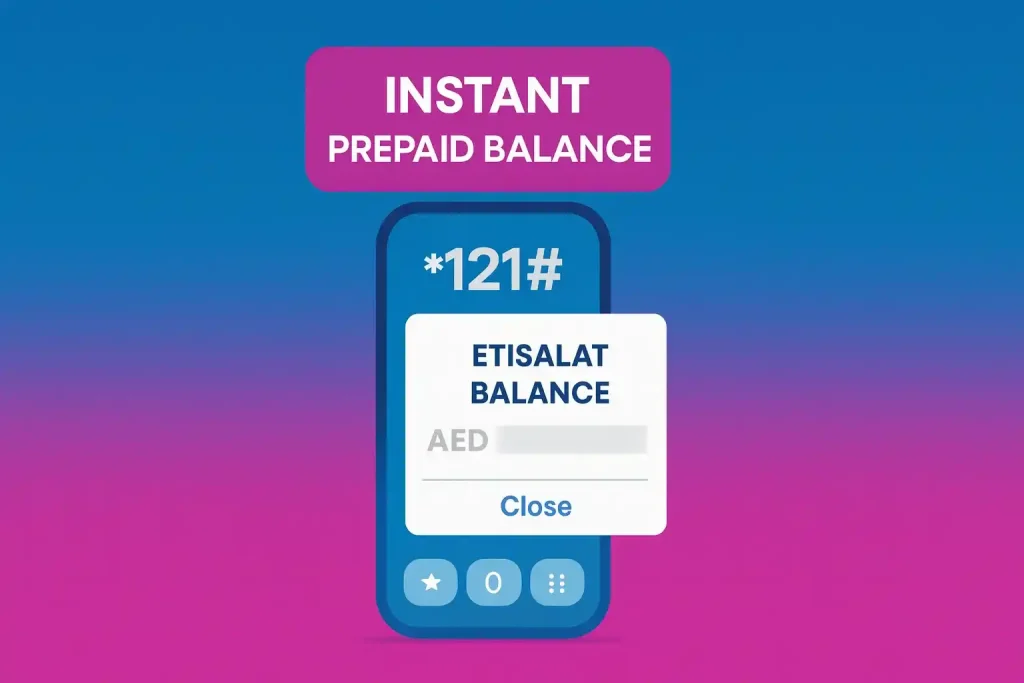
Dial *121# for a quick on-screen balance. If your tariff doesn’t support it, use *101# or the app. (Gulf News)
Step 3: App accuracy (shows all allowances)
Open e& UAE → Usage to see credit, data, minutes, SMS, and expiry in real time (works over Wi-Fi). (Apple)
How to check Etisalat balance (postpaid)?
Step 1: App (recommended)
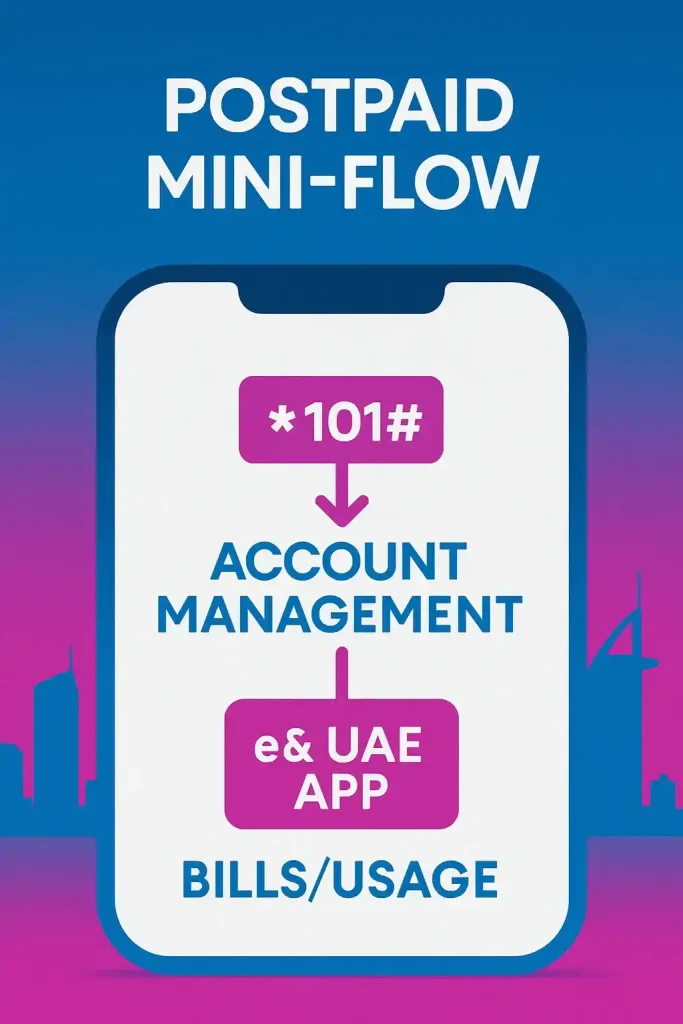
Open e& UAE → Bills/Usage to view current amount due, remaining allowances, and add-ons. (Apple)
Step 2: USSD bill/usage summary
Dial *101# → Account Management for a quick bill summary and plan usage without needing mobile data. (Etisalat)
Step 3: Optional controls
From time to time, Etisalat exposes spend/limit controls and add-on management through the *101# menu or the e& UAE app—check your line’s options there. (Etisalat)
How to check Etisalat data balance (prepaid & postpaid)?
Step 1: USSD data menus
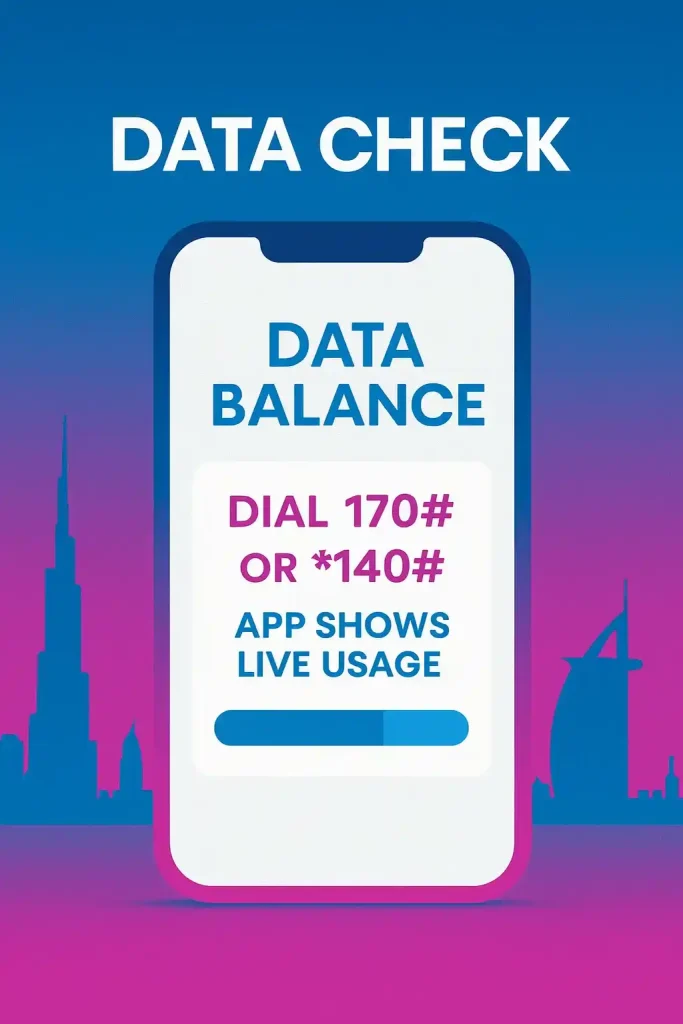
- Dial *170*1# to see the data you have left, or *170# to open the data menu. (Etisalat)
- Text DATA to 1010 to get your remaining data by SMS (AED 0.30 per SMS, excl. VAT).
Step 2: App live view
Open e& UAE → Usage to see remaining data, daily/monthly add-ons, and expiry times in one place. (Apple)
Step 3: SMS fallbacks (plan-specific)
You can text DATA to 1010 for an SMS with your remaining data; each SMS costs AED 0.30 (excl. VAT). (Etisalat)
Roaming or if USSD doesn’t respond
- Use the e& UAE app on Wi-Fi to check balances and allowances.
- For legacy Wasel roaming checks, Etisalat lists access numbers; charges may apply. Prefer the app for accuracy and cost control. (Apple)
Step-wise quick reference (prepaid vs postpaid)
| Need | Prepaid steps | Postpaid steps |
|---|---|---|
| Main balance | Step 1: Dial *121# (if supported). Step 2: If not, dial *101# → Account/Usage. | Step 1: Open e& UAE → Bills/Usage. Step 2: Dial *101# → Account Management. (Gulf News) |
| Data allowance | Step 1: Dial *170*1# or text DATA to 1010. Step 2: App → Usage. | Step 1: Open the e& UAE app or dial *101#. Step 2: App → Usage/Bill. (Etisalat) |
| Offer-specific balances | Use code noted in your offer confirmation SMS (e.g., 121XX# for promo minutes). | Same: follow the code in the activation SMS for that add-on. (Etisalat) |
Pro Tip
Use *121# for balance and *101# for offers and usage. If a code fails on your plan, the e& UAE app shows your balance, data and add-ons in one place. (Etisalat)
Final Thoughts
For most Etisalat lines in 2026, start with *121# (prepaid) or *101# (offers and usage), then confirm details in the e& UAE app. Keep FAQs below for common edge cases.
*121#for speed- The app for control
- SMS if all else fails
Set a monthly reminder to check your usage so you never run out of credit mid-call.
Etisalat offer check code and other useful codes
These are the short codes e& lists on its official prepaid support page, plus the data codes from its add-on pages:
- *101#: see your current offers and promotions (this is the “offer check code”).
- *050#: Deal of the Day.
- *121#: main balance.
- *170*1#: data left; *170#: data packs menu.
- *100*mobile number*amount#: transfer credit to another e& prepaid number (see how to transfer Etisalat balance).
Looking for the cheap international calling offer? See how to activate the Etisalat 9 fils offer.
FAQs on Etisalat Balance Check UAE
What is the Etisalat balance check code?
For many prepaid lines, *121# shows an instant balance pop-up. Otherwise, dial *101# and choose Account/Usage, or use the e& UAE app for the most accurate view. (Gulf News)
How do I check my Etisalat data balance?
Dial *170*1# to see the data you have left, or text DATA to 1010 for an SMS reply (AED 0.30 per SMS, excl. VAT). The e& UAE app’s Usage tab shows a live breakdown of data and add-ons.
How do I see my Etisalat postpaid outstanding amount?
Open the e& UAE app → Bills/Usage, or dial *101# → Account Management for a quick bill summary without data. (Etisalat)
Why do codes online sometimes differ?
Many websites copy old or plan-specific codes. On its official prepaid support page, e& lists *121# for balance, *101# for offers, *050# for the Deal of the Day and *100*number*amount# for credit transfers; data is checked with *170*1#. If a code fails, use the e& UAE app.
What is the Etisalat offer check code?
Dial *101# to see the offers and promotions available on your line, and *050# for the Deal of the Day. The e& UAE app also lists offers you can buy.
How do I transfer Etisalat balance to another number?
Dial *100*mobile number*amount# and press call, for example to send credit to another e& prepaid line. Check the confirmation message before you accept.
Last updated: October 2026
Reviewed by: Telecom editor (UAE)
Last reviewed: August 2026. DubaiHowTo verifies steps against official UAE sources (government portals and service providers) and practical on-ground usage. Always confirm fees and eligibility on the official site before you act — rules change.
Sources: Cross-check with the relevant official portal for this topic (e.g. ICP, GDRFA, MOHRE, RTA, e&/Etisalat, du, FAB, Edenred/C3Pay).
More guides you may need

Author: The DubaiHowto Editorial Team
DubaiHowto is an independent informational platform created to help UAE residents and visitors understand everyday services such as public transport, telecom, government procedures, visas, fines, and utility systems.
Our editorial team researches and verifies content using official UAE sources (including government portals, service providers, and regulatory authorities) and real on-ground experience of living in the UAE. Each guide is written to be practical, easy to understand, and regularly updated to reflect the latest rules, fees, and procedures.
We focus on clarity, accuracy, and usefulness — especially for people navigating UAE systems for the first time. Learn More about DubaiHowto.
Last reviewed: February 2026. Sources: Official UAE portals and service providers