
To update your Emirates ID with Etisalat, sign in to the My Etisalat UAE app or web portal using UAE PASS, choose Mobile Registration Renewal / Update Emirates ID, select the lines under your ID, approve document sharing in UAE PASS, review your details, and submit your request. Processing is usually quick.
Here’s what you need to do:
- Open My Etisalat UAE app or web portal → Login with UAE PASS
- Mobile Registration Renewal / Update Emirates ID → select your numbers → Approve document sharing
- Review details → submit; carry your physical Emirates ID if visiting a store
Who needs to update Emirates ID in Etisalat & when?
New/renewed Emirates ID
If your Emirates ID was newly issued or renewed, Etisalat must refresh your KYC record. This prevents line suspension and keeps all services active.
Change in details
A change in name, photo, or status requires a data refresh so your line matches the current ID record.
Prepaid vs postpaid
The process is the same for both. Corporate accounts follow their company’s admin flow (Business Online Portal) but still rely on UAE PASS–based verification.
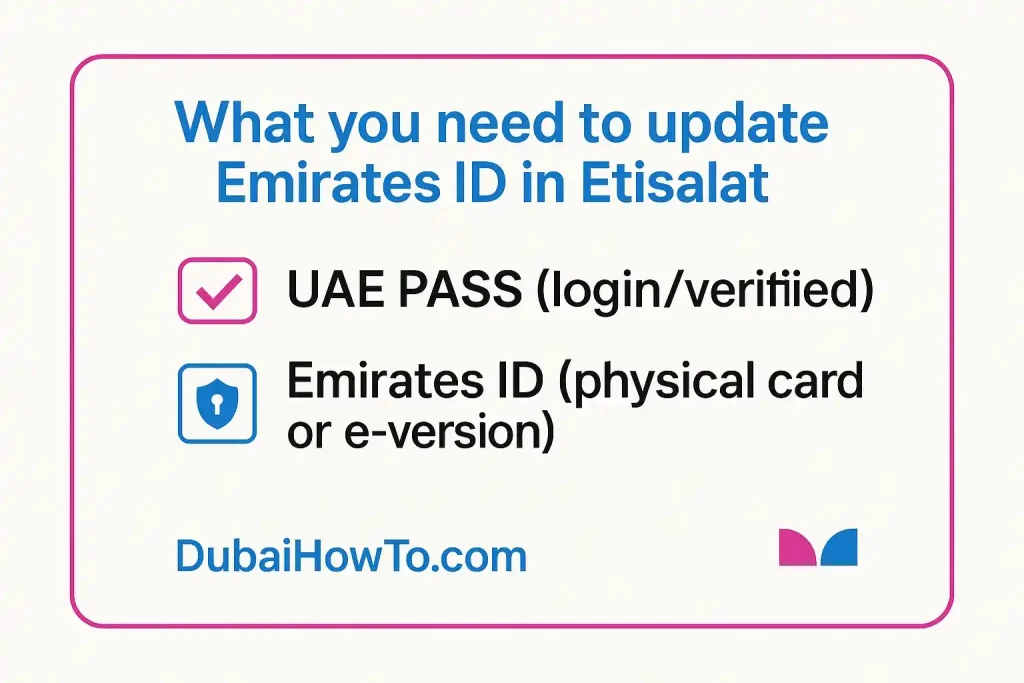
All official ways to update Emirates ID in Etisalat
Method 1: App (fastest for most users)
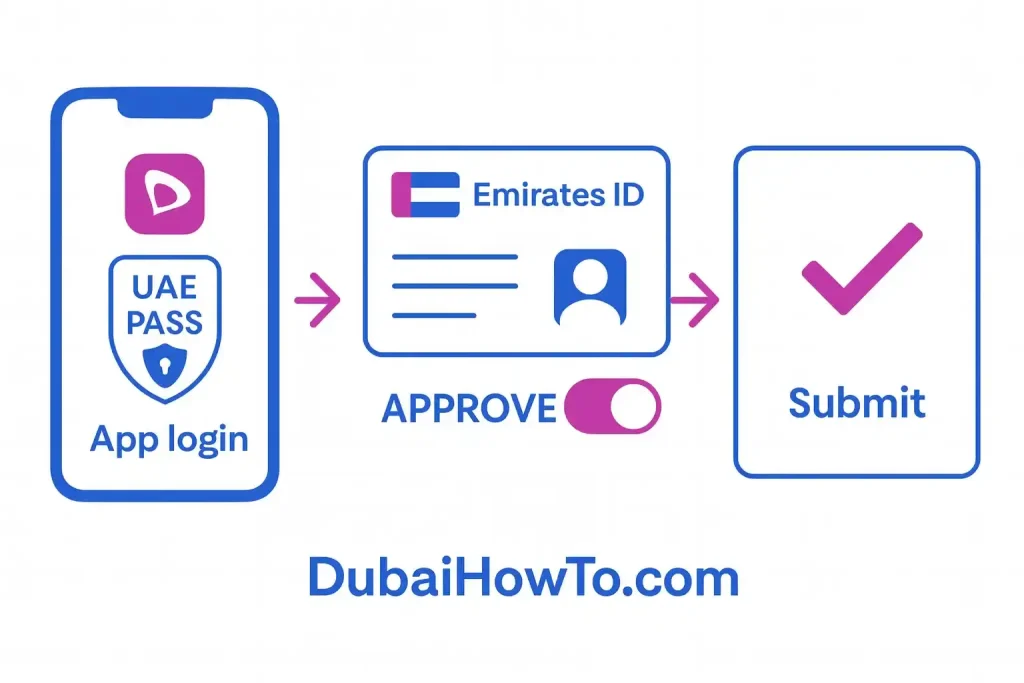
The My Etisalat UAE app lets you authenticate with UAE PASS, pick the numbers to renew, and approve document sharing from your Emirates ID.
Here’s the step-by-step guide on Emirate ID update in Etisalat
Step 1: Sign in securely: Open My Etisalat UAE → Login with UAE PASS and complete the prompt on your UAE PASS app.
Step 2: Pick lines to renew: Choose the mobile numbers under your Emirates ID that you want to renew or update.
Step 3: Approve document sharing: When prompted, allow document sharing in UAE PASS so Etisalat can fetch your official ID details.
Step 4: Review and submit: Confirm your email and phone, accept the T&Cs, and submit. You’ll see an on-screen confirmation and can check status in the app.
Method 2: Web portal to update Emirates ID in Etisalat (desktop-friendly)
Sign in to your Etisalat account on the website with UAE PASS and use Mobile Registration Renewal to refresh your ID data.
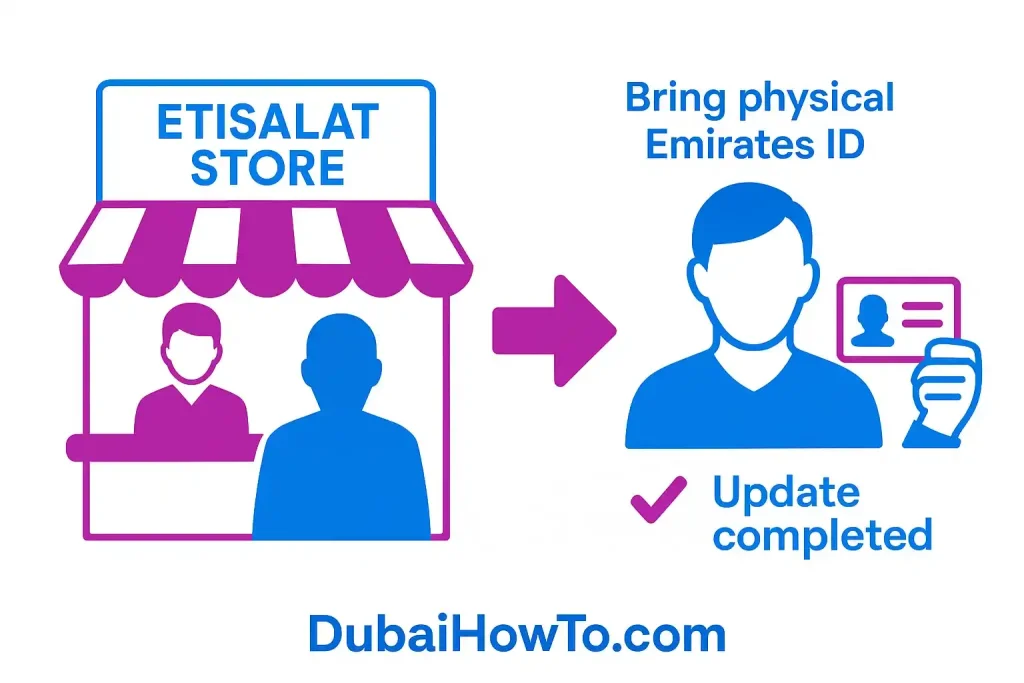
Method 3: Stores & payment machines (in person)
Take your physical Emirates ID to an Etisalat outlet or supported payment machine/kiosk if you prefer face-to-face assistance or if your app/web attempt fails.
Common errors & quick fixes
Name or number mismatch
If your Etisalat profile shows a spelling/format that doesn’t match UAE PASS/Emirates ID, re-attempt after updating details in UAE PASS or visit a store with your physical ID.
Blurry or outdated ID image
If you previously uploaded unclear images (older flows), re-scan or rely on UAE PASS document sharing to avoid rejections.
UAE PASS not linking
Log out/in of both apps, ensure face verification is complete in UAE PASS, and retry. You can also finish at a kiosk or store.
Stuck in “pending”
If nothing changes after a reasonable time, try again with UAE PASS or visit a store to complete the update on the spot.
Fees, timelines, and service impact
Cost
Updating your Emirates ID data with Etisalat is free.
Timelines
Most users complete the renewal within a short time once UAE PASS document sharing is approved. In-store updates are typically completed during the visit.
What happens if you don’t update
Failure to refresh your ID after renewal can lead to line suspension under national SIM registration rules. Update promptly to avoid interruptions.
Quick comparison (methods)
| Method | Where | What you need | Typical time | Notes |
|---|---|---|---|---|
| App | My Etisalat UAE | UAE PASS, Emirates ID | Often same day | Most convenient for individuals |
| Web | etisalat.ae portal | UAE PASS, Emirates ID | Often same day | Desktop-friendly |
| Store/Kiosk | Etisalat outlet or payment machine | Physical Emirates ID | Usually on the spot | Good when app/web fail |
| Business (company lines) | Business Online Portal | UAE PASS + trade docs (admin) | Varies by account | For corporate administrators |
Pro Tip: If you manage multiple numbers under one Emirates ID, renew all selected lines in the same UAE PASS session so they stay aligned and avoid staggered suspensions.
FAQs on Emirates ID Update in Etisalat UAE
Can I update my Etisalat Emirates ID online without visiting a store?
Yes. Use the My Etisalat UAE app or the web portal, sign in with UAE PASS, select your numbers, approve document sharing, and submit. In-person visits are only needed if digital verification fails or your case requires manual review.
Do I need to carry my physical Emirates ID?
Carry it if you visit a store or kiosk. For app/portal updates, UAE PASS shares your verified ID data electronically, which is accepted for data updates.
How do I check the status after submitting?
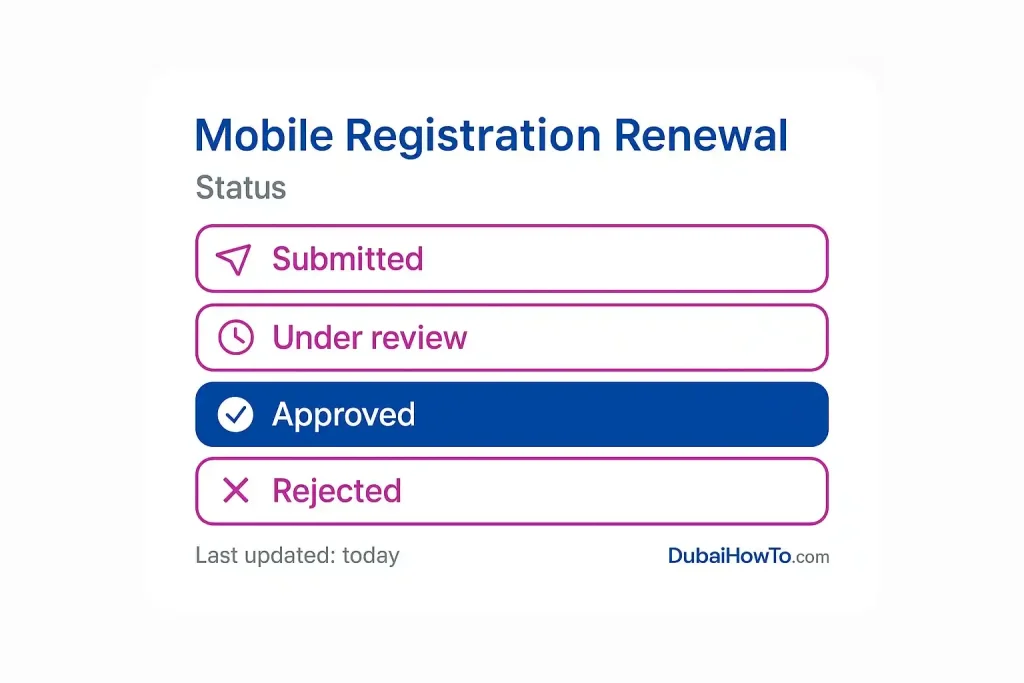
Open the app, go to your account/lines, and look for the registration renewal/update status. If it hasn’t moved after a reasonable time, retry with UAE PASS or finish at a store.
What if my Emirates ID just expired?
Renew your Emirates ID first, then immediately refresh your Etisalat registration using UAE PASS so your services aren’t interrupted.
Last updated: October 2026
Reviewed by: Telecom compliance reviewer, UAE (Etisalat KYC)
More guides you may need

Author: The DubaiHowto Editorial Team
DubaiHowto is an independent informational platform created to help UAE residents and visitors understand everyday services such as public transport, telecom, government procedures, visas, fines, and utility systems.
Our editorial team researches and verifies content using official UAE sources (including government portals, service providers, and regulatory authorities) and real on-ground experience of living in the UAE. Each guide is written to be practical, easy to understand, and regularly updated to reflect the latest rules, fees, and procedures.
We focus on clarity, accuracy, and usefulness — especially for people navigating UAE systems for the first time. Learn More about DubaiHowto.
Last reviewed: February 2026. Sources: Official UAE portals and service providers