
You can see your Etisalat number in seconds. The fastest options are the *101# “Know My Number” menu, the e& UAE (My Etisalat) app using UAE PASS sign-in, or simply calling/WhatsApping another phone to read the caller ID. Below are the exact steps, shortcuts, and fixes if the code doesn’t work.
Follow this step-wise process (takes 10–30 seconds)
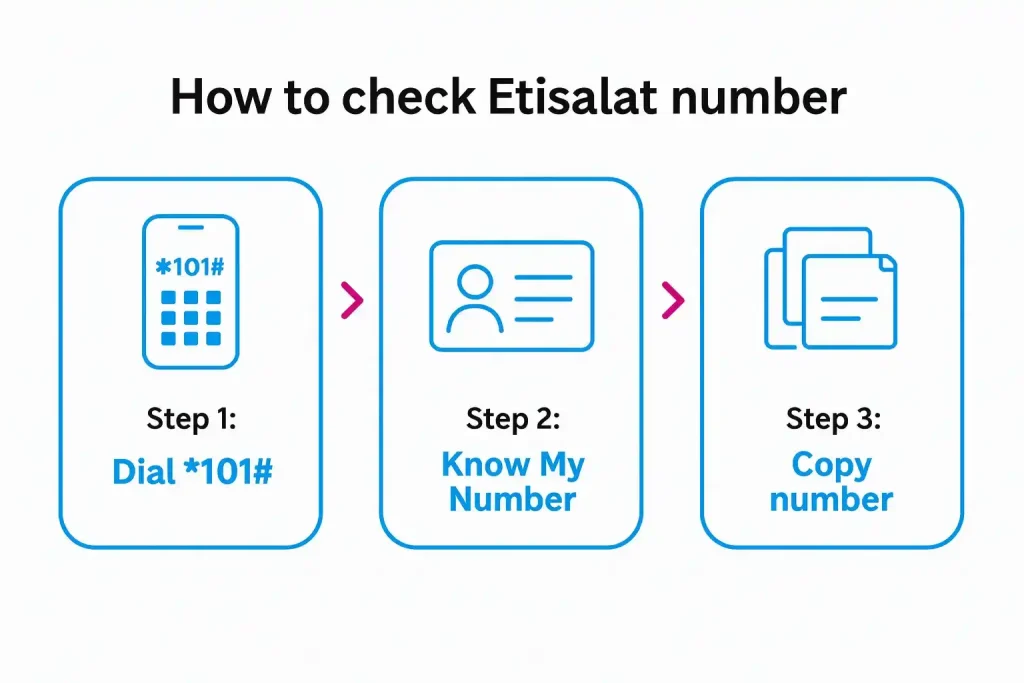
Step 1: Dial *101# → follow Account info → Know My Number.
Step 2: If you want a shortcut, try *101*1*3*3# (works on many lines).
Step 3: No access? Open e& UAE app and sign in with UAE PASS to see your number at the top of your profile.
Quick ways to see your Etisalat number
Method 1: USSD: *101# “Know My Number”
Open your dialer and enter *101#. In the menu, go to Account information → Know My Number. Your number pops up on screen.
Method 2: Shortcut code (when available)
On many SIMs, *101*1*3*3# displays the number instantly. Shortcuts can change by plan or line, so fall back to *101# if it doesn’t respond.
Method 3: e& UAE (My Etisalat) app
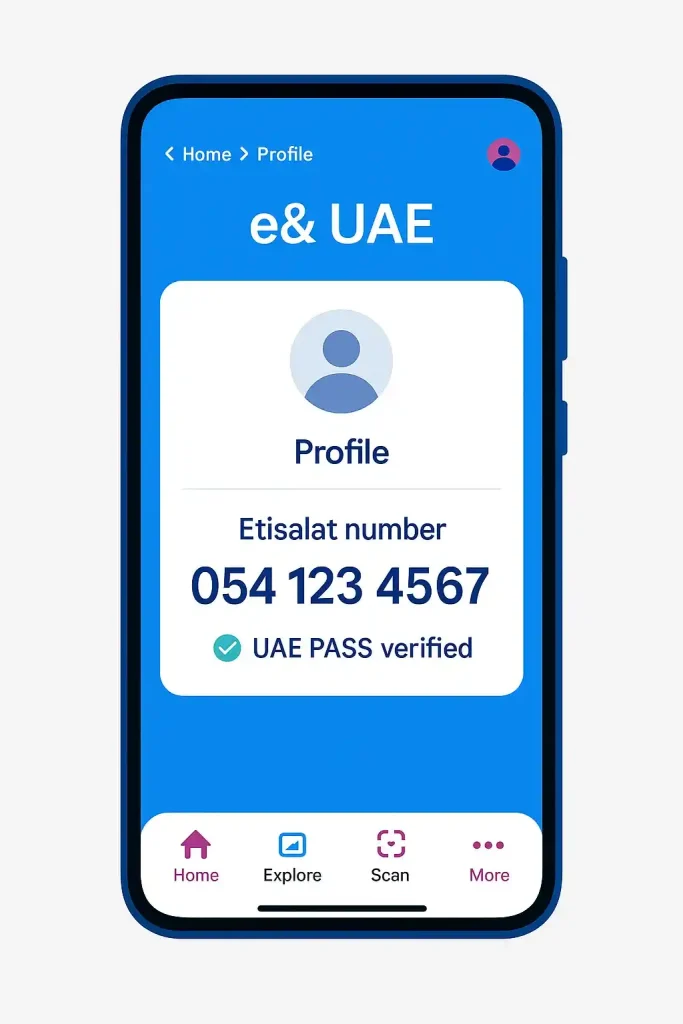
Install/open e& UAE. If you don’t know the number to log in, choose UAE PASS sign-in. Your mobile number appears on the home/profile screen.
Method 4: Call/WhatsApp another phone
Call or message a friend—your number shows on their screen or in the chat header. This is handy if USSD is blocked on your device.
Method 5: Phone settings (Android/iPhone)
Many phones show My number under Settings → About phone / SIM status (Android) or Settings → Phone → My Number (iPhone). If it’s blank/old, use the USSD/app methods above.
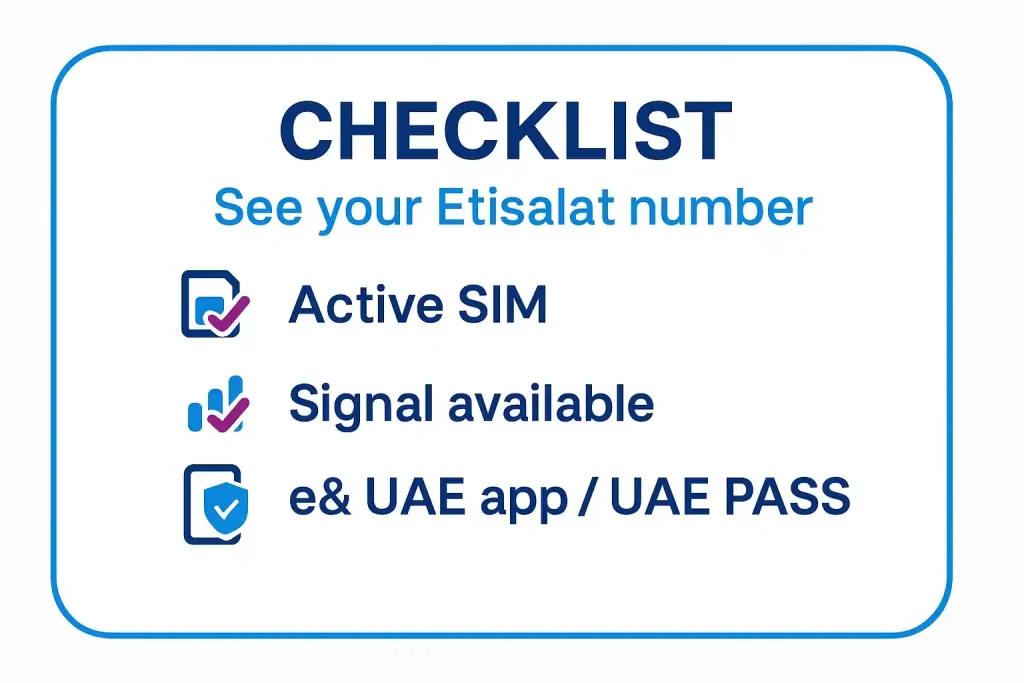
How to check Etisalat number with the app? Step-by-step
Step 1: Install and open the app
Get e& UAE from the App Store/Google Play and open it.
Step 2: Sign in without knowing the number
Tap UAE PASS and complete the quick authentication.
Step 3: Read your number
On the home or profile screen, you’ll see the active Etisalat number linked to that SIM/account.
Other places your number might be available
#1: On the SIM pack/contract
Often the MSISDN (phone number) is printed on the SIM holder or receipt, not on the SIM chip itself (that long string on the chip is usually the ICCID, not your phone number).
#2: On your bill/account email
If you’re postpaid, check the latest Etisalat bill or emailed invoice—your registered mobile number is listed in the account summary.
Ownership & security checks (optional)
See all numbers under your Emirates ID (Hesabati)
Use the UAE government’s Hesabati feature to view all phone numbers registered to your Emirates ID across operators. It’s useful to spot any SIMs in your name that you don’t recognize.
Need help from Etisalat?
You can call 101 from inside the UAE for customer care. They can confirm details for your own line after ID verification (they won’t disclose other people’s data).
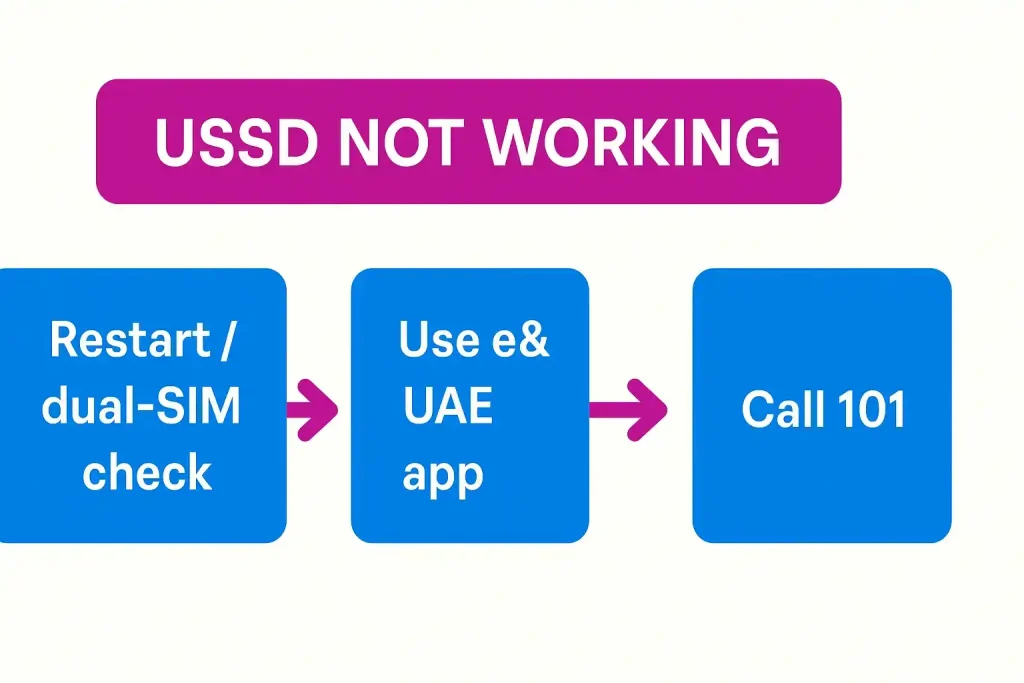
Edge cases & fixes in checking your Etisalat Number
USSD doesn’t open or shows an error
Try flight-mode toggle, restart, or move to an area with stronger signal. If dual-SIM, ensure the Etisalat line is the active calling SIM.
App asks for the number you don’t know
Pick UAE PASS sign-in instead of mobile-number login.
Number shows “Unknown” in settings
That field is device/SIM metadata and can be blank. Use the USSD/app methods to get the live network number.
Ported numbers and prefixes
Etisalat mobiles commonly start with 050 / 054 / 056 (you may also see 058 in the market), but porting can change prefixes—always rely on the network readout, not the first three digits.
Comparison card (fast scan)
| Method | Needs data? | Needs balance? | What to tap/dial | When to use |
|---|---|---|---|---|
| *101# menu | No | No | *101# → Account → Know My Number | Most reliable |
| Shortcut code | No | No | *101*1*3*3# | Quick, if enabled on your line |
| e& UAE app | Wi-Fi ok | No | UAE PASS sign-in | If USSD blocked or you prefer app |
| Call/WhatsApp | No | Call may | Call/send msg to a friend | If another device is nearby |
| Bill/SIM pack | No | No | Check recent bill/SIM holder | Offline paper trail |
Pro Tip: If you’ve just swapped a SIM or eSIM, wait a few minutes for provisioning. Run
*101#again—Know My Number often appears only after the line is fully active.
FAQs on Etisalat number check in UAE
What is the Etisalat number check code in UAE?
Use *101# and choose Know My Number. On many lines *101*1*3*3# also works, but if it doesn’t, the *101# path is the official route.
Can I find the owner’s name of any Etisalat number?
No. UAE privacy rules prevent viewing someone else’s details. For your own lines, use the e& UAE app or contact 101. Use Hesabati to list numbers registered to your Emirates ID.
What prefixes does Etisalat use?
Common Etisalat prefixes are 050, 054, 056 (you may also see 058 in market materials). Because of number portability, rely on the network, not the prefix alone.
Does this work on prepaid and postpaid?
Yes. *101# and the app methods work on both. If a shortcut doesn’t respond, use the main *101# menu or the app with UAE PASS.
Last updated: October 2026
Reviewed by: HowUAE Telecom Team (UAE mobile services editors)

Author: The DubaiHowto Editorial Team
DubaiHowto is an independent informational platform created to help UAE residents and visitors understand everyday services such as public transport, telecom, government procedures, visas, fines, and utility systems.
Our editorial team researches and verifies content using official UAE sources (including government portals, service providers, and regulatory authorities) and real on-ground experience of living in the UAE. Each guide is written to be practical, easy to understand, and regularly updated to reflect the latest rules, fees, and procedures.
We focus on clarity, accuracy, and usefulness — especially for people navigating UAE systems for the first time. Learn More about DubaiHowto.
Last reviewed: February 2026. Sources: Official UAE portals and service providers