

Five SIM data offers in the UAE include low-cost daily packs, a 28-day budget plan, and special “Camp Data” bundles with 1GB/day. You can activate from the Five App or by dialing quick USSD codes. Out-of-bundle data is blocked by default, so you won’t get bill shock, and renewals are mostly automatic.
Do this next
- Pick a pack: Decide between Daily, 28-day, or Camp Data (1GB/day).
- Activate fast: Dial the USSD in the table below or open the Five App.
- Track usage: Dial *170# to see remaining data anytime.
Best Five SIM data offers
Compact summary of current, official pack mechanics and quick codes.
| Pack name | Allowance | Validity | Speed | Price (VAT incl.) | How to activate |
|---|---|---|---|---|---|
| Daily Local Data | 150 MB | 24 hours | up to 200 Kbps | AED 3 | Dial 13533# |
| 28-day Local Data | 150 MB/day (4.2 GB total) | 28 days | up to 200 Kbps | AED 33 | Dial 13533# |
| Camp Data—30 days | 1 GB/day (30 GB total) | 30 days | Full local speed | AED 60 | Dial 135199# |
| Camp Data—60 days | 1 GB/day (60 GB total) | 60 days | Full local speed | AED 105 | Dial 135199# |
| High-speed / social add-ons | Varies | Varies | High speed | Varies | Five App |
Five SIM data packs and quick activation methods in the UAE .

How Five data works (and why it’s budget-friendly)?
Out-of-bundle protection
Blocked by default: when you finish your pack, mobile data stops until you buy another pack or toggle “Start/Stop Data.” No unexpected data charges.
Auto-renew behavior
Daily and 28-day packs auto-renew if you have balance. If balance is short, you get a grace period (10 days for monthly; 3 days for daily) to recharge before removal.
Local-only usage
All allowances above are for use inside the UAE. They won’t work while roaming.
Step-by-step: activate, check, and manage
Method 1 — USSD (fastest for everyone)
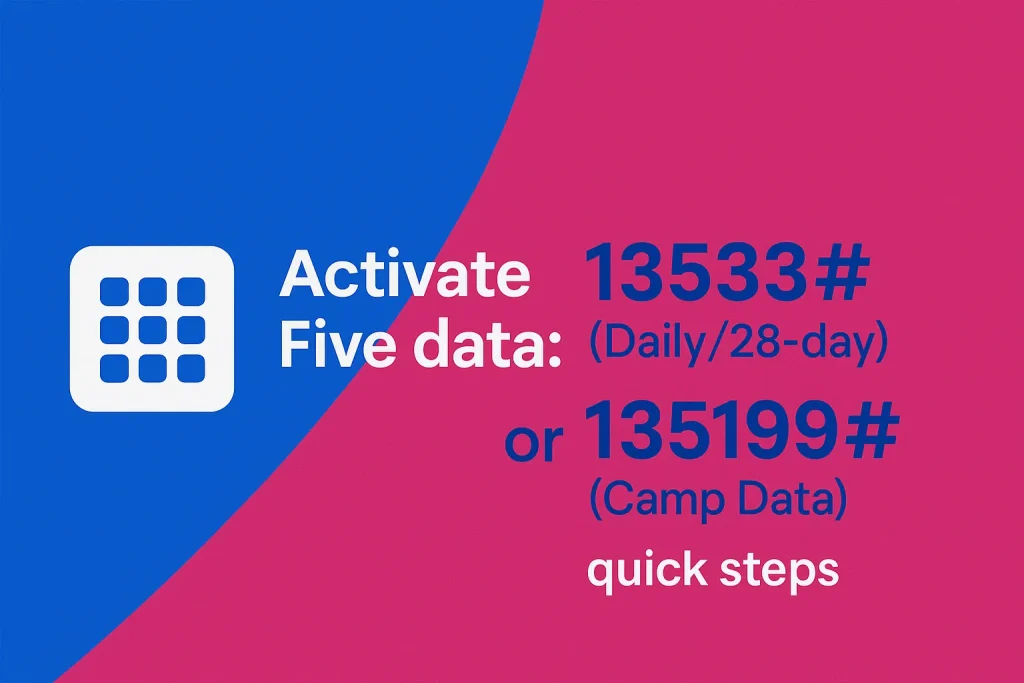
Step 1: Open the dialer and enter 13533# for Daily/28-day data, or 135199# for Camp Data.
Step 2: Follow on-screen prompts to confirm the pack.
Step 3: Keep enough balance for auto-renew (if applicable).
Method 2 — Five App (more options)
Step 1: Install Five App on your phone.
Step 2: Sign in with your Five number.
Step 3: Open Plans to see exclusive minutes & data offers and tap Subscribe.
Method 3 — Check usage or stop a pack
Step 1: Dial *170# anytime to see remaining data.
Step 2: To deactivate a Five data pack, dial 13533# and choose Deactivate.
Step 3: If you ran out early, buy another pack or use “Start/Stop Data” to resume.
Which Five pack should I choose?
Light users (WhatsApp/maps, occasional browsing)
Pick: Daily 150 MB (AED 3).
Why: You pay only on days you need data; out-of-bundle is blocked.
Consistent budget users (everyday basics)
Pick: 28-day 150 MB/day (AED 33).
Why: Predictable daily allowance totalling 4.2 GB/month at ultra-low cost.
Camp workers or heavy day-to-day use
Pick: Camp Data 1 GB/day (AED 60 for 30 days or AED 105 for 60 days).
Why: Big daily bucket, full local speeds, Five-exclusive USSD. Note: no auto-renew.
Speed chasers / social users
Pick: High-speed or social add-ons in the Five App.
Why: App-only offers change often; check for promos and exclusive bundles.
Real-world example (mini-case)
Ali uses Wi-Fi at the site but needs mobile data for navigation and WhatsApp voice notes on errands 2–3 times a week. He dials 13533# and sets Daily 150 MB. Across ~10 active days, he spends AED 30 in a month—cheaper than keeping a larger monthly pack he wouldn’t fully use.
Pro Tip: Save the codes as contacts (“Five Data”, “Five Check”). Assign 13533# and *170# as the numbers—now activation and usage checks are literally two taps.
Troubleshooting & fine prin
Payment shortfall at renewal
What happens: your plan waits through a grace period (10 days monthly; 3 days daily). If you still don’t recharge, it’s removed and you’ll need to re-activate.
Multiple packs at once
It’s allowed. Each pack keeps its own allowance and validity; the last one subscribed is the one that auto-renews.
Data sharing / hotspot
Not supported for sharing allowances across users/devices under these packs.
Final thoughts
Five SIM data offers remain some of the UAE’s most budget-friendly options if you stay mostly on Wi-Fi and top up data on demand. Keep the quick codes handy, use the Five App for exclusive promos, and rely on *170# to avoid surprises—data blocking by default keeps you safe.
FAQs on Five sim data offers
How do I check my Five SIM data balance?
Dial *170# for an on-screen usage check. You’ll also get SMS alerts at 80%, 90% and 100%.
How do I stop auto-renew on Five data?
Open 13533# and choose Deactivate. If you’re on Camp Data, it won’t auto-renew anyway.
Are these packs valid while roaming?
No, they’re UAE-only allowances. Buy a roaming pack or eSIM if you’re traveling.
Where can I find high-speed or social bundles?
In the Five App, which lists exclusive data and minutes deals not always shown via USSD.
What if I run out of data early?
Your data access is blocked by default (no out-of-bundle charges). Buy another pack via 13533# or the app to continue.
Last updated: October 2026 • Reviewed by: Telecom Editor (UAE prepaid & USSD specialist)
More guides you may need
- Five SIM Number Check (UAE): Fastest, Updated Methods for 2026
- du data offer 1 gb per day 28 days: Price & Activation
- du daily data package 4 aed — activate, apps, stop (2026)
- du unlimited data for 1 day: 2026 real options (AED 2–5)
- du monthly data package 50 AED (28GB/28 days): full guide for 2026
- How to Deactivate Du Daily Data Package 2 AED (Fast & Proven)
